 Live Replay
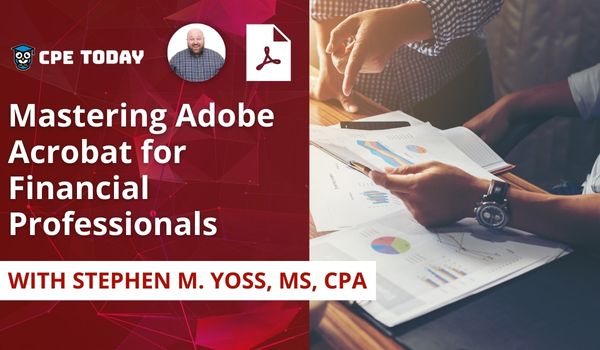
K2's Ten PDF Tips You Need To Know
Computer Software and Applications
★★★★★
4.8 (51)
$50 · Live Replay
Live dates from $300/day
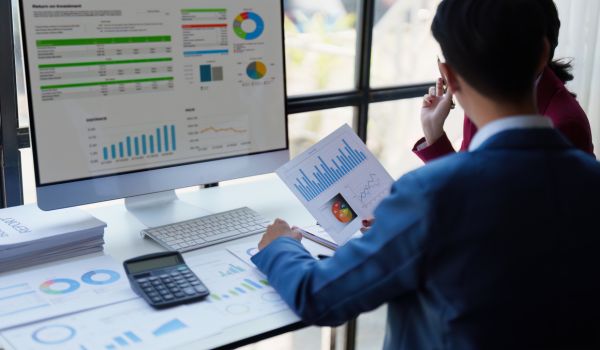
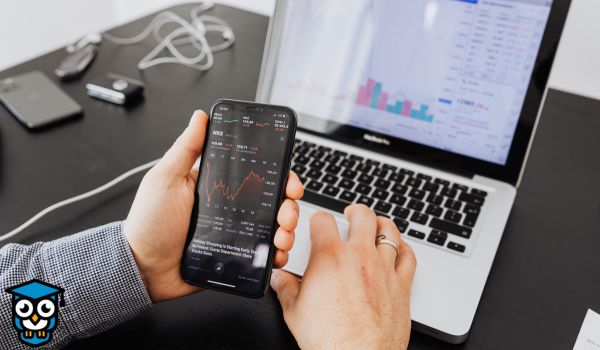
Computer software and applications CPE teaches the tools accountants use every day — Excel, Power BI, Microsoft 365, accounting platforms and, increasingly, AI assistants like ChatGPT and Copilot. Our instructors are practitioners who use these tools in their own work and teach the features that save real time.
Ranked by verified attendee ratings — In-Person, Replay, Webinar.
Live Replay
 Live Replay
 Live Replay
 Live Replay
 Live Replay
 Live Replay
 Live Replay
Live Replay
Live Replay
 Live Replay
 Live Replay
 Live Replay
 Live Replay
 Live Replay
 Live Replay
 Live Replay
 Live Replay
 Live Replay
 Live Replay
 Live Replay
 Live Replay
 Live Replay
 Live Replay
 Live Replay
Live Replay
Live Replay
 Live Replay
 Live Replay
 Live Replay
 Live Replay
 Live Replay
 Live Replay
 Live Replay
 Live Replay
 Live Replay
 Live Replay
 Live Replay
Live Replay
Live Replay
 Live Replay
 Live Replay
Live Replay
Live Replay
 Live Replay
 Live Replay
 Live Replay
Live Replay
Live Replay
 Live Replay
 Live Replay
 Live Replay
Live Replay
Live Replay
 Live Replay
 Live Replay
 Live Replay
 Live Replay
Live Replay
Live Replay
 Live Replay
 Live Replay
 Live Replay
Live Replay
Live Replay
Live Replay
Live Replay
Live Replay
Live Replay
Live Replay
Live Replay
 Live Replay
 Live Replay
 Live Replay
Live Replay
Live Replay
Live Replay
Live Replay
 Live Replay
 Live Replay
 Live Replay
 Live Replay
 Live Replay
 Live Replay
Live Replay
Live Replay
Live Replay
Live Replay
Live Replay
Live Replay
Live Replay
Live Replay
Live Replay
Live Replay
Live Replay
Live Replay
Live Replay
Live Replay
77 Computer Software and Applications courses right now, worth 215 CPE credits in all, plus 19 upcoming live events. Every course is NASBA-sponsored (sponsor ID 167619) and issues a certificate the moment you have earned it.
No. Computer Software and Applications covers learning to use software; Information Technology covers technology itself — systems, security, data and governance. Boards can treat the two differently. State boards set their own rules for how many hours you need and which fields count toward them, so check your board's requirements for your reporting period.