


 Conference
Live Replay WebinarIntermediate level
K2's Saving Time With Electronic Forms
Web portals, "low-code/no-code” data collection, and survey tools have changed how we collect data. Modern solutions like Microsoft 365 Forms, Zoho Survey, SurveyMonkey, Microsoft PowerApps, and legacy tools like Adobe Acrobat Forms allow users to create web forms and integrate the resulting data into business process workflows. This session introduces the range of available tools, demonstrates standard features, and shows how tools permit users to expose or conceal questions based on answers given earlier in the survey. Attend this session to learn how to use tools you already own to collect data from your team, customers, and vendors efficiently.
Ways to save
Save $7.78 with a credit pass
At the 40-Credit Pass rate ($22.22 a credit with the bonus), this 1-credit course comes to about $22.22: $7.78 less than buying it on its own.
Or start smaller: the 10-Credit Pass ($275.00) pays for it and leaves you 9 credits for more.
Year-end bonus: up to 5 free credits through Dec 31.
Certain conditions apply: not valid for the Federal Tax Update. Pass terms
Watch
 1:49
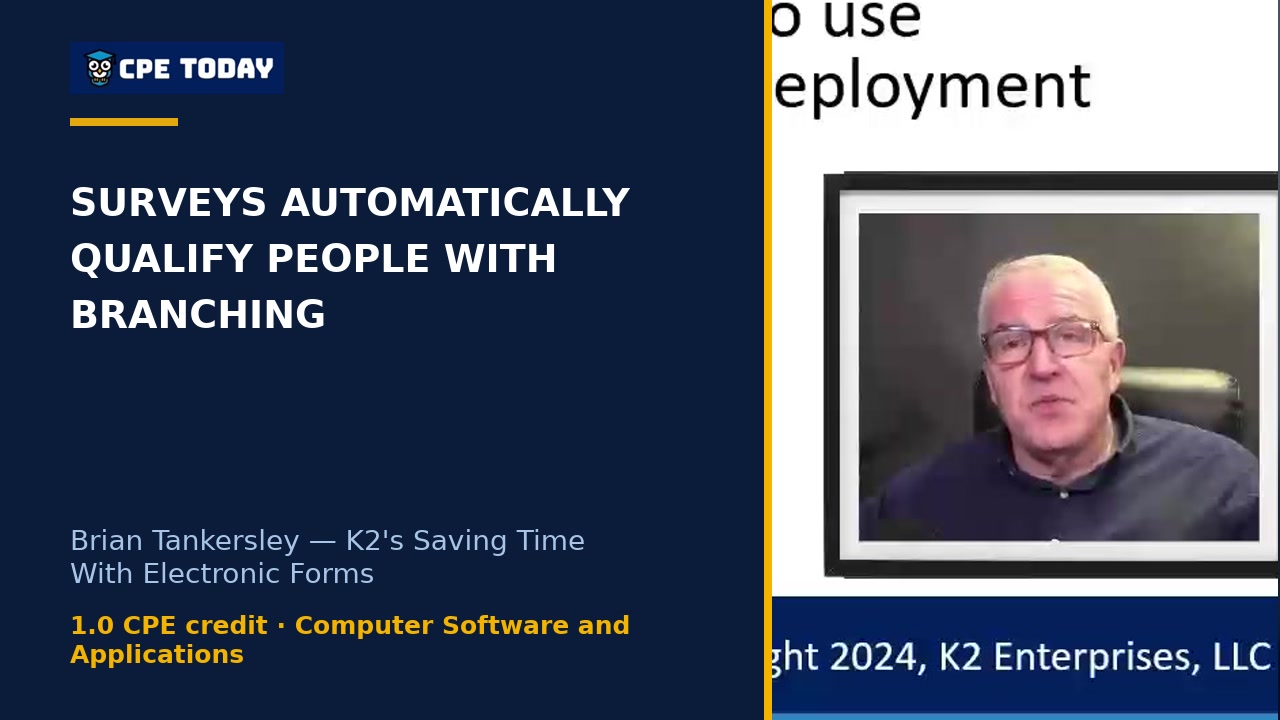
Branching Logic: How Surveys Qualify People AutomaticallyLearn how branching and conditional logic can transform surveys into sophisticated data collection tools. From qualifying respondents to dynamically personalizing questions based on answers, discover what's possible when you invest time in mastering these features. Watch how professional organizations use this advanced capability to streamline their survey processes.
 1:27
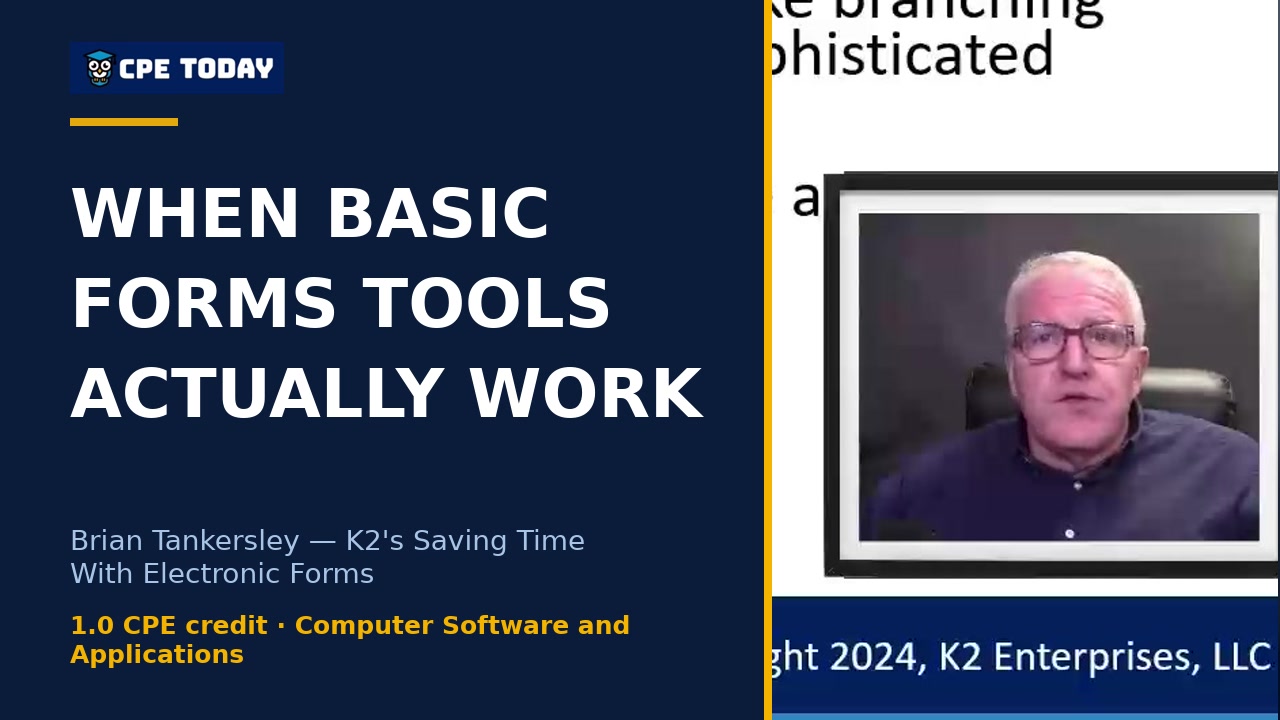
Why Basic Forms Tools Won't Scale (And When They're Perfect)Learn the real limitations of Microsoft Forms, Google Forms, and Zoho Forms before you build your next data collection project. While these tools excel at simple, small-scale form creation, they lack advanced reporting features like crosstabs and branching logic—and have caps on response volume. Perfect for volunteers and small teams, but not for enterprise-level surveys. Watch to understand when to use them and when you need something more powerful.
What's included
Every registration comes with the course materials — yours to keep.
- Course handout PDF
- Additional course files PDF
Course details
- Recommended CPE credit
- 1
- Field of study
- Computer Software and Applications
- Program level
- Intermediate
- Delivery method
- Group Internet Based
- Prerequisites
- None
- Advance preparation
- None
- Course number
- 26c01520
K2 Enterprises is registered with the National Association of State Boards of Accountancy (NASBA) as a sponsor of continuing professional education on the National Registry of CPE Sponsors (Sponsor ID 103648). State boards of accountancy have final authority on the acceptance of individual courses for CPE credit. Complaints regarding registered sponsors may be submitted to the National Registry of CPE Sponsors through its website, nasbaregistry.org. For information about our refund, complaint, and program cancellation policies, see Company Policies or contact [email protected].
💬 Ask this course
Not sure it covers what you need? Ask a real question — answered from the actual course content, so you can decide before you enroll.
Reading the course…
Answers come from this course's own material and can be imperfect — the full details are in the course itself.
Your instructor

Brian Tankersley
Speaker & Author · K2 Enterprises · ★ 4.2 instructor rating
Brian Tankersley, CPA, CITP, CGMA (@bftcpa) is a renowned technology consultant, speaker, and author in the accounting industry. With over 34 years of experience, he has dedicated his career to helping accounting professionals navigate the ever-evolving world of technology. As the Director of Strategic Relationships at K2 Enterprises, Brian delivers high-quality seminars and courses on topics such as accounting...
Full profile →Common questions
I'm a CPA firm dealing with client data like tax forms and direct deposit information. Can I safely use these form tools, or do I need something more secure?
You absolutely need to be careful about which tool you use. Free web form tools and basic platforms like Google Forms are fine for low-sensitivity tasks like potluck signups, but they're not appropriate for collecting SSNs, tax data, or financial information. PDF-based forms with Adobe Sign work well if you need electronically signed documents that become your official record—like engagement letters or withholding changes—because you control the signed document itself. For anything sensitive, do your own due diligence on what data protection and business associate agreements the platform offers before you adopt it.
Our firm uses Microsoft 365. Can I create forms without buying extra software, and will my IT department need to approve it?
Yes, Microsoft Forms is included with your Microsoft 365 subscription at no additional cost, but your IT administrator will need to enable it for your organization. They'll want to do their own due diligence on data protection before turning it on—but there's no license cost, just a policy decision on their end. Once enabled, you can create a basic form and be productive in about ten minutes without any special training.
We need to send out a survey with 83 questions to hundreds of practitioners, track responses across different firm sizes and geographies, and get professional reports. What's designed for this?
You need one of the enterprise survey tools: SurveyMonkey, Zoho Survey, or Microsoft Power Apps. These handle branching logic so your form can skip questions based on earlier answers, sophisticated crosstabs and stratified analysis, and automated reporting. Zoho Survey is particularly powerful if you're already using Zoho CRM, because you can send surveys directly to your contacts and synchronize responses back into your database. SurveyMonkey has industry-leading reporting if you're starting fresh.
I've heard these form tools can integrate with automation platforms. Can I actually build workflows without hiring a developer?
Yes. Microsoft Forms integrates with Power Automate to create workflows without code. For example, the instructor demonstrated collecting names, phone numbers, and zip codes in a form, then using Power Automate to automatically send personalized weather text messages via Twilio every morning at 5:15 AM—no programming required. This works because these tools are designed for nonprogrammers to solve their own problems.
We use Google Workspace for email and collaboration, not Microsoft 365. Can we still collect forms data, or are we locked into Google Forms?
You can use Google Forms as part of your Google Workspace subscription, but you can also mix and match. You could use Microsoft Forms or Zoho Forms even if your primary suite is Google Workspace—they all work independently. If you need simple data collection, Google Forms is included with your workspace at no extra cost and works the same way Microsoft Forms does. If you need more sophisticated surveys later, you can add Zoho Survey or SurveyMonkey as separate paid tools.
Related reading from our instructors
You might also like
Conference
 Seminar
 Seminar

K2's Excel Best Practices And Features
Computer Software and Applications
★★★★☆
4.5 (230)
$55 · Live Replay