

 Conference
Live Replay WebinarIntermediate level
K2's Automation - Beyond The Basics With The Microsoft Power Platform
★★★★★
4.5 · 30 attendee ratings
This session is for accounting professionals aiming to enhance their automation expertise with the low-code/no-code tools in Microsoft Power Apps and Power Automate. Participants will explore techniques to create simple workflows and develop custom applications, including “describe it to design it.” The session focuses on automating processes, such as approvals, workflow automation, and data manipulation, while accessing and utilizing data from Microsoft Fabric and external databases. Attendees will learn about different types of workflows and the platform’s tools for Robotic Process Automation (RPA). Further, they will leave with a better understanding of the Power Platform so they can drive digital transformation in their organizations.
Ways to save
Save $10.56 with a credit pass
At the 40-Credit Pass rate ($22.22 a credit with the bonus), this 2-credit course comes to about $44.44: $10.56 less than buying it on its own.
Or start smaller: the 10-Credit Pass ($275.00) pays for it and leaves you 8 credits for more.
Year-end bonus: up to 5 free credits through Dec 31.
Certain conditions apply: not valid for the Federal Tax Update. Pass terms
Watch
 2:47
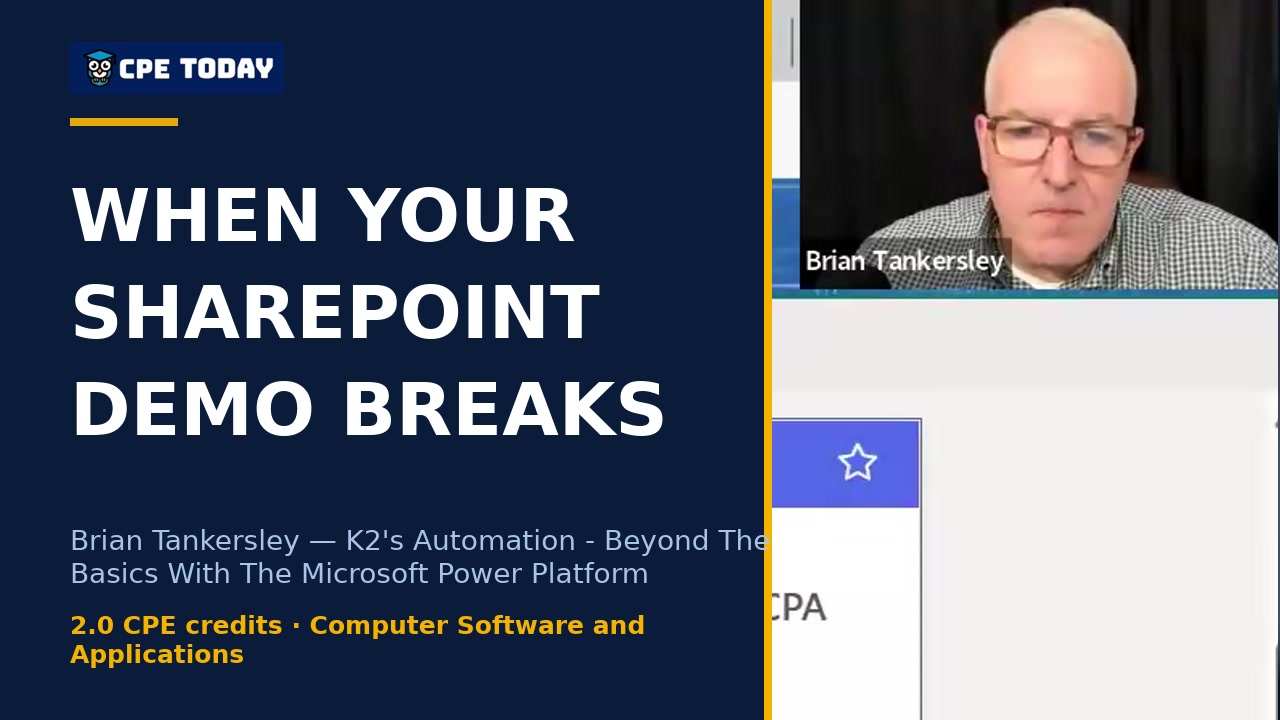
When your demo breaks: troubleshooting SharePoint flowsSee how moving beyond basic lists to SharePoint transforms your automation workflow. When you connect your automation to SharePoint lists, the system can retrieve and process information automatically—handling tasks without manual intervention. Watch Art Werner walk through the setup so you understand the architecture behind truly scalable automation.
2:47
When your demo breaks: troubleshooting SharePoint flowsSee how moving beyond basic lists to SharePoint transforms your automation workflow. When you connect your automation to SharePoint lists, the system can retrieve and process information automatically—handling tasks without manual intervention. Watch Art Werner walk through the setup so you understand the architecture behind truly scalable automation.
 3:13
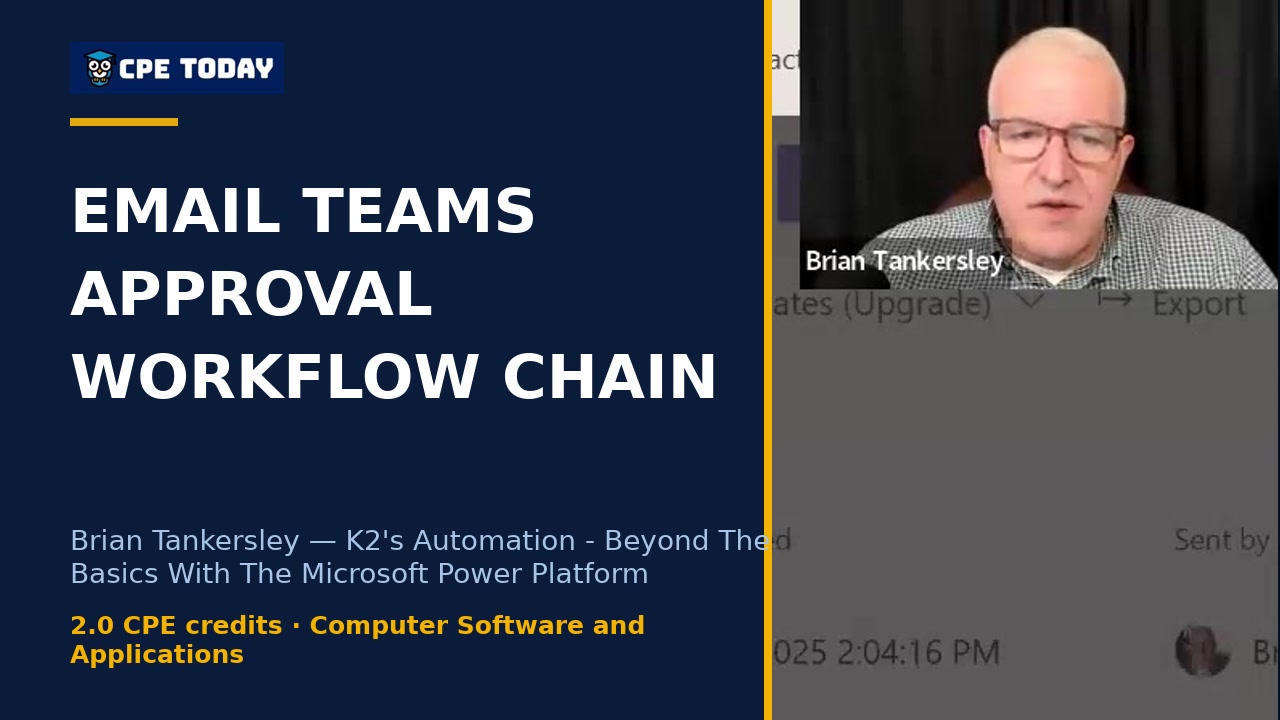
Approval Workflows: Email + Teams + Automatic Follow-upSee how to streamline approval processes by routing requests through email and Teams simultaneously. Watch as approval decisions trigger automated follow-up workflows—welcome messages, notifications, and status updates—all from a single yes/no decision. Learn how to enable approvals in your Office 365 admin setup and keep your team organized across channels. Discover advanced automation techniques that go beyond basic workflows.
3:13
Approval Workflows: Email + Teams + Automatic Follow-upSee how to streamline approval processes by routing requests through email and Teams simultaneously. Watch as approval decisions trigger automated follow-up workflows—welcome messages, notifications, and status updates—all from a single yes/no decision. Learn how to enable approvals in your Office 365 admin setup and keep your team organized across channels. Discover advanced automation techniques that go beyond basic workflows.
 4:01
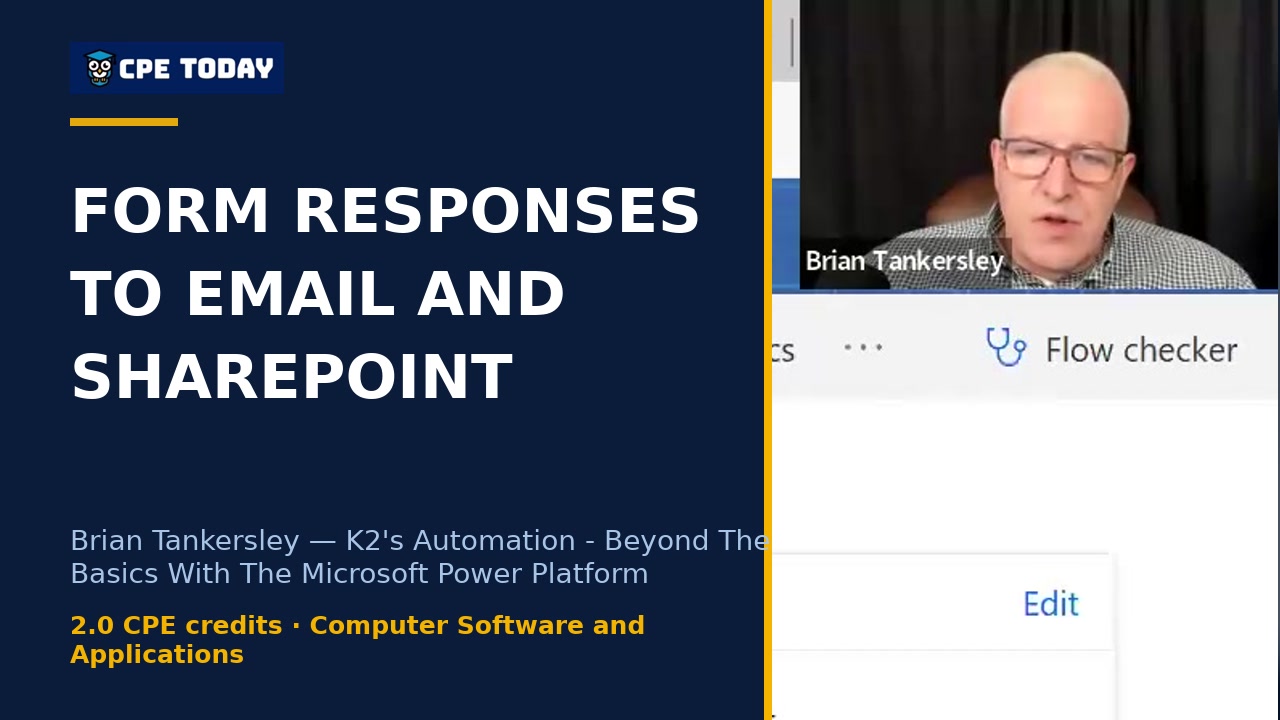
Form Response to Email, SharePoint & Approval—Live DemoWatch how to chain form responses into automated workflows that send confirmations, create list items, and trigger approvals—all in seconds. This walkthrough shows the exact setup, run history, and merge field techniques you need to automate your end-to-end processes. Dive deeper into the full course to master automation beyond the basics.
4:01
Form Response to Email, SharePoint & Approval—Live DemoWatch how to chain form responses into automated workflows that send confirmations, create list items, and trigger approvals—all in seconds. This walkthrough shows the exact setup, run history, and merge field techniques you need to automate your end-to-end processes. Dive deeper into the full course to master automation beyond the basics.
 4:00
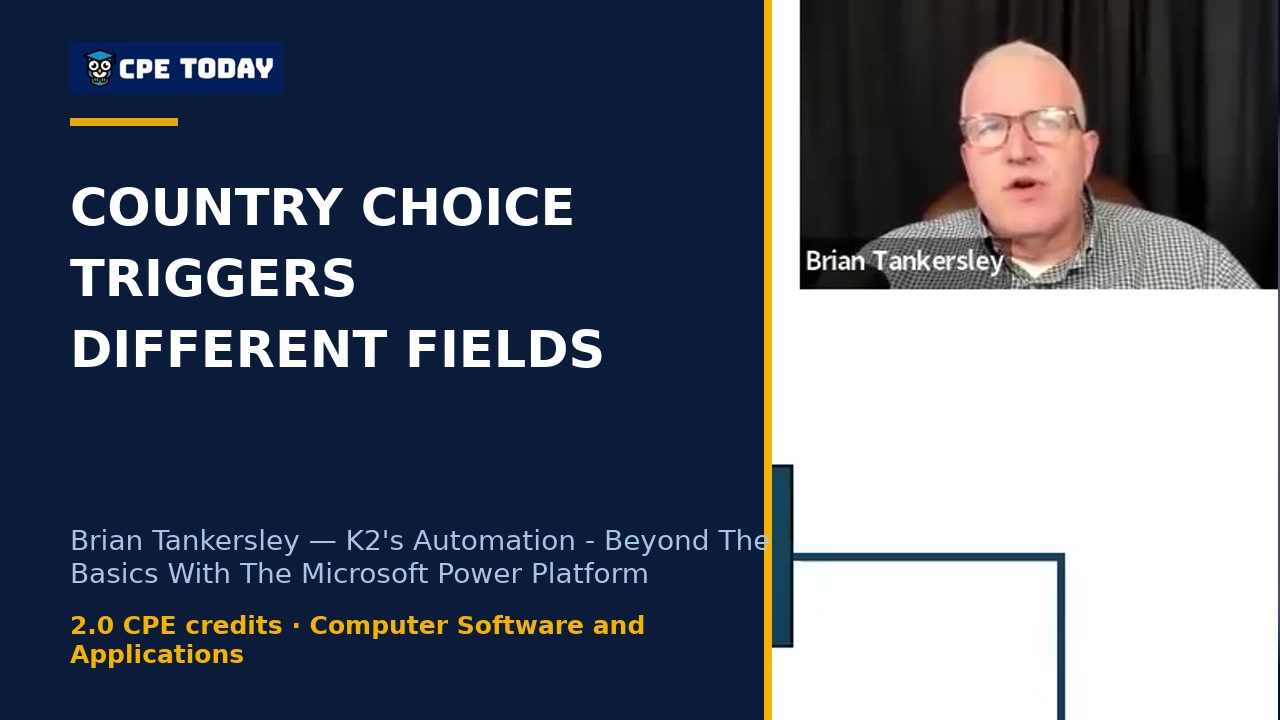
Branching Logic: Different Paths Based on User ChoiceSee how to create intelligent forms that adapt based on user responses. In this clip, Art walks through a real example where selecting a country (Canada, USA, or other) triggers different required fields—from province/postal code in Canada to state/ZIP in the USA. Learn best practices for avoiding required fields in conditional branches and how to keep your form logic clean. Watch the full webinar to master automation beyond the basics.
4:00
Branching Logic: Different Paths Based on User ChoiceSee how to create intelligent forms that adapt based on user responses. In this clip, Art walks through a real example where selecting a country (Canada, USA, or other) triggers different required fields—from province/postal code in Canada to state/ZIP in the USA. Learn best practices for avoiding required fields in conditional branches and how to keep your form logic clean. Watch the full webinar to master automation beyond the basics.
What's included
Every registration comes with the course materials — yours to keep.
- Course handout PDF
- Additional course files PDF
Course details
- Recommended CPE credit
- 2
- Field of study
- Computer Software and Applications
- Program level
- Intermediate
- Delivery method
- Group Internet Based
- Prerequisites
- None
- Advance preparation
- None
- Course number
- 25c-automspp
CPE Today (Devmatics, LLC) is registered with the National Association of State Boards of Accountancy (NASBA) as a sponsor of continuing professional education on the National Registry of CPE Sponsors (Sponsor ID 167619). State boards of accountancy have final authority on the acceptance of individual courses for CPE credit. Complaints regarding registered sponsors may be submitted to the National Registry of CPE Sponsors through its website, nasbaregistry.org. For information about our refund, complaint, and program cancellation policies, see Company Policies or contact [email protected].
💬 Ask this course
Not sure it covers what you need? Ask a real question — answered from the actual course content, so you can decide before you enroll.
Reading the course…
Answers come from this course's own material and can be imperfect — the full details are in the course itself.
Every way to take this course
On its own
Live Replay Webinar
Start it whenever you like — full live CPE credit · How Live Replay works · 2 credits
$55
Add to Cart
As part of a multi-day event
These seminars include this course on their agenda. One registration covers the event — you attend this course on its scheduled day, plus everything else that day offers.
Nov
12
Year-End Skill Strengthening & Productivity Strategies
Seminar · Nov 11–12, 2026
· Online · this course runs Nov 12, 2026 · event offers up to 10 credits
$200
View event
Your instructor

Brian Tankersley
Speaker & Author · K2 Enterprises · ★ 4.2 instructor rating
Brian Tankersley, CPA, CITP, CGMA (@bftcpa) is a renowned technology consultant, speaker, and author in the accounting industry. With over 34 years of experience, he has dedicated his career to helping accounting professionals navigate the ever-evolving world of technology. As the Director of Strategic Relationships at K2 Enterprises, Brian delivers high-quality seminars and courses on topics such as accounting...
Full profile →Attendee feedback
4.5
30 attendee ratings
Common questions
Do I need to be a programmer or have coding experience to use Power Automate?
Absolutely not. Brian started as an auditor with no programming background and approaches Power Automate as a citizen developer solving his own problems. Throughout the session, he demonstrated low code, no code workflows—like setting up a multi-step form that automatically sends emails, creates SharePoint list entries, and triggers Teams approvals—all without writing a single line of code. You can use templates to get started, and as you learn, you can accomplish increasingly sophisticated tasks.
Will this course teach me practical, real-world workflows I can actually use in my role?
Yes. The course walks through a complete end-to-end example: a club membership application that starts with a Microsoft Form, automatically routes approvals through Teams, emails notifications, logs data to SharePoint, and generates booking links in Outlook—all without manual intervention. You'll see exactly how these pieces connect, how to use merge fields to populate dynamic data, and how to troubleshoot when things don't work perfectly. By the end, you'll understand how to apply these patterns to your own business problems.
What if my organization uses systems that don't have pre-built connectors in Power Automate?
Power Automate Desktop, the robotic process automation (RPA) tool included in many Microsoft 365 plans, handles exactly this scenario. It uses an action recorder to capture your clicks and keystrokes across legacy applications, spreadsheets, and web systems—much like Excel macros but capable of moving data between multiple applications. Brian emphasized that RPA is your last resort when native integrations aren't available, but it's a powerful safety net for best-in-breed software that doesn't talk to each other natively.
How much time will I need to invest to set up a workflow like the ones demonstrated?
Setup time varies, but Brian showed that once you choose a template or describe what you want using Copilot, most of the heavy lifting is done. What takes time is connecting to the right accounts, mapping your data fields, and testing to make sure everything flows as expected. The key is starting small—Brian recommends you don't have to do IT's job, but you should tinker, experiment, and learn by doing rather than trying to build the perfect solution on the first try.
Is Power Automate included with my Microsoft 365 subscription, or is there an extra cost?
Power Automate is included with many Office 365 and Microsoft 365 plans, so you likely already have access. Forms for business use does require a Microsoft 365 plan, and Power Apps pricing varies by user and app configuration. The course focuses primarily on Power Automate, which is the most accessible entry point for automating workflows without additional licensing in most corporate environments.
Related reading from our instructors
You might also like
Conference
 Seminar
 Seminar
 Seminar
Next week
Seminar
Next week