

 Conference
Live Replay WebinarIntermediate level
K2's Excel Best Practices And Features
★★★★☆
4.5 · 229 attendee ratings
Microsoft Office Excel is one of the most widely used applications by accounting and financial professionals. Yet, many remain unaware of new and improved features in Excel and, therefore, fail to reach the level of productivity and accuracy they desire. Further, with new features appearing in Excel provided through Microsoft 365 subscriptions and the forthcoming release of Excel 2024, it is more important now than ever to get up-to-speed on the world's most popular spreadsheet! Make plans now to elevate your Excel skills by participating in this session. You will learn about the newer features available to improve efficiency and accuracy in it. You will also learn about the importance of numerous legacy features in Excel and how you can – and should – continue to use these tools to improve productivity.
Ways to save
Save $10.56 with a credit pass
At the 40-Credit Pass rate ($22.22 a credit with the bonus), this 2-credit course comes to about $44.44: $10.56 less than buying it on its own.
Or start smaller: the 10-Credit Pass ($275.00) pays for it and leaves you 8 credits for more.
Year-end bonus: up to 5 free credits through Dec 31.
Certain conditions apply: not valid for the Federal Tax Update. Pass terms
Watch
1–5 of 8
 3:50
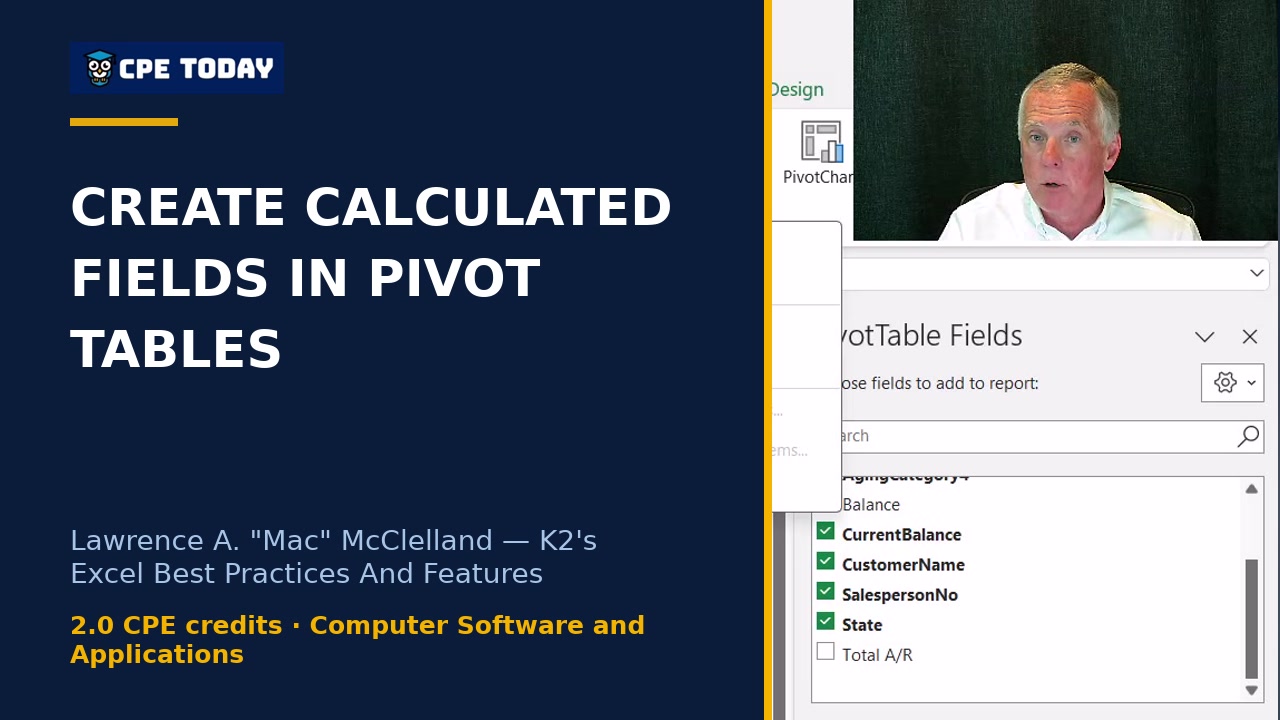
Building User-Defined Calculations Inside Pivot TablesLearn how to build user-defined calculations directly in your pivot tables without modifying the raw data. Mac McClelland walks through creating a calculated field to compute totals that don't exist in your source data—no need to edit the underlying spreadsheet. Watch to see how it's done.
3:50
Building User-Defined Calculations Inside Pivot TablesLearn how to build user-defined calculations directly in your pivot tables without modifying the raw data. Mac McClelland walks through creating a calculated field to compute totals that don't exist in your source data—no need to edit the underlying spreadsheet. Watch to see how it's done.
 3:49
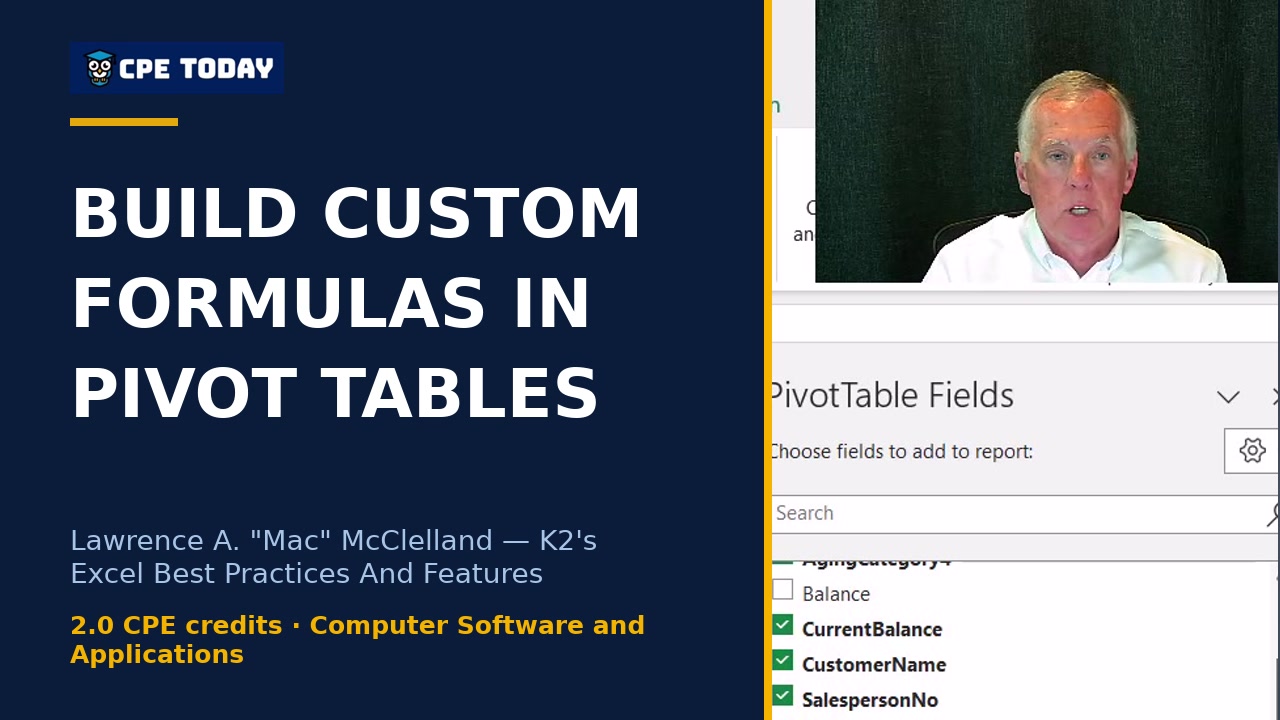
The calculated field myth: You CAN build custom formulas in pivot tablesPivot tables crunch data fast, but what about user-defined calculations? Learn how to add a calculated field—like a grand total that doesn't exist in your raw data—directly within your pivot table using the Analyze tab. No need to modify your source data; Excel handles it for you. Watch to master this overlooked feature.
3:49
The calculated field myth: You CAN build custom formulas in pivot tablesPivot tables crunch data fast, but what about user-defined calculations? Learn how to add a calculated field—like a grand total that doesn't exist in your raw data—directly within your pivot table using the Analyze tab. No need to modify your source data; Excel handles it for you. Watch to master this overlooked feature.
 4:01
Stop Cleaning Data Manually—Automate It in Power QuerySpending hours cleaning and transforming data in Excel? Mac McClelland shows how Power Query eliminates manual work by automating data pulls, transformations, and linking from any source—databases, text files, PDFs, the web, and more. Learn how to build real-time connections that do the heavy lifting for you. Watch to see how it works in action.
4:01
Stop Cleaning Data Manually—Automate It in Power QuerySpending hours cleaning and transforming data in Excel? Mac McClelland shows how Power Query eliminates manual work by automating data pulls, transformations, and linking from any source—databases, text files, PDFs, the web, and more. Learn how to build real-time connections that do the heavy lifting for you. Watch to see how it works in action.
 4:00
How to automate repetitive reports without learning to codeLearn how to automate repetitive report building in Excel using action recording—no JavaScript or macro knowledge required. Tommy Stephens walks through setting up relative vs. absolute mode recording to create reusable templates you can share with your team. Watch how to capture formatting, data entry, and layout in minutes and replay them whenever you need.
4:00
How to automate repetitive reports without learning to codeLearn how to automate repetitive report building in Excel using action recording—no JavaScript or macro knowledge required. Tommy Stephens walks through setting up relative vs. absolute mode recording to create reusable templates you can share with your team. Watch how to capture formatting, data entry, and layout in minutes and replay them whenever you need.
 3:56
Why Those Old Text-Splitting Formulas Are EvilSplitting text in Excel used to mean wrestling with complex LEFT, MID, and RIGHT formulas—or running tools repeatedly every time your data changed. Mac McClelland shows you why TEXT SPLIT, TEXT BEFORE, and TEXT AFTER are game-changers: they work dynamically and update automatically as your data evolves. Discover how to ditch perpetual maintenance mode and build formulas that actually scale.
3:56
Why Those Old Text-Splitting Formulas Are EvilSplitting text in Excel used to mean wrestling with complex LEFT, MID, and RIGHT formulas—or running tools repeatedly every time your data changed. Mac McClelland shows you why TEXT SPLIT, TEXT BEFORE, and TEXT AFTER are game-changers: they work dynamically and update automatically as your data evolves. Discover how to ditch perpetual maintenance mode and build formulas that actually scale.
 3:58
One Formula, Multiple Cells: Dynamic Arrays ExplainedOne formula, multiple cells—automatically. Tommy Stephens breaks down dynamic arrays, the game-changing Excel feature that lets a single formula spill results across multiple rows and columns without copying. See how this five-year-old capability can transform the way you handle data and eliminate tedious manual work. Watch to understand what those faint blue lines around your cells really mean.
3:58
One Formula, Multiple Cells: Dynamic Arrays ExplainedOne formula, multiple cells—automatically. Tommy Stephens breaks down dynamic arrays, the game-changing Excel feature that lets a single formula spill results across multiple rows and columns without copying. See how this five-year-old capability can transform the way you handle data and eliminate tedious manual work. Watch to understand what those faint blue lines around your cells really mean.
 3:55
LAMBDA: Create Custom Formulas You Reuse ForeverLearn how Excel's Lambda feature lets you create custom calculations once and reuse them across workbooks. Mac McClelland walks through a real overhead allocation example—replacing complex nested formulas with simple, repeatable functions like "=Finance(C2)" that cut down on manual errors and save time month after month.
3:55
LAMBDA: Create Custom Formulas You Reuse ForeverLearn how Excel's Lambda feature lets you create custom calculations once and reuse them across workbooks. Mac McClelland walks through a real overhead allocation example—replacing complex nested formulas with simple, repeatable functions like "=Finance(C2)" that cut down on manual errors and save time month after month.
 3:55
LAMBDA: Create Custom Formulas You Reuse ForeverLambda is Excel's game-changing feature for creating custom, reusable calculations—eliminate repetitive formulas and reduce errors. See how overhead allocation formulas transform from complex nested statements into simple, readable functions you can save and reuse across workbooks. Learn how to build user-defined calculations that actually save you time. Watch this clip to see Lambda in action.
3:55
LAMBDA: Create Custom Formulas You Reuse ForeverLambda is Excel's game-changing feature for creating custom, reusable calculations—eliminate repetitive formulas and reduce errors. See how overhead allocation formulas transform from complex nested statements into simple, readable functions you can save and reuse across workbooks. Learn how to build user-defined calculations that actually save you time. Watch this clip to see Lambda in action.
What's included
Every registration comes with the course materials — yours to keep.
- Course handout PDF
- Demonstration & sample files ZIP
- Additional course files PDF
Course details
- Recommended CPE credit
- 2
- Field of study
- Computer Software and Applications
- Program level
- Intermediate
- Delivery method
- Group Internet Based
- Prerequisites
- None
- Advance preparation
- None
- Course number
- 24c-ebpf
CPE Today (Devmatics, LLC) is registered with the National Association of State Boards of Accountancy (NASBA) as a sponsor of continuing professional education on the National Registry of CPE Sponsors (Sponsor ID 167619). State boards of accountancy have final authority on the acceptance of individual courses for CPE credit. Complaints regarding registered sponsors may be submitted to the National Registry of CPE Sponsors through its website, nasbaregistry.org. For information about our refund, complaint, and program cancellation policies, see Company Policies or contact [email protected].
💬 Ask this course
Not sure it covers what you need? Ask a real question — answered from the actual course content, so you can decide before you enroll.
Reading the course…
Answers come from this course's own material and can be imperfect — the full details are in the course itself.
Your instructor

Tommy Stephens
Partner · K2 Enterprises · ★ 4.6 instructor rating
Tommy Stephens received a Bachelor of Science in Business Administration degree (Major in Accounting) from Auburn University in 1985. In 1992, he earned a Master of Science degree (Major in Finance) from Georgia State University in Atlanta. Presently, Tommy is a Certified Public Accountant, a Certified Information Technology Professional, and a Chartered Global Management Accountant. In 1995, Tommy began...
Full profile →Attendee feedback
4.5
229 attendee ratings
Attendee reviews
★★★★★
“Flash Fill = Mind Blown!”
★★★★★
“Very knowledgeable but tends to yell for emphasis, can sometimes come across as condescending.”
★★★★★
“I've got more to learn. Thanks for the examples.”
★★★★★
“Again, I found the demos to be helpful!”
★★★★★
“Best session yet. Picked out some of the most practical new formulas and features.”
★★★★★
“Thanks for taking away some of the fear of using pivot tables in a more complex manner. I've got a lot more to learn.”
★★★★★
“I especially appreciated the instructor's sense of humor. It certainly helped keep my attention. I learned so many amazing new things about Excel. Thank you.”
★★★★★
“I never fail to learn something new from the instructors at K2.”
★★★★★
“Working with Excel is not my strong suit and I appreciated the explanation and examples provided.”
★★★★★
“Excellent. Can use this course and the power query course in my daily business.”
Common questions
I work with really large datasets—will this course help me handle more data efficiently?
Yes. You'll learn how to use Power Query to transform data before loading it into Excel, and how to load massive datasets (even 40 million rows) into Excel's data model, which bypasses the traditional 1-million-row limit. You'll also learn dynamic array formulas, which let a single formula populate results across multiple cells simultaneously, dramatically reducing recalculation times and the chance of error when working with large volumes.
Do I need to know how to program or write code to use the automation tools covered?
No. The course teaches you how to use Excel's action recorder to record your mouse clicks and keystrokes, which the system then converts into JavaScript automatically—no coding required. If the recorder can't do everything you need, you'll learn how to ask AI tools like Copilot or ChatGPT to write the code for you, then paste it back into Excel.
Will these features work if my organization uses older versions of Excel?
Many of the features taught here—including Lambda, Text Before/After/Split, dynamic arrays, Office Scripts, and Power Query transformations—are only available in Microsoft 365 subscriptions. If your organization uses Excel 2024 (the perpetual license) or earlier versions, you won't have access to these new tools. This course is designed for users on current Microsoft 365 subscriptions.
I spend hours every week manually cleaning and reformatting data from different sources. Can this course help?
Absolutely. Power Query is specifically designed to automate exactly what you're describing. You'll learn how to build transformations—removing columns, filtering, pivoting, adding calculations, and converting data formats—once, and then refresh those queries automatically whenever your source data changes. The course includes multiple hands-on examples of automating data cleanup workflows.
Is Power Query just for big databases, or can I use it with data from Excel files and text files too?
Power Query works with virtually any data source: Excel files, text files, PDFs, databases like SQL Server and Access, web services, and more. The course demonstrates pulling data from an Access database, but the same techniques apply whether you're connecting to a CSV file, a web API, or a cloud database. The point is automating the link and transformations so you never have to manually copy and paste again.
Related reading from our instructors
You might also like
Conference
 Seminar
 Seminar
 Seminar
Next week
Seminar
Next week