

 Conference
Live Replay WebinarUpdate level
K2's What's New With QuickBooks
★★★★★
4.7 · 25 attendee ratings
QuickBooks Desktop, Online, and Enterprise Solutions remain three of the most widely used accounting applications in use today. However, each platform continues to experience major changes across several fronts. Feature sets, licensing requirements, and price changes all impact users at unprecedented levels. Further, competition continues to emerge in the small business accounting battleground, adding confusion to the options existing QuickBooks and QuickBooks Online users may have. In this session, you will learn about many of the changes impacting QuickBooks Desktop, Online, and Enterprise users, and you can manage these changes for the benefit of your company or your clients.
Ways to save
Save $10.56 with a credit pass
At the 40-Credit Pass rate ($22.22 a credit with the bonus), this 2-credit course comes to about $44.44: $10.56 less than buying it on its own.
Or start smaller: the 10-Credit Pass ($275.00) pays for it and leaves you 8 credits for more.
Year-end bonus: up to 5 free credits through Dec 31.
Certain conditions apply: not valid for the Federal Tax Update. Pass terms
Watch
What's included
Every registration comes with the course materials — yours to keep.
- Course handout PDF
- Course presentation PDF
- Additional course files PDF
Course details
- Recommended CPE credit
- 2
- Field of study
- Computer Software and Applications
- Program level
- Update
- Delivery method
- Group Internet Based
- Prerequisites
- None
- Advance preparation
- None
- Course number
- 25c-newqb
K2 Enterprises is registered with the National Association of State Boards of Accountancy (NASBA) as a sponsor of continuing professional education on the National Registry of CPE Sponsors (Sponsor ID 103648). State boards of accountancy have final authority on the acceptance of individual courses for CPE credit. Complaints regarding registered sponsors may be submitted to the National Registry of CPE Sponsors through its website, nasbaregistry.org. For information about our refund, complaint, and program cancellation policies, see Company Policies or contact [email protected].
💬 Ask this course
Not sure it covers what you need? Ask a real question — answered from the actual course content, so you can decide before you enroll.
Reading the course…
Answers come from this course's own material and can be imperfect — the full details are in the course itself.
Every way to take this course
On its own
Live Replay Webinar
Start it whenever you like — full live CPE credit · How Live Replay works · 2 credits
$55
Add to Cart
As part of a multi-day event
These seminars include this course on their agenda. One registration covers the event — you attend this course on its scheduled day, plus everything else that day offers.
Nov
19
Technology Improvement Week: Better Systems, Better Results
Seminar · Nov 16–19, 2026
· Online · this course runs Nov 19, 2026 · event offers up to 25 credits
View event
Your instructor

Tommy Stephens
Partner · K2 Enterprises · ★ 4.6 instructor rating
Tommy Stephens received a Bachelor of Science in Business Administration degree (Major in Accounting) from Auburn University in 1985. In 1992, he earned a Master of Science degree (Major in Finance) from Georgia State University in Atlanta. Presently, Tommy is a Certified Public Accountant, a Certified Information Technology Professional, and a Chartered Global Management Accountant. In 1995, Tommy began...
Full profile →Attendee feedback
4.7
25 attendee ratings
Attendee reviews
★★★★★
“We have recently set up a CAS practice and use QB. Great presentation with useful insights.”
Common questions
Is this course right for someone using QuickBooks Desktop, or is it focused only on QuickBooks Online?
This course covers both QuickBooks Desktop and Online, but with a strong focus on Online since Desktop is being deprecated. Stephen explains that Desktop support is expected to end around 2029, and walks through why you should be planning a transition now—including what happens when tax updates and bank feeds stop. If you're on Desktop, this course will help you understand your migration timeline and options.
Do I need any special software, licenses, or versions to follow along with the demonstrations?
You don't need anything installed to watch and learn. Stephen demonstrates features live in QuickBooks Online and shows the web interface, which runs in any browser. If you want to try the features yourself afterward, you'll need a QuickBooks Online subscription (he recommends Plus or Advanced for the features discussed), but you can follow the entire course without it.
Will I be able to set up automation and AI features in my client's QuickBooks after this course?
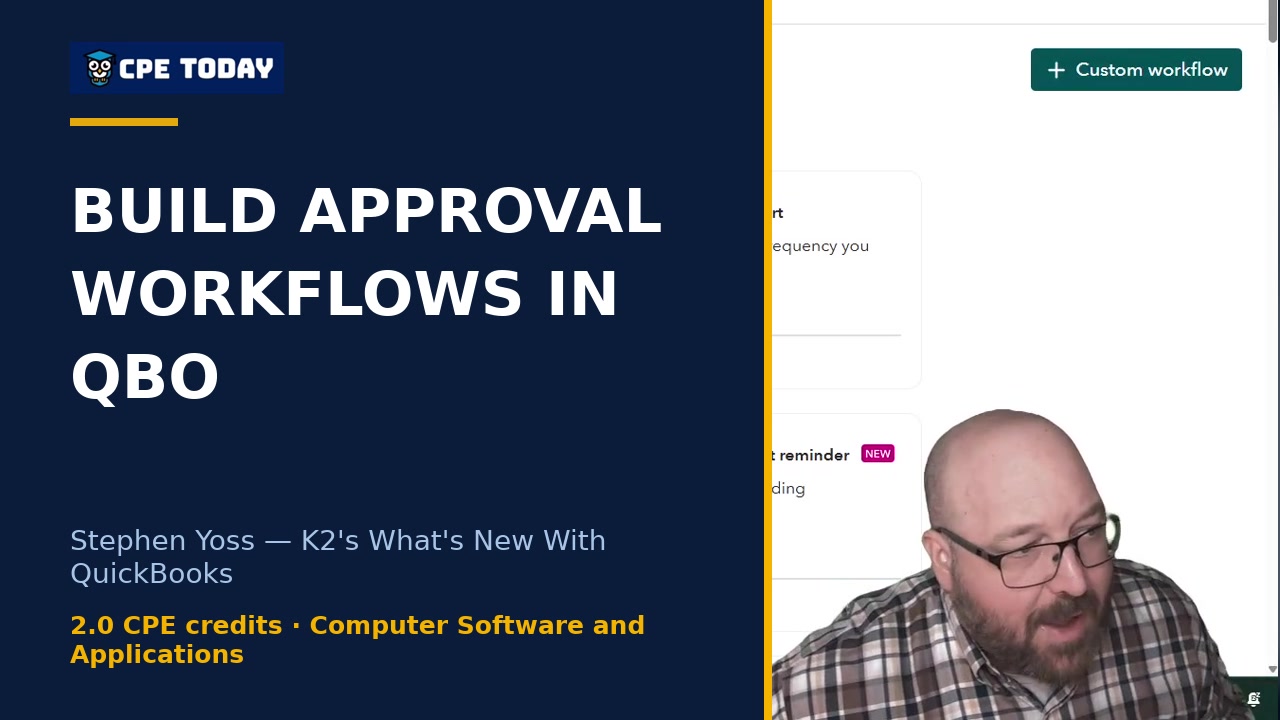
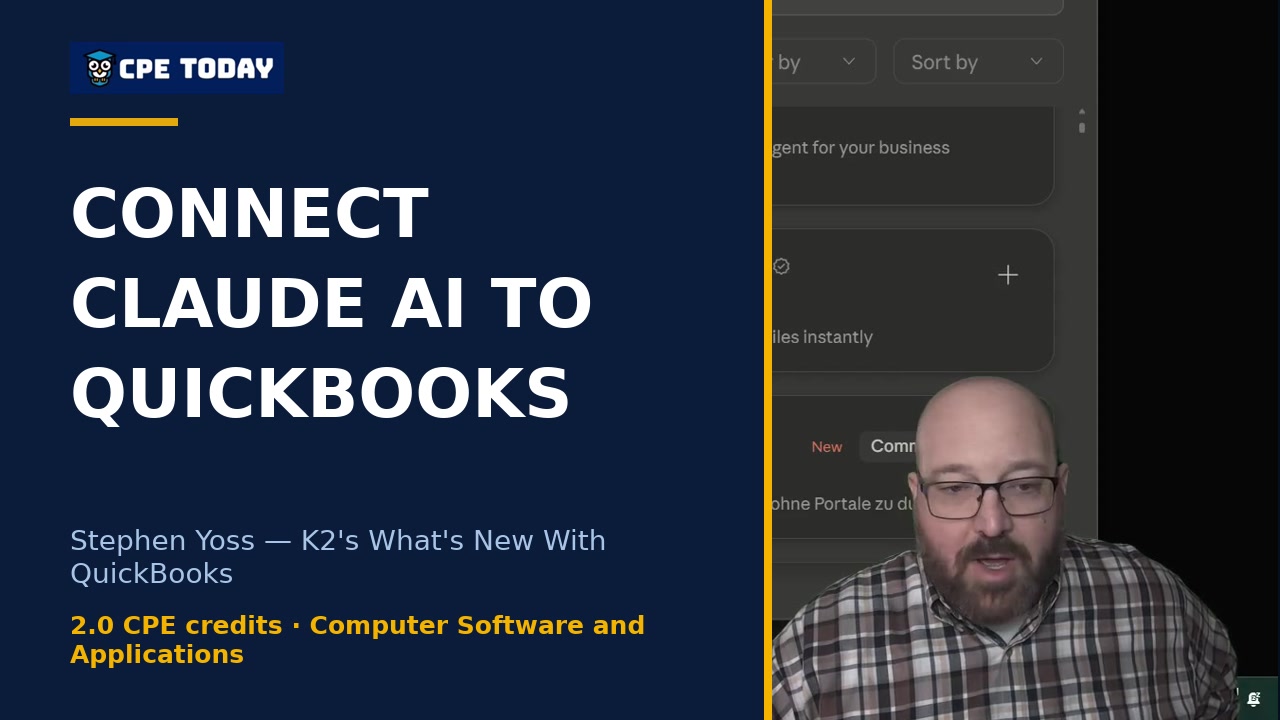
Yes. Stephen walks through specific, actionable workflows you can build—approval processes for bills by dollar amount, automated payment reminders with customized tone, and report distribution on a schedule. He also demonstrates Claude's QuickBooks connector, which lets you ask the AI to pull data or create invoices directly. You'll leave with templates and examples you can implement immediately.
How much of this is hands-on versus theory about what QuickBooks can do?
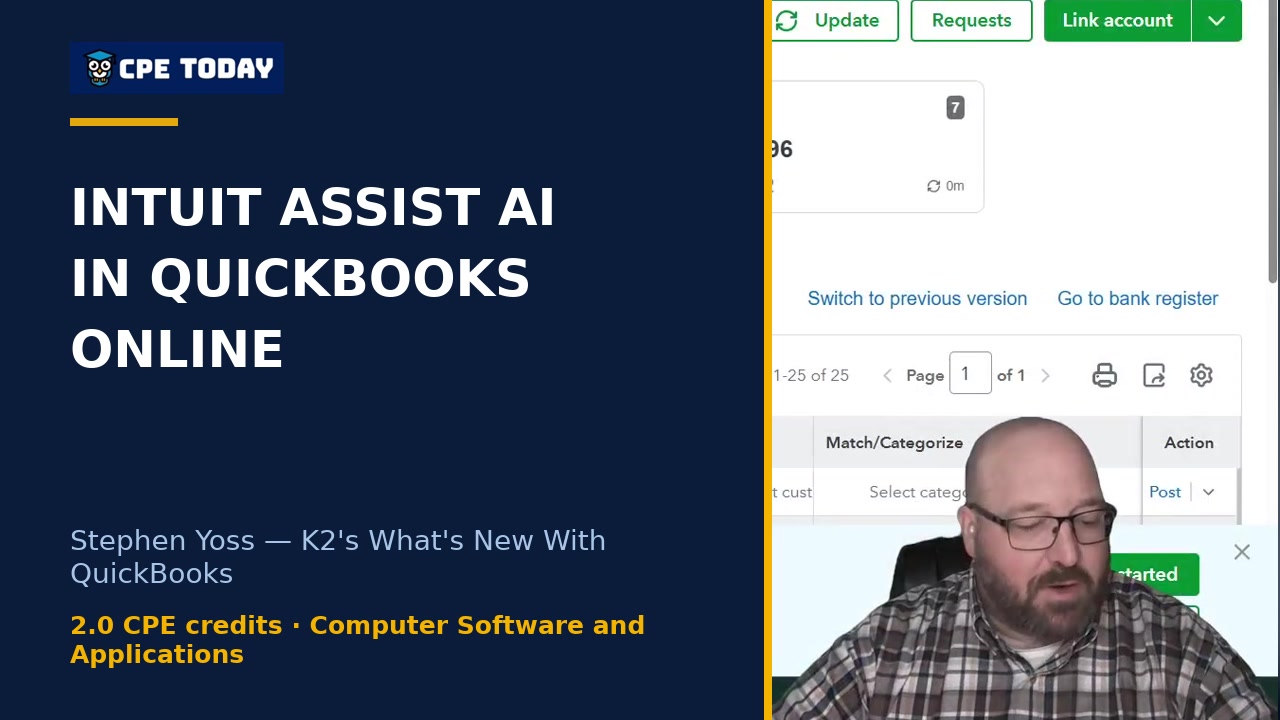
Stephen spends roughly the middle and final thirds of the 124-minute session showing actual live work in QuickBooks—creating estimates, converting them to invoices, setting up bank rules, configuring approval workflows, and using AI assistants to draft collection emails and analyze financial statements. The first third covers the product landscape and strategy; the rest is demonstration and walkthrough of real features.
What will you teach about the differences between QuickBooks Online Advanced, Plus, and other tiers?
Stephen breaks down which features live in which tier—AI capabilities scale up the pricing ladder, granular user permissions require Advanced, and he shows the pricing jump from roughly $38/month for Simple Start to $275/month for Advanced. He also covers what you *cannot* do in lower tiers (inventory, complex job costing, location tracking) and when those limitations will force you to upgrade or buy a third-party tool.
Related reading from our instructors
You might also like
Conference
 Seminar
 Seminar

K2's Excel Best Practices And Features
Computer Software and Applications
★★★★☆
4.5 (230)
$55 · Live Replay