


 Conference
Live Replay WebinarIntermediate level
K2's Office Scripts – The New Macros
★★★★★
4.6 · 60 attendee ratings
Office Scripts is a new feature that allows you to automate tasks in Excel and other Office applications. Unlike VBA, a legacy language that runs only on Windows, Office Scripts can run on any platform and device that supports Office on the web. Further, Office Scripts has a modern and intuitive interface that lets you easily create, edit, and share your scripts. Office Scripts are stored in the Cloud, and they work with Office Online apps and integrate with Power Automate for process automation. Save time and improve productivity using Office Scripts in Excel and other Office applications.
Ways to save
Save $10.56 with a credit pass
At the 40-Credit Pass rate ($22.22 a credit with the bonus), this 2-credit course comes to about $44.44: $10.56 less than buying it on its own.
Or start smaller: the 10-Credit Pass ($275.00) pays for it and leaves you 8 credits for more.
Year-end bonus: up to 5 free credits through Dec 31.
Certain conditions apply: not valid for the Federal Tax Update. Pass terms
Watch
 2:58
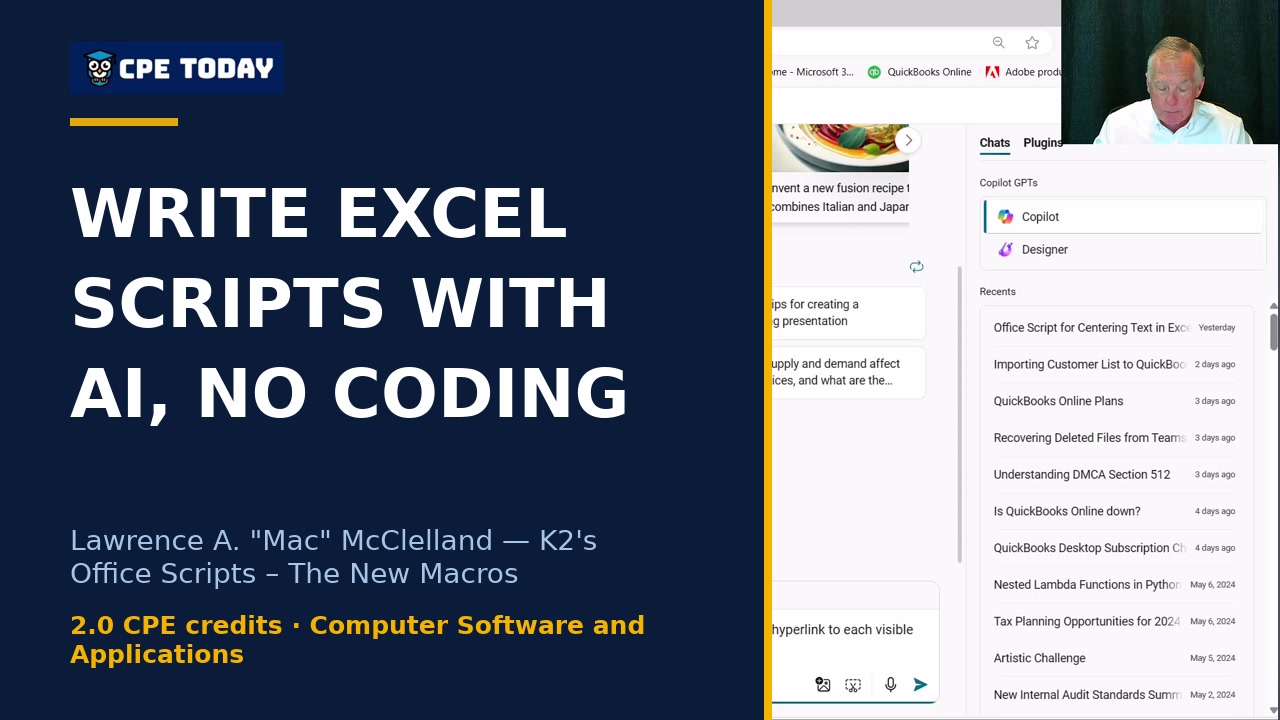
Use AI to Write Excel Scripts Without Learning JavaScriptWatch how Copilot writes a complete Office Script for you in seconds—no JavaScript knowledge required. This demo shows how to automatically create a hyperlinked table of contents worksheet that connects to every sheet in your workbook. See how AI-powered automation can handle the coding while you focus on results.
2:58
Use AI to Write Excel Scripts Without Learning JavaScriptWatch how Copilot writes a complete Office Script for you in seconds—no JavaScript knowledge required. This demo shows how to automatically create a hyperlinked table of contents worksheet that connects to every sheet in your workbook. See how AI-powered automation can handle the coding while you focus on results.
 1:29
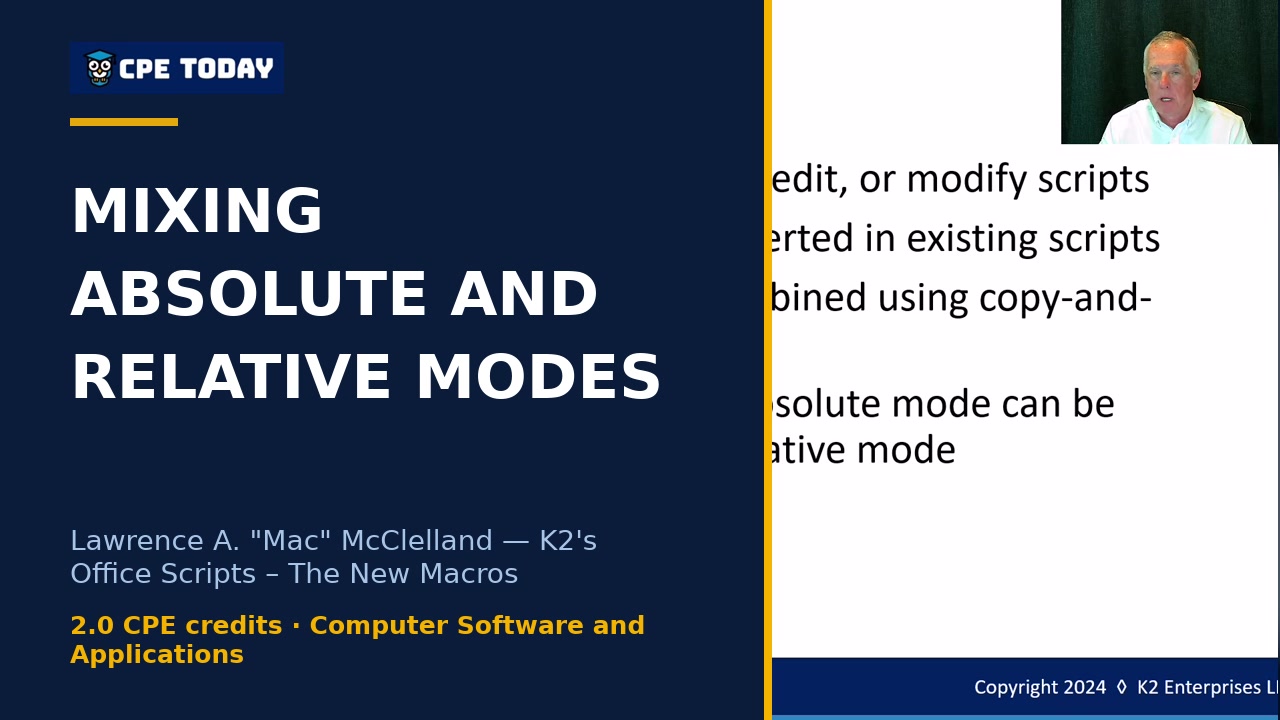
Mix Absolute and Relative Mode Scripts TogetherLearn a pro-level technique for combining absolute and relative mode recordings in Office Scripts. Discover how to build flexible, adaptable macros by strategically merging code from multiple scripts—even when you can't switch modes mid-recording. Perfect for anyone looking to level up their automation workflows.
1:29
Mix Absolute and Relative Mode Scripts TogetherLearn a pro-level technique for combining absolute and relative mode recordings in Office Scripts. Discover how to build flexible, adaptable macros by strategically merging code from multiple scripts—even when you can't switch modes mid-recording. Perfect for anyone looking to level up their automation workflows.
 1:46
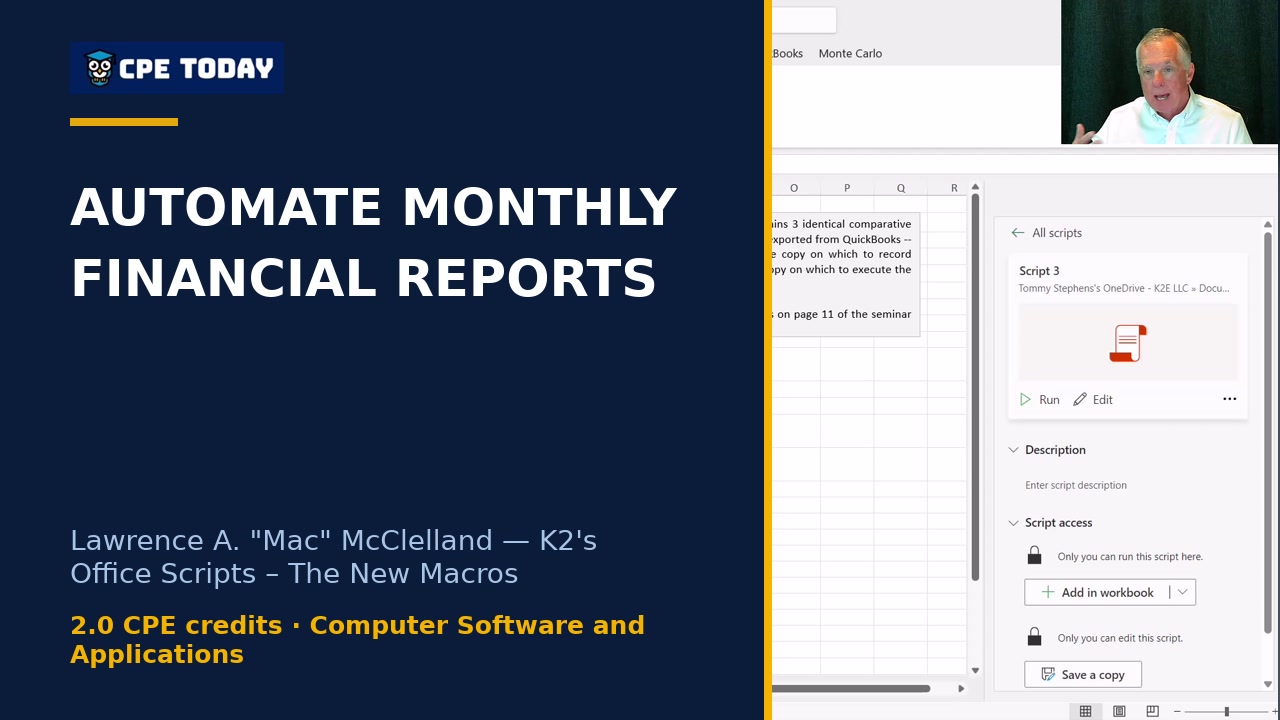
Reformat Financial Reports Automatically—Every MonthWatch how Office Scripts can eliminate repetitive financial reporting tasks. This demo shows a single script that reformats columns, calculations, and layout—work that previously took hours every month. Create it once, replay it endlessly. If you're spending time manually reformatting reports, this automation approach might transform your workflow.
1:46
Reformat Financial Reports Automatically—Every MonthWatch how Office Scripts can eliminate repetitive financial reporting tasks. This demo shows a single script that reformats columns, calculations, and layout—work that previously took hours every month. Create it once, replay it endlessly. If you're spending time manually reformatting reports, this automation approach might transform your workflow.
 3:30
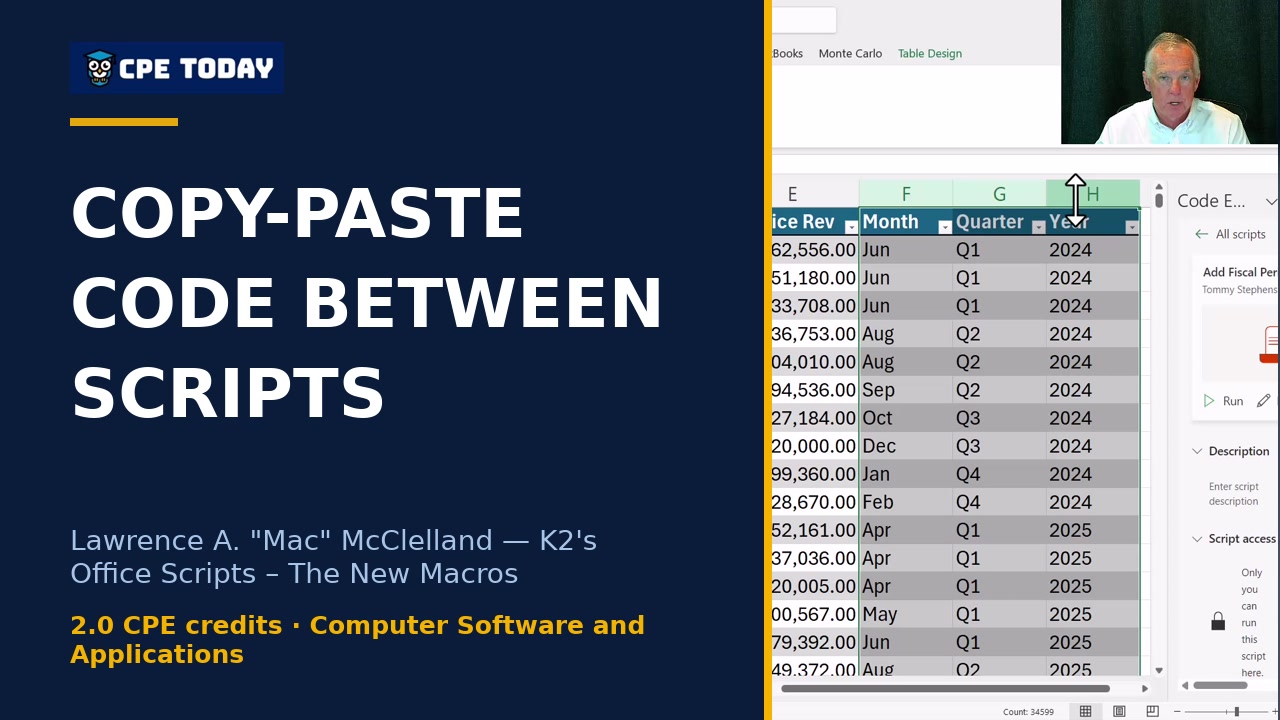
Building Blocks: Copy-Paste Code Between ScriptsLearn how to replace complex nested IF statements with Office Scripts automation. Watch how combining multiple scripts—like fiscal period calculation and table sorting—creates reusable building blocks you can paste into any workflow. Discover the power of modular automation to save time on repetitive reporting tasks.
3:30
Building Blocks: Copy-Paste Code Between ScriptsLearn how to replace complex nested IF statements with Office Scripts automation. Watch how combining multiple scripts—like fiscal period calculation and table sorting—creates reusable building blocks you can paste into any workflow. Discover the power of modular automation to save time on repetitive reporting tasks.
What's included
Every registration comes with the course materials — yours to keep.
- Course handout PDF
- Demonstration & sample files ZIP
- Additional course files PDF
Course details
- Recommended CPE credit
- 2
- Field of study
- Computer Software and Applications
- Program level
- Intermediate
- Delivery method
- Group Internet Based
- Prerequisites
- None
- Advance preparation
- None
- Course number
- 24c-macros
CPE Today (Devmatics, LLC) is registered with the National Association of State Boards of Accountancy (NASBA) as a sponsor of continuing professional education on the National Registry of CPE Sponsors (Sponsor ID 167619). State boards of accountancy have final authority on the acceptance of individual courses for CPE credit. Complaints regarding registered sponsors may be submitted to the National Registry of CPE Sponsors through its website, nasbaregistry.org. For information about our refund, complaint, and program cancellation policies, see Company Policies or contact [email protected].
💬 Ask this course
Not sure it covers what you need? Ask a real question — answered from the actual course content, so you can decide before you enroll.
Reading the course…
Answers come from this course's own material and can be imperfect — the full details are in the course itself.
Every way to take this course
On its own
Live Replay Webinar
Start it whenever you like — full live CPE credit · How Live Replay works · 2 credits
$55
Add to Cart
As part of a multi-day event
These seminars include this course on their agenda. One registration covers the event — you attend this course on its scheduled day, plus everything else that day offers.
Nov
12
Year-End Skill Strengthening & Productivity Strategies
Seminar · Nov 11–12, 2026
· Online · this course runs Nov 12, 2026 · event offers up to 10 credits
$200
View event
Your instructor

Lawrence A. "Mac" McClelland
Speaker & Author · K2 Enterprises · ★ 4.3 instructor rating
Mac McClelland, an attorney and accounting professional, is an associate of K2 Enterprises of Hammond, Louisiana, and Network Management Group of Hutchinson, Kansas. Mac was formerly the director of the Centre for Financial Studies at the University of Otago in Dunedin, New Zealand, where he lived and worked for seven years from 1990 to 1997. He was also a member of the faculty of the Advanced Business...
Full profile →Attendee feedback
4.6
60 attendee ratings
Attendee reviews
★★★★★
“I appreciate this class. It had me thinking about ways to implement this. I loved the examples, so thank you for sharing!”
★★★★★
“Instructor very knowledgeable and able to explain the material very well.”
★★★★★
“Loved the demos!”
Common questions
Will I be able to use Office Scripts if I have Microsoft 365, or do I need special software?
If you have a business-oriented Microsoft 365 subscription—such as Business Standard, Business Premium, Enterprise E3 or E5, or Microsoft 365 Apps for Enterprise—you already have access to Office Scripts. You can verify this by checking whether your Microsoft Office ribbon has an Automate tab. However, consumer-grade subscriptions, government plans, and perpetual licenses like Office 2021 or 2024 do not support Office Scripts, and your IT department may have blocked the feature.
Can I use Office Scripts to automate the same kinds of tasks I've been doing with VBA macros?
Yes, Office Scripts can automate repetitive tasks just like VBA macros, but with modern advantages: they run on web-based versions of Excel (like Excel in Teams), work across Windows, Mac, Linux, iOS, and Android, and integrate with Power Automate for sophisticated workflows. However, Office Scripts cannot access files and folders on your desktop the way VBA can—they only access the workbook you point them to, which is actually a security benefit.
Do I need to know how to code to create Office Scripts?
No. You can use the Action Recorder to record your keystrokes while you perform actions in Excel—creating tables, sorting data, formatting reports—and it automatically converts those actions into TypeScript code for you, just like the old macro recorder did with VBA. For simple to moderately complex tasks, most users won't need to write code manually or even understand it.
What happens if I record a script but then need to make changes to it later?
You can edit the code directly in the code editor, or you can copy code from one script and paste it into another—for example, merging two scripts together to combine their functionality. You can also use AI tools like Copilot to generate or modify scripts for you without writing code yourself, then paste the generated code into your script.
Can I share Office Scripts I've created with colleagues on my team?
Yes, but only within your organization and only if you authored the script. You can share scripts by storing them in a SharePoint folder that your colleagues have access to, and any updates you make to the script automatically propagate to all users. However, you cannot share scripts with external parties, and colleagues cannot reshare scripts you've shared with them—only the original author can do that.
Related reading from our instructors
You might also like
Conference
 Seminar
 Seminar
 Seminar
Next week
Seminar
Next week