



 Conference
Live Replay WebinarAdvanced level
K2's Advanced Excel
★★★★★
4.6 · 26 attendee ratings
Elevate your Excel expertise with K2’s Advanced Excel program! This laptop-friendly course is designed for experienced Excel users who are ready to take their skills to the next level. In this session, you will master critical advanced Excel skills in six key areas: 1. Collaborating seamlessly with other users and securing your workbooks 2. Utilizing tables to analyze and report data efficiently 3. Integrating and manipulating data from external sources with ease 4. Creating and auditing complex formulas 5. Harnessing advanced data analysis tools for deeper insights 6. Employing visualization techniques to communicate information effectively Drawing from over thirty years of experience in delivering Excel training to accountants and business professionals, this program is packed with relevant, real-world examples that reinforce the topics presented. Don’t miss this opportunity to become more efficient and proficient in Microsoft Excel, the go-to tool for accounting and financial professionals. This course covers advanced Excel topics that are essential for business success. Participate in this session to elevate and transform your Excel skills!
Watch
 3:06
The Hidden Excel Problem With ZIP Codes
3:06
The Hidden Excel Problem With ZIP Codes
 1:29
The $75K Settlement: Why You Need to Strip Metadata
1:29
The $75K Settlement: Why You Need to Strip Metadata
 4:01
Why One Formula Beats 400,000 FormulasDiscover why clicking the comma icon isn't actually rounding your data—it's just changing how it looks. Learn the performance implications of copying formulas across thousands of rows, and explore a smarter approach using dynamic arrays that modern Excel versions offer. Watch how one formula can replace hundreds of thousands.
4:01
Why One Formula Beats 400,000 FormulasDiscover why clicking the comma icon isn't actually rounding your data—it's just changing how it looks. Learn the performance implications of copying formulas across thousands of rows, and explore a smarter approach using dynamic arrays that modern Excel versions offer. Watch how one formula can replace hundreds of thousands.
 3:51
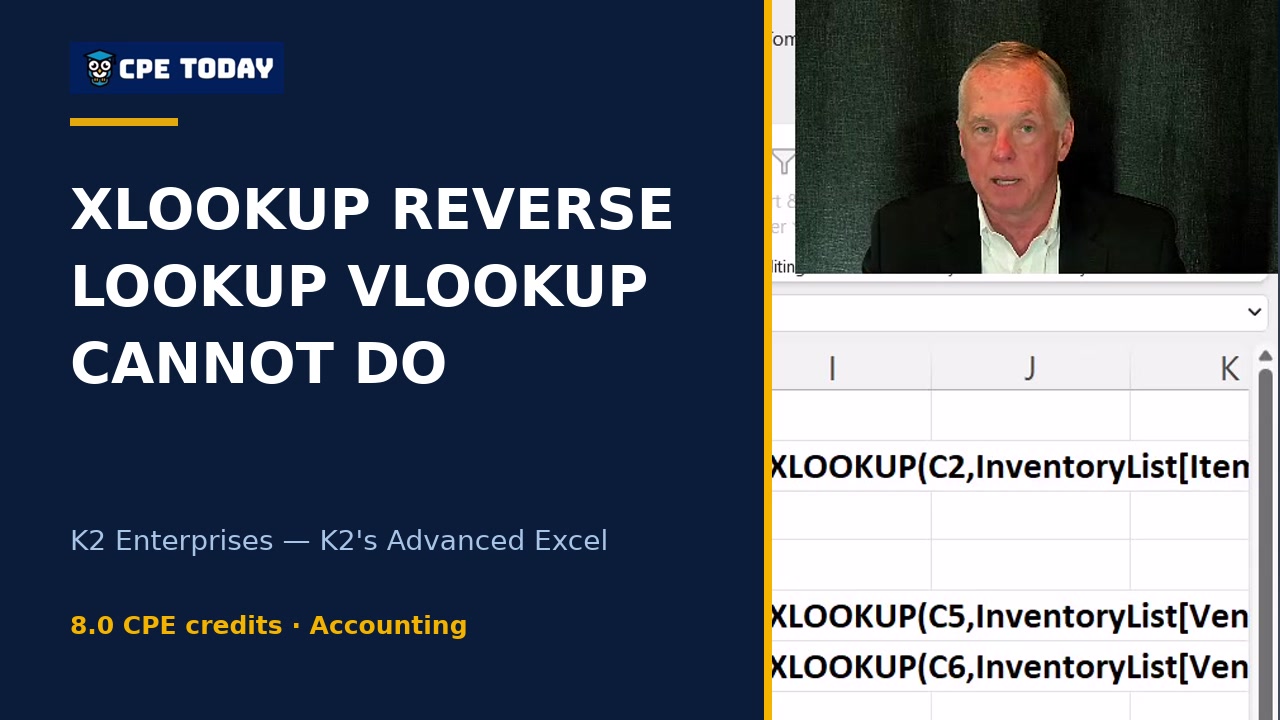
XLOOKUP's Reverse Lookup: What VLOOKUP Simply Can't DoDiscover how XLOOKUP solves one of VLOOKUP's biggest limitations—reverse lookups. Learn why this feature eliminates tedious workarounds like duplicating columns or nesting INDEX/MATCH formulas, plus see how XLOOKUP's built-in error trapping keeps your spreadsheets clean. Watch this demo to see the difference in action.
3:51
XLOOKUP's Reverse Lookup: What VLOOKUP Simply Can't DoDiscover how XLOOKUP solves one of VLOOKUP's biggest limitations—reverse lookups. Learn why this feature eliminates tedious workarounds like duplicating columns or nesting INDEX/MATCH formulas, plus see how XLOOKUP's built-in error trapping keeps your spreadsheets clean. Watch this demo to see the difference in action.
 2:22
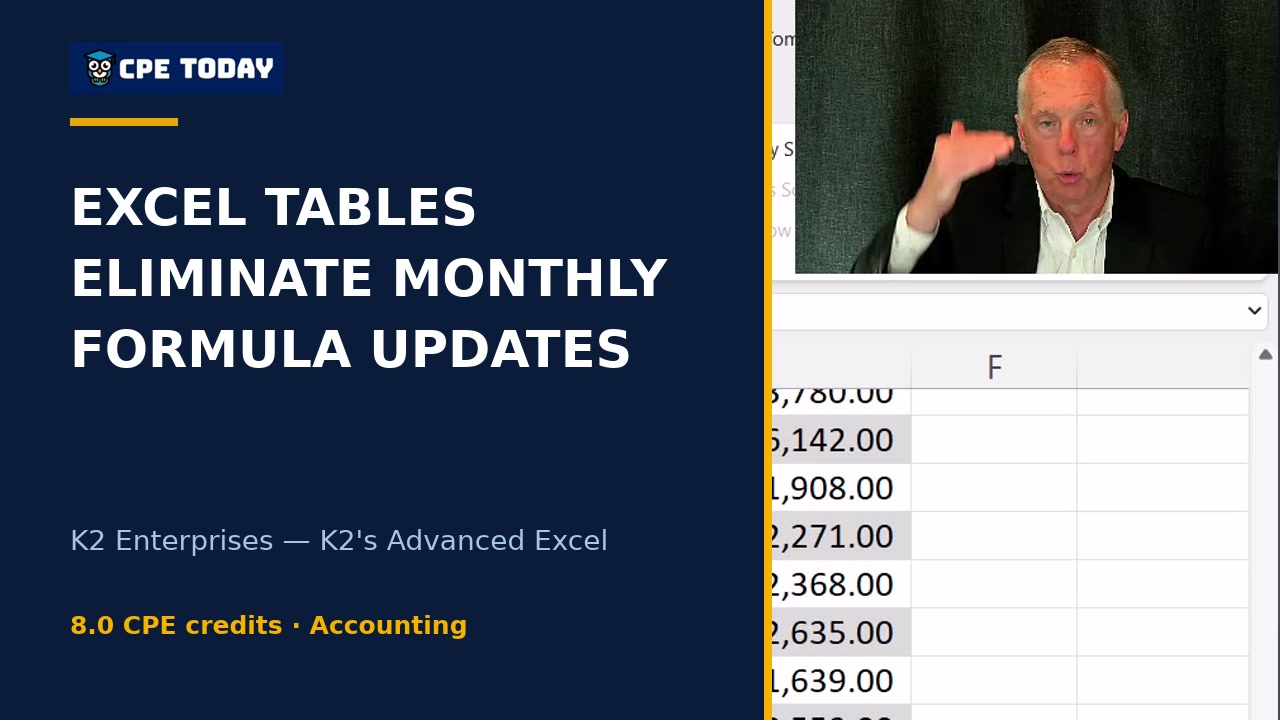
Excel Tables: Stop Updating Formulas Every MonthWhen your data ranges grow and shrink, traditional sum formulas become maintenance nightmares. Excel tables solve this with auto-expansion and automatic formula replication—your calculations update instantly as data changes, whether it grows by thousands of rows or contracts. Learn how converting ordinary ranges into tables eliminates manual formula updates and saves you hours each month.
2:22
Excel Tables: Stop Updating Formulas Every MonthWhen your data ranges grow and shrink, traditional sum formulas become maintenance nightmares. Excel tables solve this with auto-expansion and automatic formula replication—your calculations update instantly as data changes, whether it grows by thousands of rows or contracts. Learn how converting ordinary ranges into tables eliminates manual formula updates and saves you hours each month.
What's included
Every registration comes with the course materials — yours to keep.
- Course handout PDF
- Demonstration & sample files ZIP
- Additional course files PDF
Course details
- Recommended CPE credit
- 8
- Field of study
- Accounting, Computer Software and Applications
- Program level
- Advanced
- Delivery method
- Group Internet Based
- Prerequisites
- None
- Advance preparation
- None
- Course number
- 23s-ade
CPE Today (Devmatics, LLC) is registered with the National Association of State Boards of Accountancy (NASBA) as a sponsor of continuing professional education on the National Registry of CPE Sponsors (Sponsor ID 167619). State boards of accountancy have final authority on the acceptance of individual courses for CPE credit. Complaints regarding registered sponsors may be submitted to the National Registry of CPE Sponsors through its website, nasbaregistry.org. For information about our refund, complaint, and program cancellation policies, see Company Policies or contact [email protected].
💬 Ask this course
Not sure it covers what you need? Ask a real question — answered from the actual course content, so you can decide before you enroll.
Reading the course…
Answers come from this course's own material and can be imperfect — the full details are in the course itself.
Your instructor

K2 Enterprises
Various Speakers · Accounting Technology · ★ 4.2 instructor rating
K2's goal is to produce and deliver the highest quality technology seminars and conferences available to business professionals. We work cooperatively with professional organizations (such as state CPA societies and associations of Chartered Accountants) and vendors of technology products. K2 also provides consulting services and advice on technology. We make every effort to maintain a high level of integrity,...
Full profile →Attendee feedback
4.6
26 attendee ratings
Attendee reviews
★★★★☆
“The video was choppy at times.”
★★★★★
“The presenter was very well versed in Excel which was very helpful.”
★★★★★
“Look forward to implementing table joins and using the xlookup function.”
Common questions
I use Excel at work but mostly for basic spreadsheets and formulas—is this course really aimed at me, or do I need to be an expert first?
The course is built for experienced Excel users who want to extend their knowledge with advanced features. You'll need to be comfortable with formulas, functions, and basic spreadsheet design before starting. However, if you work regularly with Excel and understand how to build basic calculations, you have the foundation you need. The course walks you through each advanced feature from the ground up—there's no assumption you already know Power Query, pivot tables, or dynamic arrays.
We manage data across multiple departments and locations—can I actually use these tools to consolidate reports without building dozens of formulas?
Yes. The course teaches you to build data models that link multiple tables together, then summarize that data using pivot tables with zero formulas. You'll also learn Power Query to pull data from external sources and apply transformations automatically. The instructor demonstrates building multi-table reports that update themselves when source data changes—all without manual formula maintenance.
Our finance team shares Excel files constantly, but we worry about accidental changes and data integrity—what security and collaboration tools does this cover?
The course covers worksheet and workbook protection, digital signatures for approval workflows, and real-time collaboration through Teams and OneDrive. You'll learn to lock specific cells while allowing others to edit, protect worksheet tabs to prevent accidental rearrangement, and use digital signatures to create audit trails showing who approved a document and when. The instructor emphasizes that layering multiple protection methods is often necessary.
I've heard that VLOOKUP is outdated—what's the replacement, and will I actually be able to use it?
The course teaches XLOOKUP, which is available on Microsoft 365 subscriptions and Excel 2021 and later. XLOOKUP replaces VLOOKUP, HLOOKUP, and INDEX/MATCH all in one function. It defaults to exact matches (safer), allows reverse lookups without rearranging data, and includes built-in error handling. The instructor walks through real examples showing how much simpler the formulas become compared to traditional lookup functions.
We have 10,000+ rows of monthly sales data—can I actually build a summary report without copying formulas down thousands of rows?
Absolutely. The course teaches dynamic arrays (available on recent Excel versions), which let you apply a formula to multiple cells at once instead of copying it down row by row. You'll also learn how tables automatically expand to include new data and adjust calculations themselves. For historical data, pivot tables summarize millions of rows with a few clicks and zero formulas, then update instantly if source data changes.
Related reading from our instructors
You might also like
Conference
 Conference
Next week
Conference
Next week
 Conference
 Conference