
 Conference
Live Replay WebinarIntermediate level
K2's Excel Tips - Today's Best Features
★★★★★
4.6 · 124 attendee ratings
Wow! So many new Excel features and so little time! Microsoft continues to add tremendous functionality to Excel – the business professional’s tool of choice. Yet most Excel users have not discovered these new tools and remain mired in yesterday’s practices for working in Excel. In this session, you will learn how to use many of Excel’s latest features to work more efficiently and effectively with your spreadsheets. Participate in this session to learn about recently released features such as PIVOTBY, GROUPBY, Office Scripts, integration with Copilot, new ways to share and collaborate in Excel, and data entry and formula improvements. If you work with Excel – and who doesn’t – this session is necessary to help you improve your efficiency and effectiveness when using Excel.
Watch
 2:19
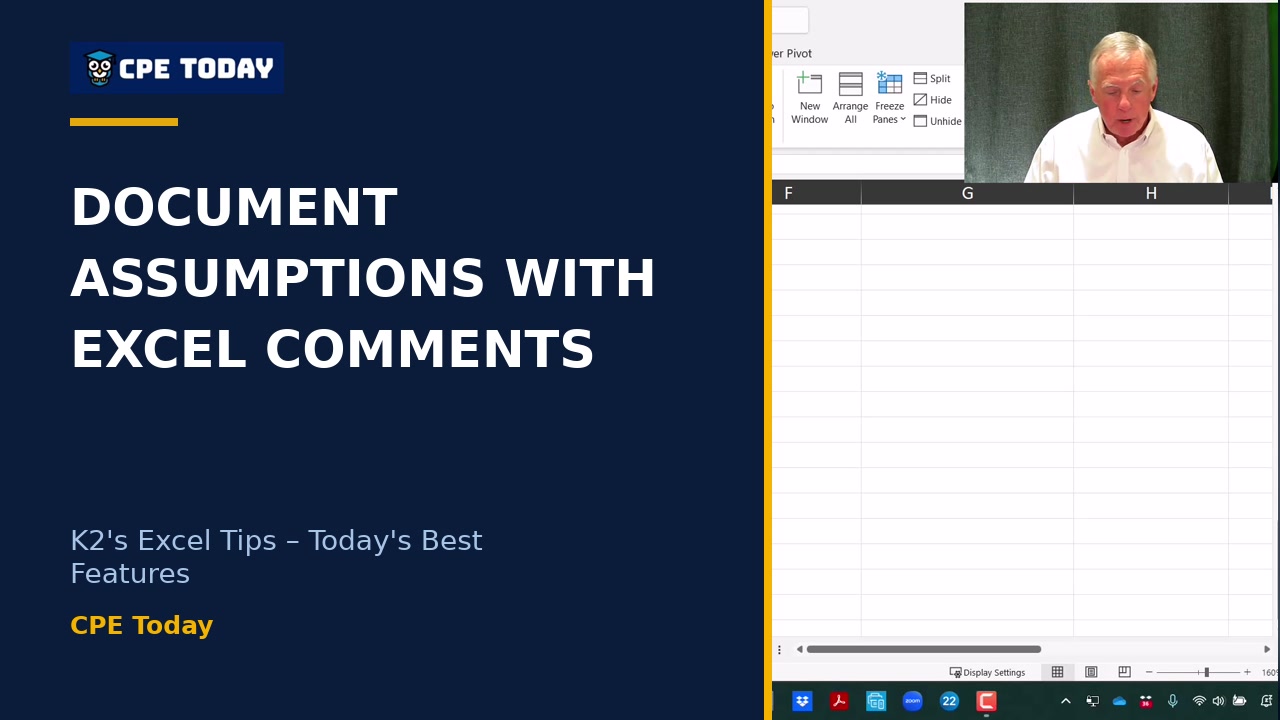
How to Document Assumptions in Excel CollaborationsLearn how to use Excel's comments and notes features to create threaded discussions, document assumptions, and collaborate with your team on spreadsheets. Whether you're tracking budget decisions or flagging important questions, these tools keep your workbook organized and your reasoning transparent. Watch to see how easy it is to streamline teamwork in Excel.
2:19
How to Document Assumptions in Excel CollaborationsLearn how to use Excel's comments and notes features to create threaded discussions, document assumptions, and collaborate with your team on spreadsheets. Whether you're tracking budget decisions or flagging important questions, these tools keep your workbook organized and your reasoning transparent. Watch to see how easy it is to streamline teamwork in Excel.
 2:31
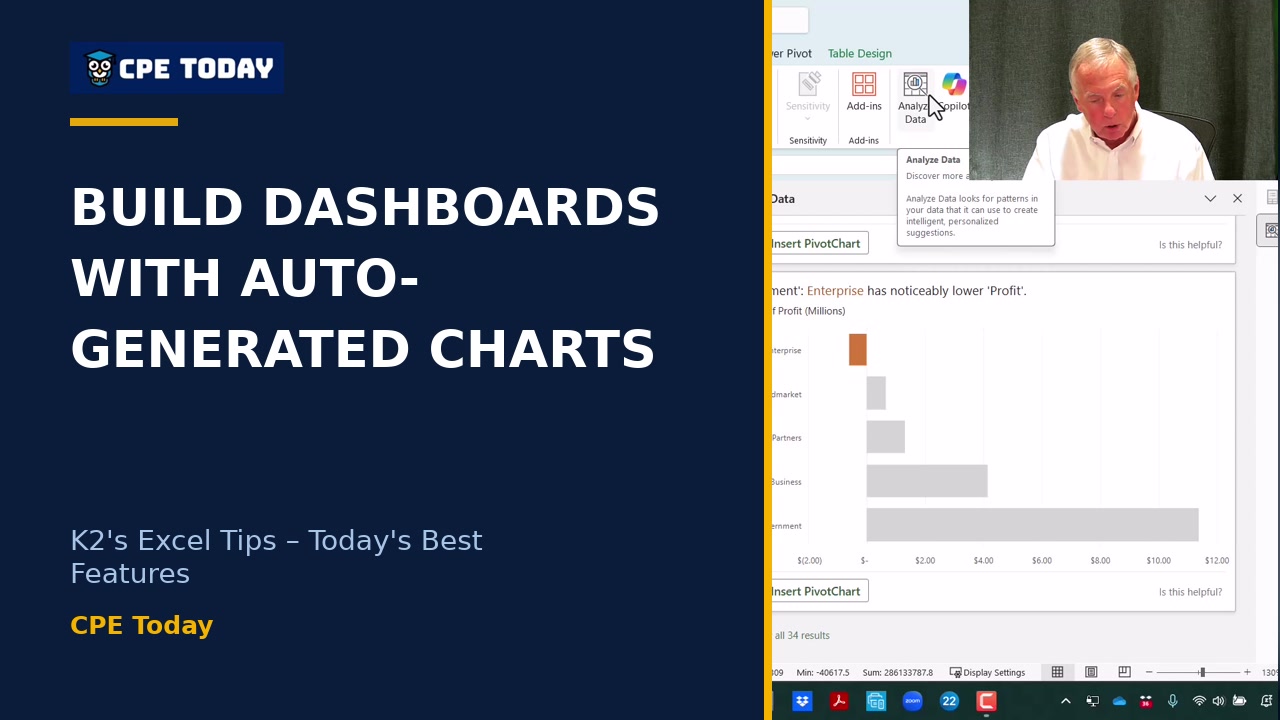
Build a Dashboard with 34 Auto-Generated Charts (No Copilot Subscription)Excel's built-in Analyze Data feature automatically creates dozens of charts and pivot tables from your data at no extra charge—no Copilot subscription needed. See how to cherry-pick the visualizations you want and assemble them into a custom reporting dashboard in minutes. Watch to discover a powerful feature most Excel users don't even know exists.
2:31
Build a Dashboard with 34 Auto-Generated Charts (No Copilot Subscription)Excel's built-in Analyze Data feature automatically creates dozens of charts and pivot tables from your data at no extra charge—no Copilot subscription needed. See how to cherry-pick the visualizations you want and assemble them into a custom reporting dashboard in minutes. Watch to discover a powerful feature most Excel users don't even know exists.
 3:23
Why You Shouldn't Learn VBA AnymoreVBA has powered Excel macros for decades, but security vulnerabilities and poor cloud compatibility mean Microsoft is phasing it out—likely within the next 3-5 years. Learn why OfficeScripts is the modern alternative you should focus on instead. Discover how to future-proof your automation skills.
3:23
Why You Shouldn't Learn VBA AnymoreVBA has powered Excel macros for decades, but security vulnerabilities and poor cloud compatibility mean Microsoft is phasing it out—likely within the next 3-5 years. Learn why OfficeScripts is the modern alternative you should focus on instead. Discover how to future-proof your automation skills.
 4:01
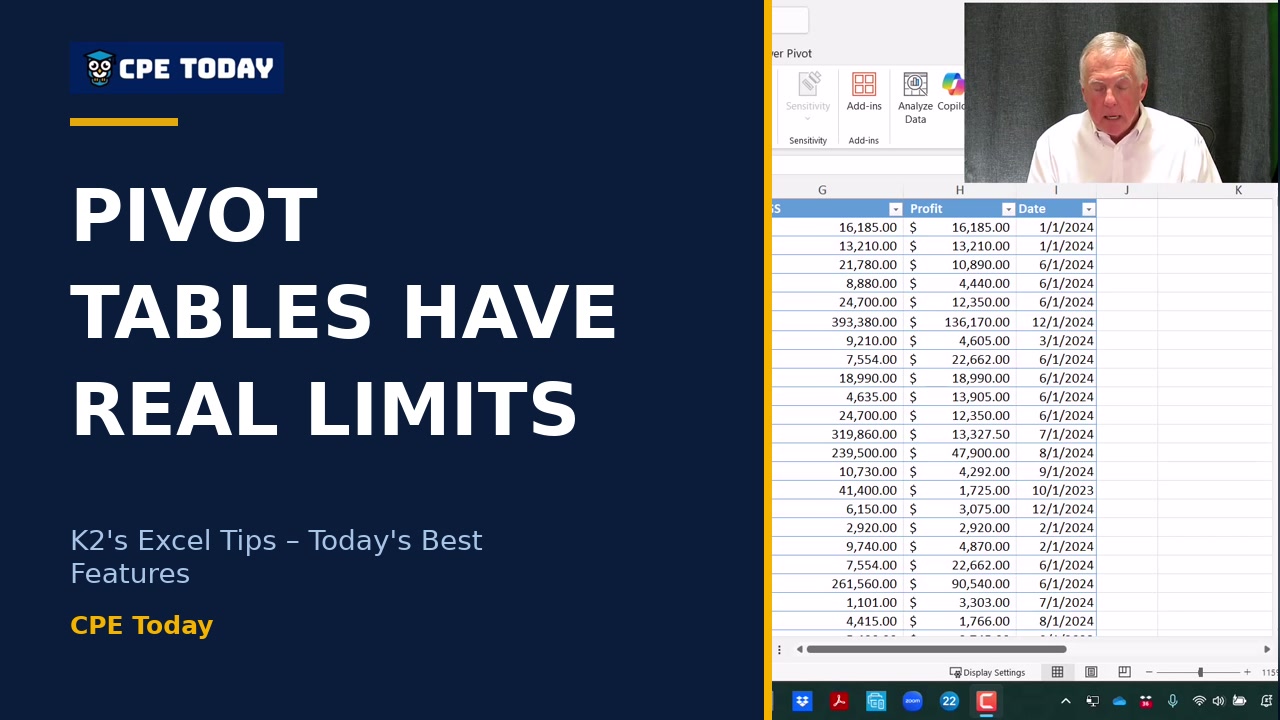
Why Pivot Tables Have Real LimitationsPivot tables are powerful, but they come with real constraints: rigid structures and incompatibility with newer chart types like treemaps. Discover how Microsoft's GROUPBY and PIVOTBY functions give you the flexibility pivot tables won't. Watch to see how these newer tools stack up against the classic approach.
4:01
Why Pivot Tables Have Real LimitationsPivot tables are powerful, but they come with real constraints: rigid structures and incompatibility with newer chart types like treemaps. Discover how Microsoft's GROUPBY and PIVOTBY functions give you the flexibility pivot tables won't. Watch to see how these newer tools stack up against the classic approach.
What's included
Every registration comes with the course materials — yours to keep.
- Course handout PDF
- Demonstration & sample files ZIP
- Additional course files PDF
Course details
- Recommended CPE credit
- 2
- Field of study
- Computer Software and Applications
- Program level
- Intermediate
- Delivery method
- Group Internet Based
- Prerequisites
- None
- Advance preparation
- None
- Course number
- 25c-exltips
CPE Today (Devmatics, LLC) is registered with the National Association of State Boards of Accountancy (NASBA) as a sponsor of continuing professional education on the National Registry of CPE Sponsors (Sponsor ID 167619). State boards of accountancy have final authority on the acceptance of individual courses for CPE credit. Complaints regarding registered sponsors may be submitted to the National Registry of CPE Sponsors through its website, nasbaregistry.org. For information about our refund, complaint, and program cancellation policies, see Company Policies or contact [email protected].
💬 Ask this course
Not sure it covers what you need? Ask a real question — answered from the actual course content, so you can decide before you enroll.
Reading the course…
Answers come from this course's own material and can be imperfect — the full details are in the course itself.
Your instructor

Tommy Stephens
Partner · K2 Enterprises · ★ 4.6 instructor rating
Tommy Stephens received a Bachelor of Science in Business Administration degree (Major in Accounting) from Auburn University in 1985. In 1992, he earned a Master of Science degree (Major in Finance) from Georgia State University in Atlanta. Presently, Tommy is a Certified Public Accountant, a Certified Information Technology Professional, and a Chartered Global Management Accountant. In 1995, Tommy began...
Full profile →Attendee feedback
4.6
124 attendee ratings
Attendee reviews
★★★★★
“Always a very beneficial course”
★★★★★
“Very insightful with clear explanations. Now just need to work with it on my own.”
★★★★★
“Knows his stuff!”
★★★★★
“Good topic.”
★★★★★
“Lots of good tips in this session.”
★★★★★
“Stephen Yoss is my favorite instructor. Gained many useful tips but had a little trouble trying to follow along with the exercises. However, I feel like this was a direct result of the time constraints.”
Common questions
I'm mostly using Excel to build pivot tables for reporting. Would these new Group By and Pivot By functions actually be better for what I do?
Group By and Pivot By work very similarly to pivot tables but offer two major advantages for reporting: they're formula-based, so they automatically update when your underlying data changes without manual refresh, and they unlock charting options you can't get with pivot tables—like tree maps and sunburst charts that were added in 2016 but remain unavailable in pivot chart format. If you're already comfortable with pivot tables, the transition is seamless, but if you need real-time updates or want more flexible visualizations, these functions give you exactly that.
Do I need a special paid subscription to use Copilot in Excel, or can I try it with the tools I already have?
You can start exploring AI analysis in Excel immediately with the Analyze Data feature, which has been built in for years and requires no paid subscription—just an internet connection. Copilot with its advanced capabilities does require a paid Microsoft 365 subscription, but Analyze Data alone can build pivot tables and charts automatically, suggest analyses based on your data, and give you access to analytics that most Excel users don't even realize exist.
I work in a cloud environment with my team collaborating in real time. How much of Excel's collaboration features will actually work for my setup?
Sheet views are built specifically for cloud-stored workbooks (Teams, SharePoint Online, or OneDrive), letting you and teammates each apply different sorts and filters to the same live workbook simultaneously without fighting over each other's view. Excel Live lets you collaborate on a workbook directly within a Teams meeting, and version history tracks exactly who changed what and when. These features work seamlessly together in cloud environments and are designed from the ground up for the kind of real-time multi-user editing you're doing.
I used to write VBA macros to automate my workflows, but I heard VBA is being discontinued. What's the learning curve to switch to Office Scripts?
Office Scripts uses TypeScript (a variant of JavaScript), but you don't need to learn programming from scratch—you can record your actions point-and-click just like the old macro recorder, and the tool automatically converts them into the correct code. If you already know how to use the macro recorder, your transition will be straightforward; the scripting language handles the conversion for you without requiring you to write code manually.
Can I build an amortization schedule or other financial models in Excel using Copilot, or is it mainly just for analyzing existing data?
Copilot can build financial models like amortization schedules from scratch—you simply describe what you need (principal amount, term, interest rate) and it generates the formulas and structure for you. It can also teach you step-by-step how to build these yourself, or download them ready-made. This extends far beyond data analysis into modeling and financial planning, saving you the time you'd normally spend building complex formulas from the ground up.
Related reading from our instructors
You might also like
Conference
 Seminar
Happening now
Seminar
Happening now
 Seminar
 Seminar