
How to automate repetitive reports without learning to code
Learn how to automate repetitive report building in Excel using action recording—no JavaScript or macro knowledge required. Tommy Stephens walks through setting up relative vs. absolute mode recording to create reusable templates you can share with your team. Watch how to capture formatting, data entry, and layout in minutes and replay them whenever you need.
From the course “K2's Excel Best Practices And Features” (2 CPE credits, Computer Software and Applications, Intermediate):
https://www.cpetoday.com/course/k2s-excel-best-practices-and-features-24c-ebpf
Taught by Lawrence A. "Mac" McClelland — Speaker & Author, K2 Enterprises.
More from Lawrence A. "Mac" McClelland: https://www.cpetoday.com/instructor/lawrence-a-mac-mcclelland
CPE Today offers live webinars, Live Replays and self-study for CPAs and accounting professionals. NASBA-sponsored (ID 167619) and an IRS-approved CE provider. https://www.cpetoday.com/
#ExcelAutomation #ExcelTips #ReportBuilding
More from this course
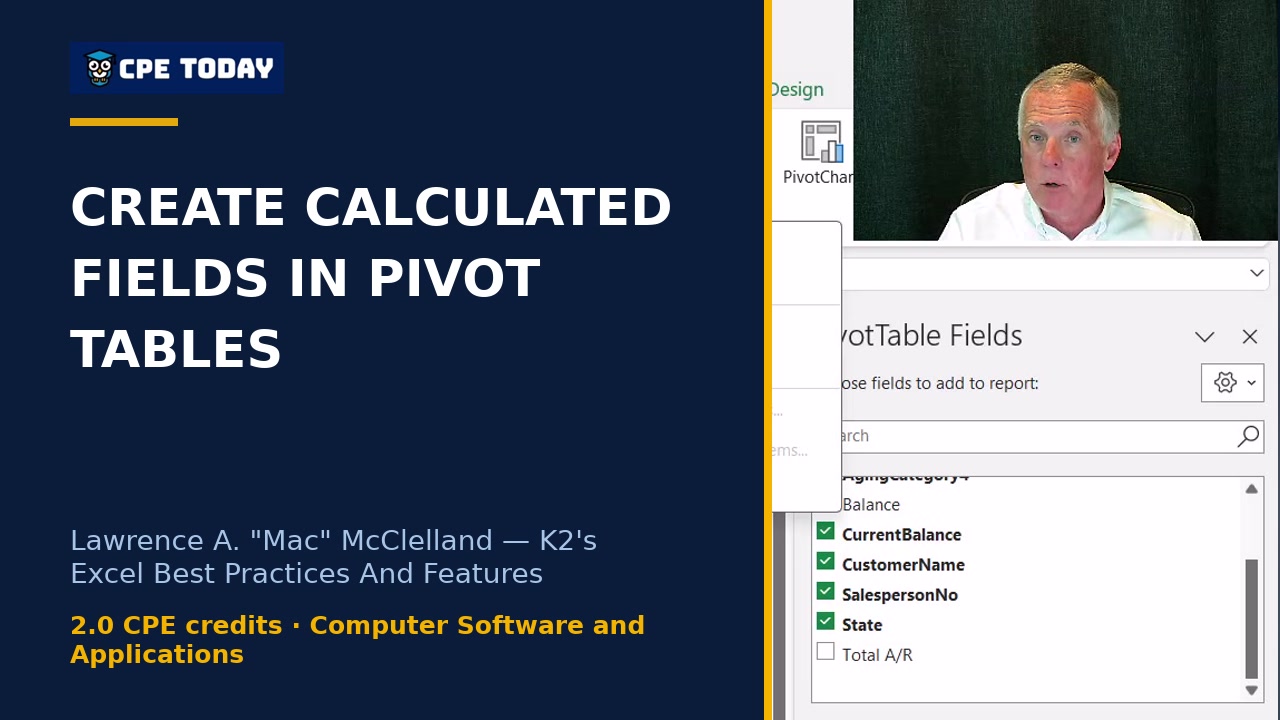 3:50
Building User-Defined Calculations Inside Pivot Tables
3:50
Building User-Defined Calculations Inside Pivot Tables
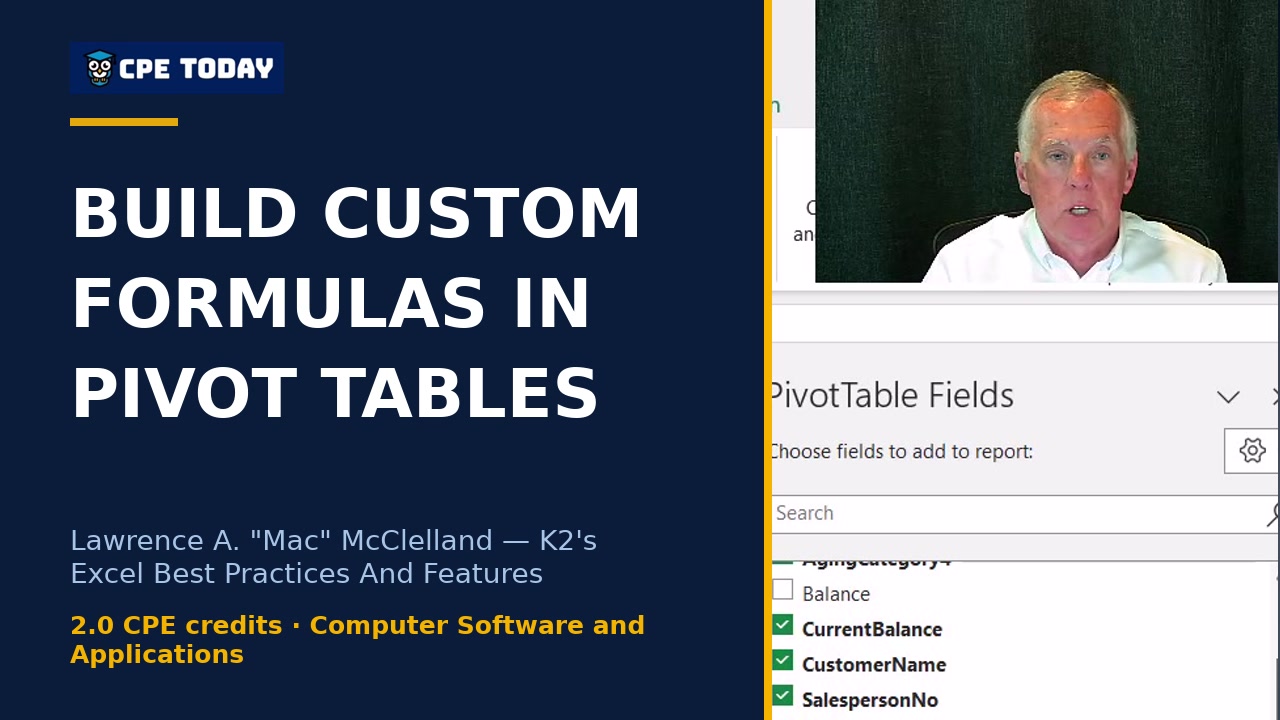 3:49
The calculated field myth: You CAN build custom formulas in pivot tables
3:49
The calculated field myth: You CAN build custom formulas in pivot tables
 4:01
Stop Cleaning Data Manually—Automate It in Power Query
4:01
Stop Cleaning Data Manually—Automate It in Power Query
 3:56
Why Those Old Text-Splitting Formulas Are Evil
3:56
Why Those Old Text-Splitting Formulas Are Evil
 3:58
One Formula, Multiple Cells: Dynamic Arrays Explained
3:58
One Formula, Multiple Cells: Dynamic Arrays Explained
 3:55
LAMBDA: Create Custom Formulas You Reuse Forever
3:55
LAMBDA: Create Custom Formulas You Reuse Forever
 3:55
LAMBDA: Create Custom Formulas You Reuse Forever
3:55
LAMBDA: Create Custom Formulas You Reuse Forever