


 Conference
Happening now
Conference
Happening now
SeminarOnline
Closing the Books with Better Tech Tools
★★★★★
4.6 · 335 attendee ratings across these sessions
Closing the Books with Better Tech Tools is a four‑day live online CPE conference designed to help accounting and finance professionals modernize close‑out processes, improve reporting, and streamline workflows with today’s best technology. Running Dec 14–17, 2026 (Pacific Time), this virtual...
Presented in partnership with Alabama Society of CPAs, Connecticut Society of CPAs, Illinois CPA Society, Indiana CPA Society, Kentucky Society of CPAs, Society of Louisiana CPAs, Massachusetts Society of CPAs, Montana Society of CPAs, Nebraska Society of CPAs, New Mexico CPA Foundation, Ohio Society of CPAs, Oklahoma Society of CPAs, Oregon Society of CPAs, Washington Society of CPAs, Minnesota Society of CPAs, Georgia Society of CPAs, Alaska Society of CPAs.
On the agenda
QuickBooks Online Reporting: Beyond The Basics
Database Basics for Financial Professionals
An Accountant's Detailed Guide to Databases,...
Hands On With QuickBooks Online Accountant...
K2's The Best Kept Secrets Of Microsoft 365
K2's Harnessing ChatGPT
K2's Time To Advance Automation
K2's Next Generation Excel Reporting
8 sessions across 4 days, taught by Stephen Yoss and Lawrence A. "Mac" McClelland — see the full agenda ↓
About this event
Closing the Books with Better Tech Tools is a four‑day live online CPE conference designed to help accounting and finance professionals modernize close‑out processes, improve reporting, and streamline workflows with today’s best technology. Running Dec 14–17, 2026 (Pacific Time), this virtual event delivers practical, hands‑on training in QuickBooks Online reporting, database fundamentals, next‑generation Excel reporting, Microsoft 365 productivity tools, and AI‑powered automation with ChatGPT—all tailored to the needs of busy accounting teams.
Across eight expert‑led sessions taught by Lawrence A. “Mac” McClelland and Stephen Yoss, you’ll gain actionable skills to reduce manual effort, enhance data accuracy, and close the books faster and with more confidence. Whether you’re upgrading your firm’s tech stack or looking to improve month‑end and year‑end workflows, this conference provides real‑world strategies you can use immediately—while earning up to 26 CPE credits in Accounting, IT, and Software & Applications.
Register — pick your days or sessions
Add the whole event, a single day, or a single session — click any class to see its details. Your running total updates as you go.
Day 1 Monday, December 14, 2026
2 sessions · 7 CPE Credits
$350.00
7:00 – 10:00 AM · Stephen Yoss · 3 CPE CreditsSpecialized Knowledge
$150.00
10:30 AM – 2:30 PM · Stephen Yoss · 4 CPE CreditsInformation Technology
$200.00
Day 2 Tuesday, December 15, 2026
2 sessions · 5 CPE Credits
$250.00
7:00 – 9:00 AM · Stephen Yoss · 2 CPE CreditsInformation Technology
$100.00
11:30 AM – 2:30 PM · Stephen Yoss · 3 CPE CreditsSpecialized Knowledge
$150.00
Day 3 Wednesday, December 16, 2026
3 sessions · 6 CPE Credits
$300.00
7:00 – 9:00 AM · Lawrence A. "Mac" McClelland · 2 CPE CreditsComputer Software and Applications
$100.00
9:30 – 11:30 AM · Lawrence A. "Mac" McClelland · 2 CPE CreditsInformation Technology
$100.00
12:00 – 2:00 PM · Lawrence A. "Mac" McClelland · 2 CPE CreditsInformation Technology
$100.00
Day 4 Thursday, December 17, 2026
1 session · 8 CPE Credits
$400.00
9:30 AM – 5:30 PM · Lawrence A. "Mac" McClelland · 8 CPE CreditsAccounting
Member of a state CPA society or professional organization? Many offer K2 programs to their members, so it's worth checking with yours. Member pricing may be available.
You're a member of . They may offer this program to members, sometimes at a better price, so it's worth a quick check with them. Visit their site
Your instructors
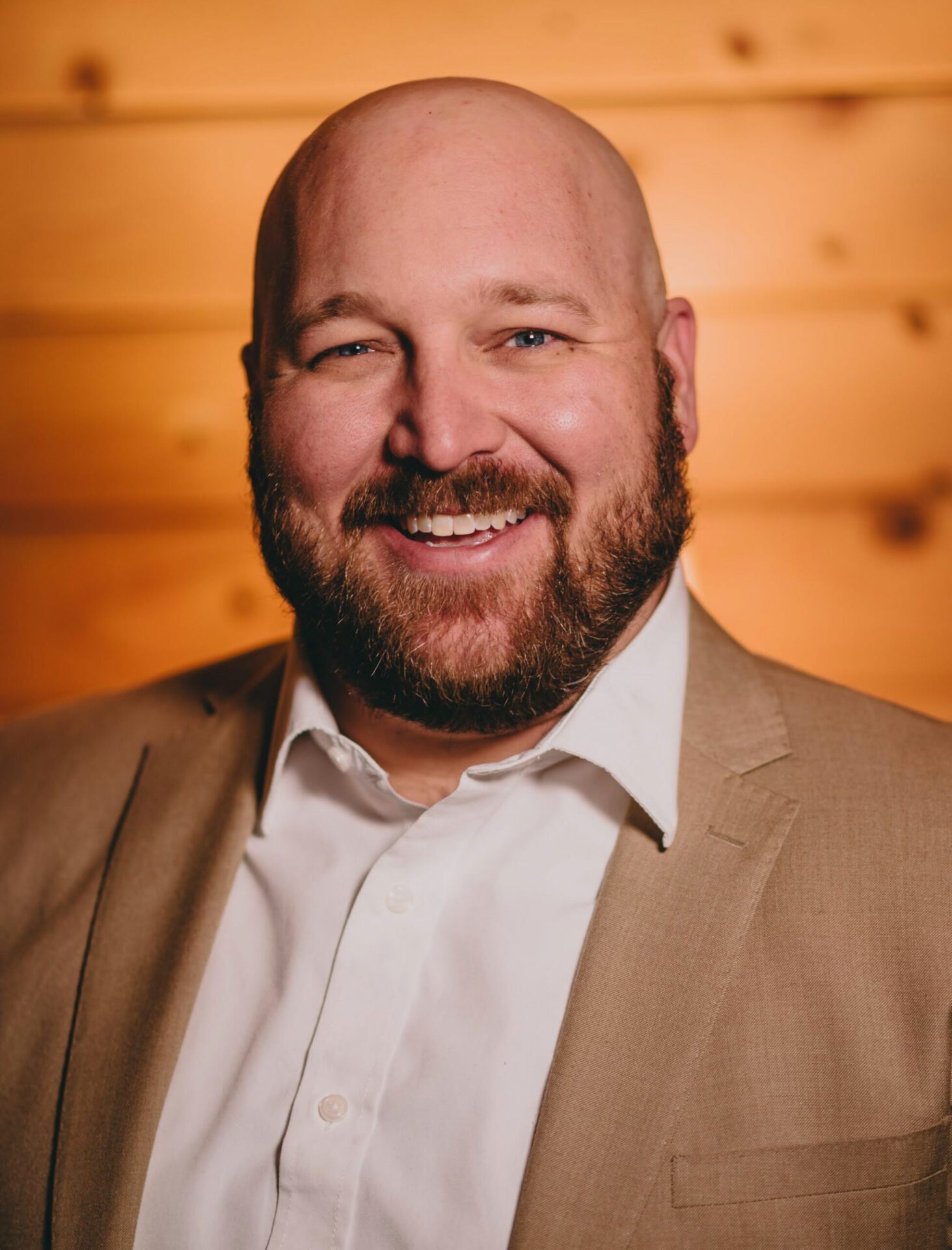
Stephen Yoss
Speaker & Author · CPE Today · ★ 4.7 instructor rating
Stephen M. Yoss, Jr., CPA, MS, is a certified public accountant, partner and CEO of Devmatics, LLC, a continuing education instructor for financial professionals, and a licensed pyrotechnician. While his interests and skills are varied, they all share a common thread—his love for and skill in finding technology-based solutions. In 2017, Stephen and Alex White formed Devmatics, LLC, a company focused on helping...
Full profile →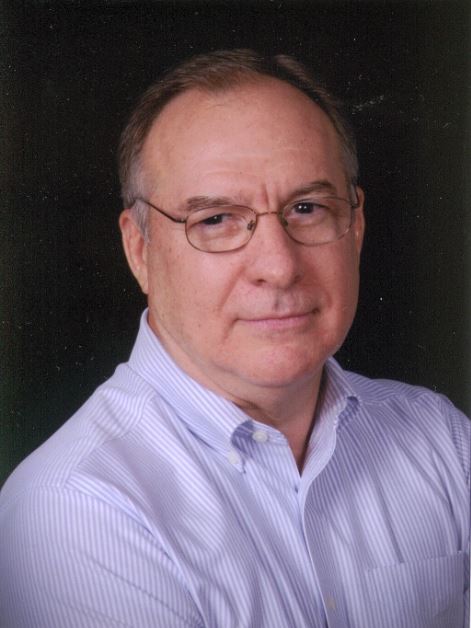
Lawrence A. "Mac" McClelland
Speaker & Author · K2 Enterprises · ★ 4.3 instructor rating
Mac McClelland, an attorney and accounting professional, is an associate of K2 Enterprises of Hammond, Louisiana, and Network Management Group of Hutchinson, Kansas. Mac was formerly the director of the Centre for Financial Studies at the University of Otago in Dunedin, New Zealand, where he lived and worked for seven years from 1990 to 1997. He was also a member of the faculty of the Advanced Business...
Full profile →Co-sponsored with your state society
We're proud to co-sponsor this event with the societies below. Society members: register through your state society to receive special member pricing — check your society's CPE catalog or member portal for this event, or register directly with us here.
Alabama Society of CPAs
Massachusetts Society of CPAs
Kentucky Society of CPAs
Washington Society of CPAs
Connecticut Society of CPAs
Illinois CPA Society
Indiana CPA Society
Montana Society of CPAs
Alaska Society of CPAs
Ohio Society of CPAs
New Mexico CPA Foundation
Nebraska Society of CPAs
Minnesota Society of CPAs
Georgia Society of CPAs
Oregon Society of CPAs
Oklahoma Society of CPAs
Society of Louisiana CPAs
Not sure whether your society participates? Ask us — we'll point you to the right registration path.
💬 Ask this event
Not sure it covers what you need? Ask a real question — answered from the sessions, so you can decide before you enroll.
Reading the event…
Answers come from this event's own material and can be imperfect — the full details are in the event itself.
What attendees say about these sessions
Every event runs once, so these are verified reviews from past attendees of the individual sessions on this agenda — the same instruction, the same courses.
★★★★★
“He kept my interest. This was a course I was very interested in.”
★★★★★
“I am most impressed with Stephen Yoss and his presentation. As a 40+yr CPA, I am not easily impressed but he was outstanding.”
★★★★★
“Instructor has a great grasp of the subject matter. I learned many new tips and functions within modern day Excel. Thanks Mac for keeping it interesting with everyday phrases, real life examples, and the occasional voice inflection :). Looking forward to another...”
★★★★★
“Loved the presentation - extremely insightful”
★★★★★
“I am convinced I need to start using AI to assist me in work and at home!”
★★★★★
“Fantastic course, and Stephen was great at explaining things and making it relevant and interesting.”
★★★★★
“Learned a lot and much appreciated the event”
★★★★★
“Fantastic information on how to use ChatGPT as well as info on other brands using AI. I want to use Co-Pilot, but understanding it may not be as robust - or efficient - allows me to explore other avenues for the time being. Also, understanding the importance of paid,...”
Related reading from our instructors
Similar events — see how comparable events rate
Conference
Happening now
 Seminar
Starts tomorrow
Seminar
Starts tomorrow
 Seminar
Next week
Seminar
Next week
Firm Optimization: Tools for Smarter Operations
Computer Software and Applications
★★★★★
4.7 (10)
$200