
The calculated field myth: You CAN build custom formulas in pivot tables
Pivot tables crunch data fast, but what about user-defined calculations? Learn how to add a calculated field—like a grand total that doesn't exist in your raw data—directly within your pivot table using the Analyze tab. No need to modify your source data; Excel handles it for you. Watch to master this overlooked feature.
From the course “K2's Excel Best Practices And Features” (2 CPE credits, Computer Software and Applications, Intermediate):
https://www.cpetoday.com/course/k2s-excel-best-practices-and-features-24c-ebpf
Taught by Lawrence A. "Mac" McClelland — Speaker & Author, K2 Enterprises.
More from Lawrence A. "Mac" McClelland: https://www.cpetoday.com/instructor/lawrence-a-mac-mcclelland
CPE Today offers live webinars, Live Replays and self-study for CPAs and accounting professionals. NASBA-sponsored (ID 167619) and an IRS-approved CE provider. https://www.cpetoday.com/
#ExcelTips #PivotTables #DataAnalysis
More from this course
 3:50
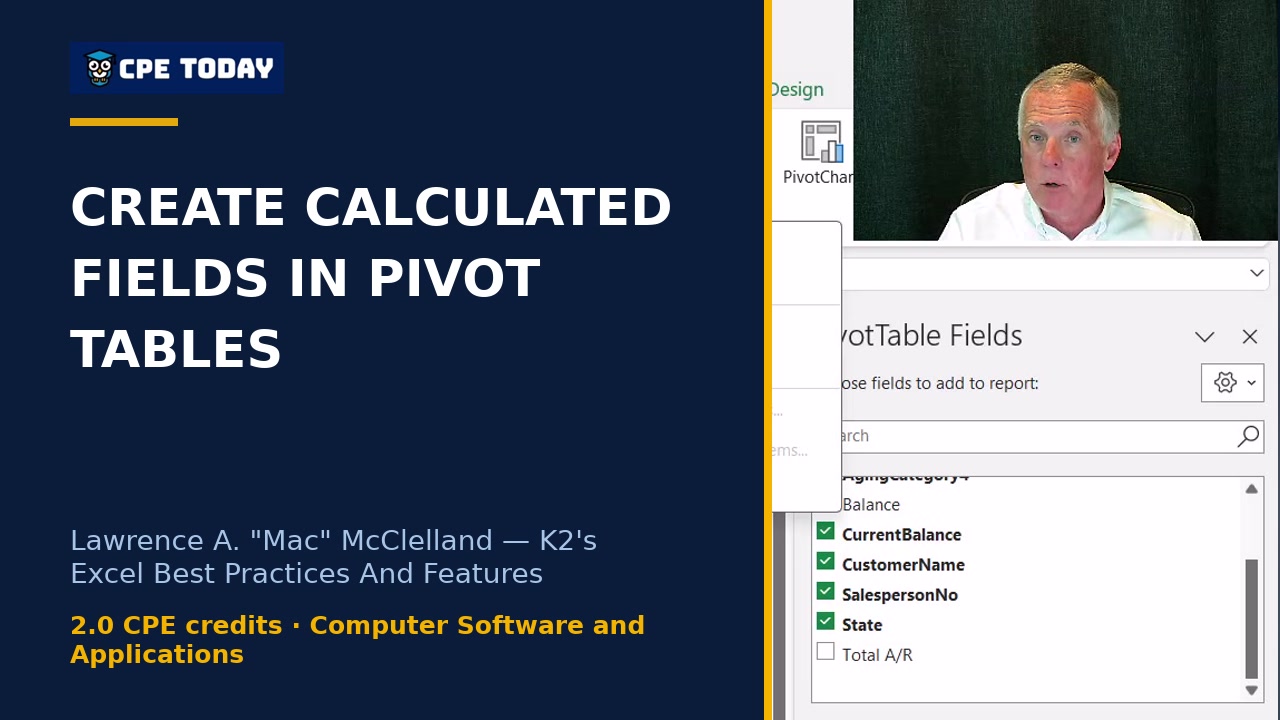
Building User-Defined Calculations Inside Pivot Tables
3:50
Building User-Defined Calculations Inside Pivot Tables
 4:01
Stop Cleaning Data Manually—Automate It in Power Query
4:01
Stop Cleaning Data Manually—Automate It in Power Query
 4:00
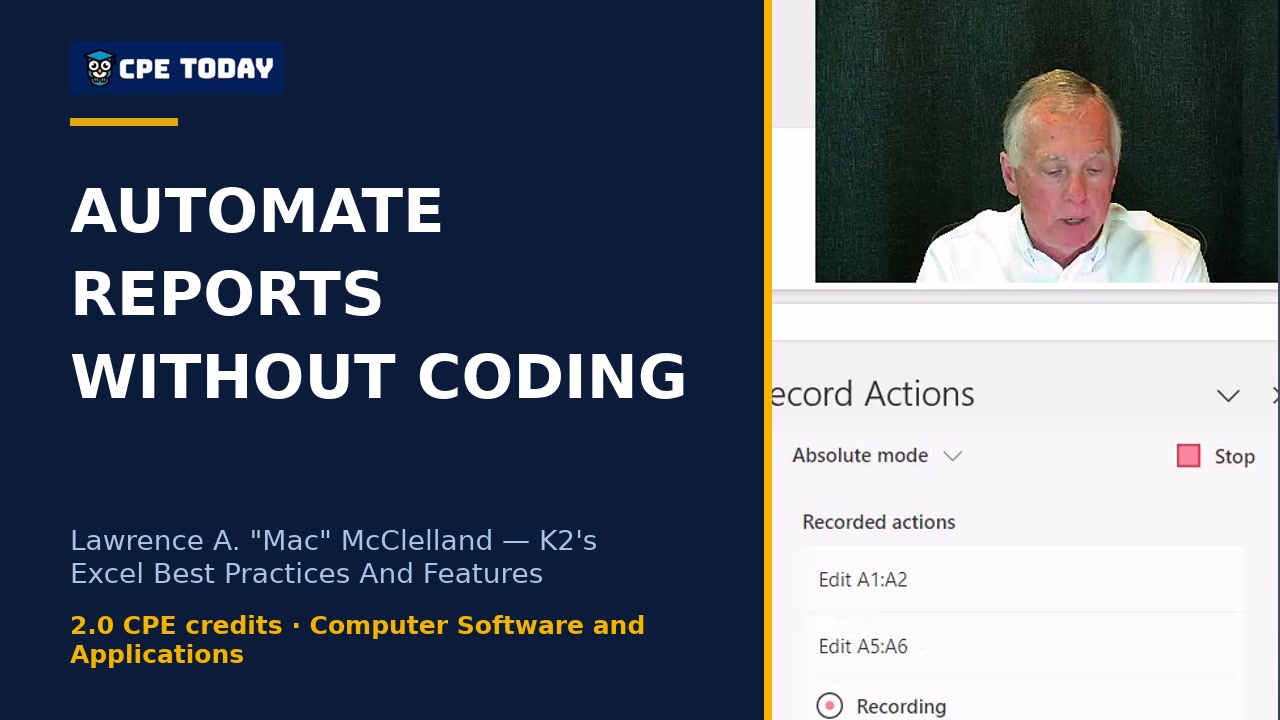
How to automate repetitive reports without learning to code
4:00
How to automate repetitive reports without learning to code
 3:56
Why Those Old Text-Splitting Formulas Are Evil
3:56
Why Those Old Text-Splitting Formulas Are Evil
 3:58
One Formula, Multiple Cells: Dynamic Arrays Explained
3:58
One Formula, Multiple Cells: Dynamic Arrays Explained
 3:55
LAMBDA: Create Custom Formulas You Reuse Forever
3:55
LAMBDA: Create Custom Formulas You Reuse Forever
 3:55
LAMBDA: Create Custom Formulas You Reuse Forever
3:55
LAMBDA: Create Custom Formulas You Reuse Forever