
 Seminar
Firm Operations
Turn Messy Meeting Notes into Owned Action Items
Convert raw meeting notes into a clean action-item list with owners, due dates, and open questions.
user promptmeetingsproductivityaction itemsfirm ops
- Type
- User Prompt
- Fill-ins
- 4
- Topics
- 4
- Length
- ~186 words
- Updated
- Jul 2026
- Cost
- Free
How to use it
Paste your unstructured notes right after a meeting to get an owner-assigned task list you can drop into your project tracker. Great for partner meetings and client standups.
The prompt
Highlighted blanks fill in when you complete the fields below;
whatever's left stays a [bracket] for you to replace.
You are an operations coordinator at an accounting firm. Take the raw notes below from a [Meeting Type] meeting and turn them into a clear, decision-ready summary.
Raw notes:
[Raw Notes]
Known attendees (for assigning owners): [Attendees]
Meeting date: [Meeting Date]
Produce four sections:
1. Decisions Made — one line each, no ambiguity.
2. Action Items — a table with columns: Task | Owner | Due Date | Priority (High/Med/Low). Assign an owner only if the notes clearly indicate one; otherwise write "UNASSIGNED". If a due date is implied (e.g. "before the deadline"), infer a specific date relative to the meeting date and flag it with "(inferred)".
3. Open Questions / Follow-ups — anything unresolved that needs a person to answer.
4. Nothing-to-do items — statements that were discussed but require no action.
Rules: Do not invent tasks, owners, or dates that are not supported by the notes. Preserve any dollar amounts, client names, and deadlines exactly as written. Keep each task under 20 words and start it with a verb. If the notes are too vague to extract a task, list it under Open Questions instead of guessing.
Fill in the blanks optional
Type your details — the prompt and the buttons update live.
🤖 Run it. Copy the prompt, or open it straight in your assistant.
🔒 Protect client data. Never paste real client information — names, SSNs/EINs, returns, or financial details — into public AI tools. Anonymize first, or use a firm-approved tool that contractually protects your inputs.
🔒 Redact your data first, with this prompt ready →For learning and experimentation — use your judgment. These prompts are provided free to help you draft and explore. AI assistants can be wrong, biased, or make things up, and they change over time. Always review, verify, and take responsibility for anything you use or send — CPE Today is not responsible for what you or an AI tool produce, and nothing here is legal, tax, or professional advice.
Turn this into real CPE credit
A prompt speeds up the work — these live and on-demand courses (and upcoming events) build the skills behind it, for NASBA credit.
Seminar
 Conference

Scale Through Acquisition or Plan Your Exit on Your Terms: A Guide for Firm Owners
Business Management & Organization
★★★★★
5.0 (11)
Free · Live Replay
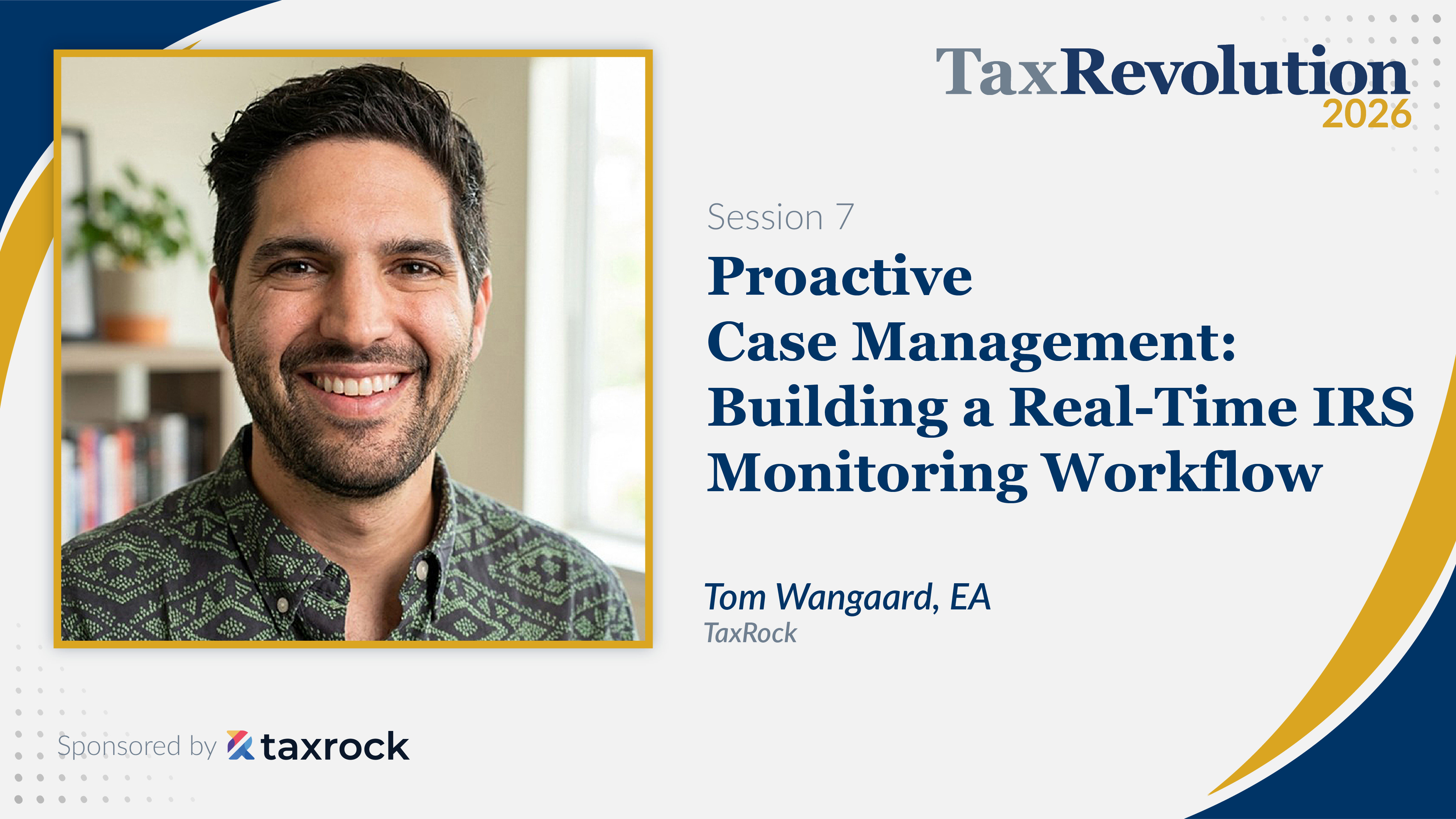
Proactive Case Management: Building a Real-Time IRS Monitoring Workflow
Taxes
★★★★★
4.7 (11)
Free · Live Replay

K2’s NextGen Document Management, Workflows, And Portals
Computer Software and Applications
★★★★★
4.9 (7)
$55 · Live Replay
Live dates from $800/day

K2's Top Ten Productivity Booster Apps in Microsoft 365
Computer Software and Applications
★★★★★
4.6 (44)
$55 · Live Replay