Building Blocks: Copy-Paste Code Between Scripts
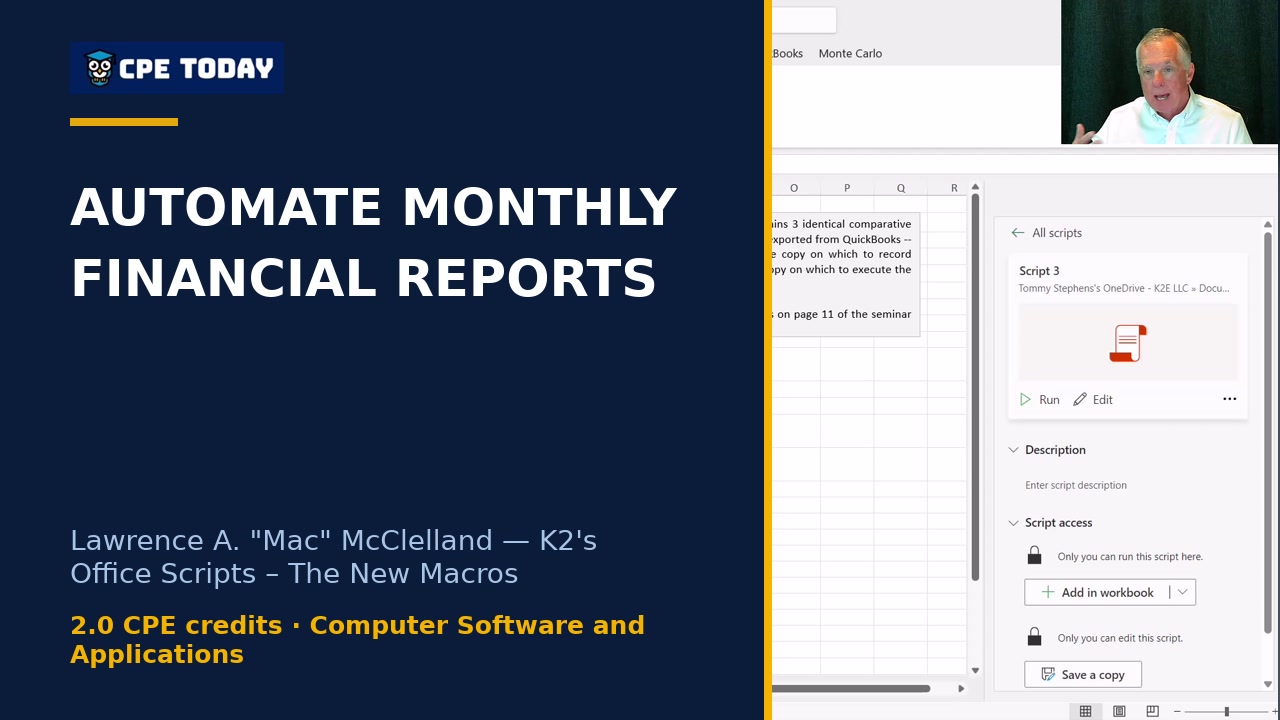
Learn how to replace complex nested IF statements with Office Scripts automation. Watch how combining multiple scripts—like fiscal period calculation and table sorting—creates reusable building blocks you can paste into any workflow. Discover the power of modular automation to save time on repetitive reporting tasks.
From the course “K2's Office Scripts – The New Macros” (2 CPE credits, Computer Software and Applications, Intermediate):
https://www.cpetoday.com/course/k2s-office-scripts-–-the-new-macros-24c-macros
Taught by Lawrence A. "Mac" McClelland — Speaker & Author, K2 Enterprises.
More from Lawrence A. "Mac" McClelland: https://www.cpetoday.com/instructor/lawrence-a-mac-mcclelland
Taught by Stephen Yoss — Speaker & Author, CPE Today.
More from Stephen Yoss: https://www.cpetoday.com/instructor/stephen-yoss
CPE Today offers live webinars, Live Replays and self-study for CPAs and accounting professionals. NASBA-sponsored (ID 167619) and an IRS-approved CE provider. https://www.cpetoday.com/
#OfficeScripts #ExcelAutomation #FiscalReporting