


 Conference
Live Replay WebinarBasic level
K2's Harnessing ChatGPT
★★★★★
4.8 · 120 attendee ratings
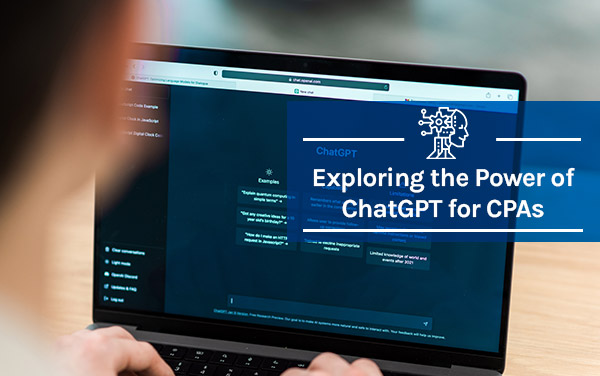
Enhance your productivity and streamline your accounting practices with ideas learned in this course. This dynamic program, designed specifically for accountants seeking a competitive edge, delves into the practical applications of ChatGPT in your daily workflow. From conducting comprehensive research and crafting compelling correspondence to swiftly addressing technical inquiries and optimizing Excel formulas, you will gain invaluable skills to expedite your tasks and improve overall efficiency. Furthermore, we will delve into the power of ChatGPT plugins, equipping you with the knowledge to process PDF documents seamlessly and efficiently navigate the vast expanse of the web. Join us on this transformative journey and unlock your potential as a proficient and empowered accountant.
Ways to save
Save $10.56 with a credit pass
At the 40-Credit Pass rate ($22.22 a credit with the bonus), this 2-credit course comes to about $44.44: $10.56 less than buying it on its own.
Or start smaller: the 10-Credit Pass ($275.00) pays for it and leaves you 8 credits for more.
Year-end bonus: up to 5 free credits through Dec 31.
Certain conditions apply: not valid for the Federal Tax Update. Pass terms
Watch
 1:35
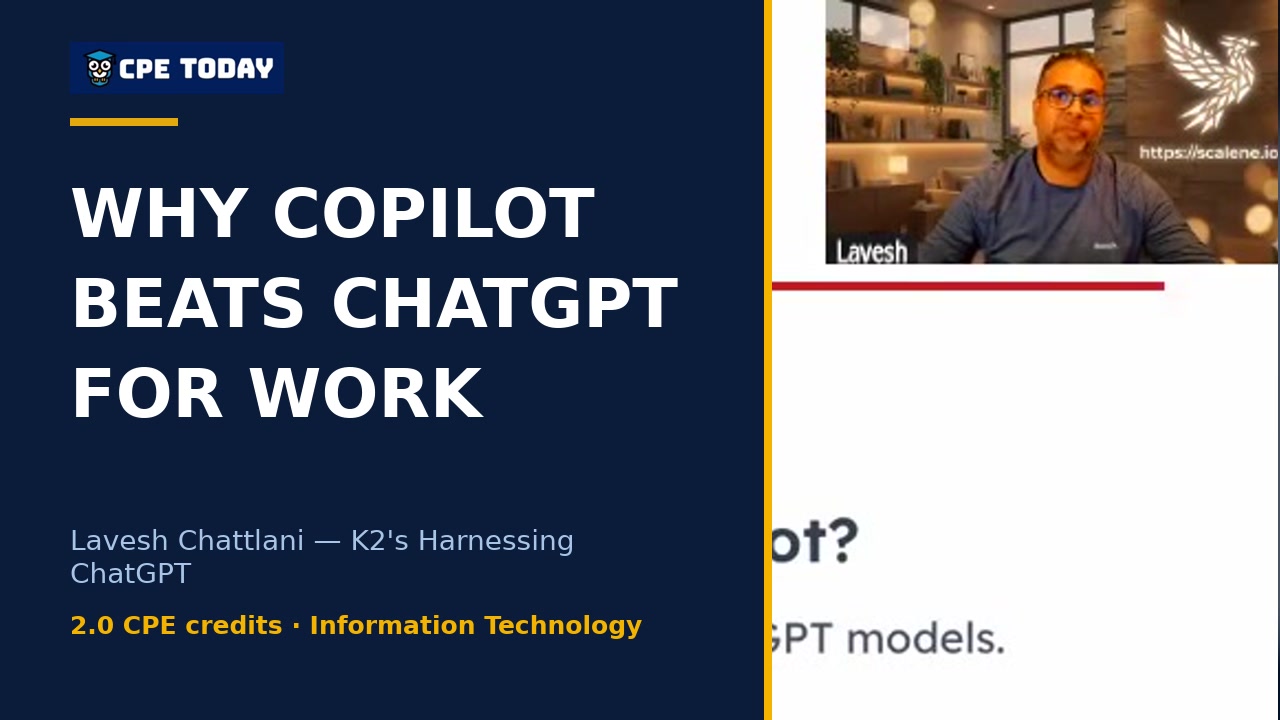
Why Copilot beats ChatGPT for firm workMicrosoft Copilot runs on the same GPT models as ChatGPT, but with one crucial difference: it respects your organization's security controls and permissions. Learn why Copilot's enterprise integration—across Word, Excel, PowerPoint, your files, and team data—makes it a safer choice for workplace AI, plus how the new model picker lets you choose between GPT and Claude. Watch to discover what security really looks like in AI.
 2:54
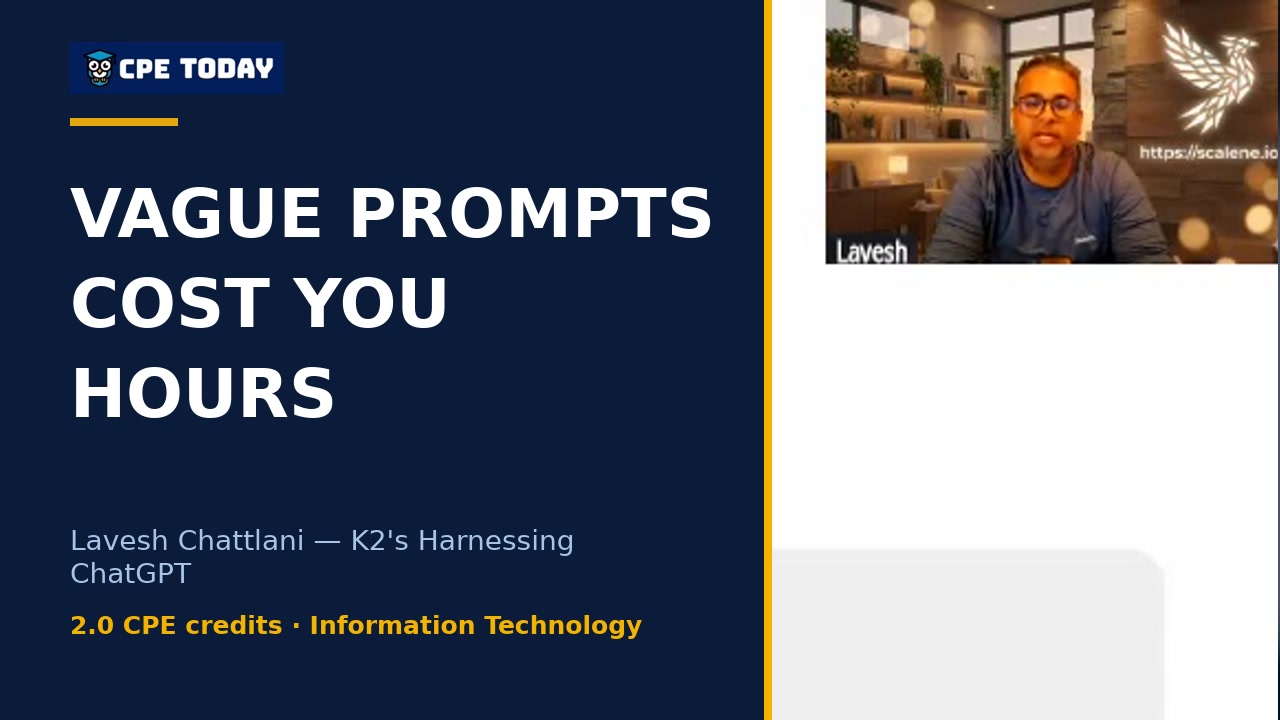
The $60k Mistake: Vague Prompts Cost You HoursGeneric AI outputs waste more time than they save. Learn the exact elements that turn vague prompts into precise, usable results—from role definition to execution requirements. This clip from Lavesh Chattlani's ChatGPT course walks through a real accounting example showing how specificity eliminates guesswork and flags uncertainty automatically. Watch to see the framework that reclaims hours instead of costing them.
 1:51
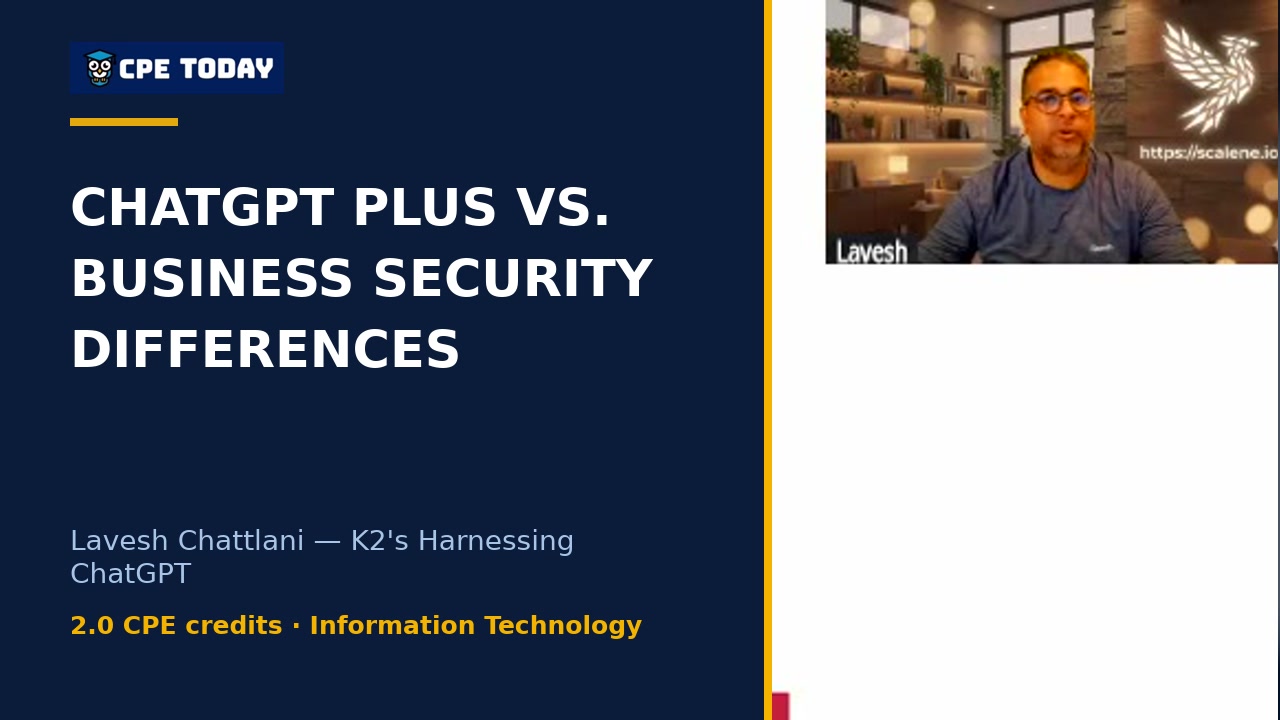
Plus vs. Business: The Critical Security Difference for CPAsLearn the key differences between ChatGPT Plus and Business plans—from admin controls to data security. Lavesh breaks down why Plus works for personal productivity, but Business is essential when handling client data. Find out which plan makes sense for your firm's size and needs.
 1:37
Why AI Citations Fail: The 58% ProblemA lawyer in Canada faced criminal charges after submitting ChatGPT-generated citations to a judge without verification—and they were fabricated. A Stanford study found even GPT-4 failed to cite federal cases correctly 58-88% of the time. Lavesh Chattlani breaks down why AI can sound confident while being completely wrong, and the one rule that protects you.
What's included
Every registration comes with the course materials — yours to keep.
- Course handout PDF
- Course presentation PDF
- Demonstration & sample files ZIP
- Additional course files PDF
Course details
- Recommended CPE credit
- 2
- Field of study
- Information Technology
- Program level
- Basic
- Delivery method
- Group Internet Based
- Prerequisites
- None
- Advance preparation
- None
- Course number
- 24c-chatgpt
K2 Enterprises is registered with the National Association of State Boards of Accountancy (NASBA) as a sponsor of continuing professional education on the National Registry of CPE Sponsors (Sponsor ID 103648). State boards of accountancy have final authority on the acceptance of individual courses for CPE credit. Complaints regarding registered sponsors may be submitted to the National Registry of CPE Sponsors through its website, nasbaregistry.org. For information about our refund, complaint, and program cancellation policies, see Company Policies or contact [email protected].
💬 Ask this course
Not sure it covers what you need? Ask a real question — answered from the actual course content, so you can decide before you enroll.
Reading the course…
Answers come from this course's own material and can be imperfect — the full details are in the course itself.
Every way to take this course
On its own
Live Replay Webinar
Start it whenever you like — full live CPE credit · How Live Replay works · 2 credits
$55
Add to Cart
As part of a multi-day event
These seminars include this course on their agenda. One registration covers the event — you attend this course on its scheduled day, plus everything else that day offers.
Dec
16
Closing the Books with Better Tech Tools
Seminar · Dec 14–17, 2026
· Online · this course runs Dec 16, 2026 · event offers up to 26 credits
$250
View event
Your instructor

Stephen Yoss
Speaker & Author · CPE Today · ★ 4.7 instructor rating
Stephen M. Yoss, Jr., CPA, MS, is a certified public accountant, partner and CEO of Devmatics, LLC, a continuing education instructor for financial professionals, and a licensed pyrotechnician. While his interests and skills are varied, they all share a common thread—his love for and skill in finding technology-based solutions. In 2017, Stephen and Alex White formed Devmatics, LLC, a company focused on helping...
Full profile →Attendee feedback
4.8
120 attendee ratings
Attendee reviews
★★★★★
“Loved the presentation - extremely insightful”
★★★★★
“I am convinced I need to start using AI to assist me in work and at home!”
★★★★★
“Wow! I'm a believer.”
★★★★★
“Fantastic course, and Stephen was great at explaining things and making it relevant and interesting.”
★★★★★
“Fantastic information on how to use ChatGPT as well as info on other brands using AI. I want to use Co-Pilot, but understanding it may not be as robust - or efficient - allows me to explore other avenues for the time being. Also, understanding the importance of paid,...”
★★★★★
“This was a fantastic session! It wasn't long enough. Would LOVE more training on this!”
★★★★★
“Great examples and tips and tricks.”
★★★★★
“I think many accountants are hands on people - we want to know how we can be using these tools today. I would love to see a more in-depth session on this topic!”
★★★★★
“Best session of the conference”
★★★★★
“This course along with the AI session has me primed to spend some time with Chat GPT next week and see what it can do to improve my productivity.”
★★★★★
“Really enjoyed the AI courses during the conference this year”
★★★★★
“Thank you for helping me get started and more comfortable with using this technology.”
Common questions
I'm a solo CPA doing client work—which ChatGPT plan should I actually use?
If you're working with client data, ChatGPT Business is worth the investment even as a solo practitioner, because it turns off model training by default and gives you business terms instead of consumer terms. If the two-seat minimum feels steep, the alternative is Plus on a personal account with training switched off manually—but you have to remember to do it every time, keep client identifiers out, and stay on top of those settings across all your devices. Most CPAs at your billing rate will recoup the cost in under 15 minutes of time savings per month.
What's actually stopping ChatGPT from leaking my client's tax return data?
On Plus and Free plans, your conversations can be used to train OpenAI's models by default—that's the trade-off for the low price. You can turn it off in Settings > Data Controls, but on Business plans it's already off without you having to think about it. More importantly, anonymizing before you paste is your real control: take out names, Social Security numbers, account numbers, and round figures so ChatGPT doesn't know it's your client. The IRS itself published guidance in June saying client data only goes into secure enterprise-approved tools, so treat anonymizing as a habit, not optional.
I research tax issues all day—can I just ask ChatGPT instead of looking it up myself?
Deep Research on ChatGPT Plus can search dozens of sources and give you cited answers in five minutes instead of hours, but you must open every citation and verify it actually says what ChatGPT claims. A 2024 Stanford study found that even GPT-4 got embedded citations wrong 58% of the time; some models were as high as 88%. Use ChatGPT for early research—turning rough notes into clear questions, spotting issues, building checklists—but for the final answer going in your file, use a curated tax library like Thomson Reuters or CCH where you know the sources are vetted. The rule is simple: if you can't find the source, the answer doesn't count.
Our firm just started having staff use ChatGPT on personal accounts—how risky is that really?
It's the habit you want to break. If even a handful of people use personal accounts for client work, the data isn't under your control, you have no visibility into their settings, and when someone leaves, their login walks out the door with the firm's work. The risk isn't just data leaking—it's that you can't audit what was actually done or ensure consistent security practices. A simple one-page AI policy saying "client work only in the firm's Business workspace" beats a 40-page document nobody reads. Business is $25 per user per month or $20 annually with a two-seat minimum, which is worth it just for the admin controls and the fact that training is off by default.
I'm about to use ChatGPT to draft a client email—what should I check before I hit send?
Read every date, name, and number against your rough notes, because ChatGPT can confidently write things that sound right but are wrong. Watch for anything that sounds like a promise you didn't make—"we'll have this resolved by Friday"—because that creates exposure. For tone, give ChatGPT a sample email you actually wrote and ask it to match that tone and format; it's much better at mimicking your voice than generating something generic. Under 150 words gets answered faster than long emails, so trim it. Test the whole workflow once: paste your rough notes, ask for a draft, then iterate in the same chat—"now make it firmer" or "cut this to 100 words." You'll find revisions only take a few seconds because it stays in context.
Related reading from our instructors
You might also like
Conference
 Seminar
 Seminar

K2's Getting Started With Artificial Intelligence
Information Technology
★★★★★
4.6 (192)
$55 · Live Replay