


 Seminar
Live Replay WebinarBasic level
The AI-Powered QuickBooks Firm
★★★★☆
4.2 · 29 attendee ratings
Discover how Intuit Accountancy Suite is transforming accounting firms through AI-powered automation, streamlined workflows, and smarter client management. Led by Atiba Lewis, this session explores practical tools such as Intuit Intelligence, Client Insights, Playbooks, and Books Closed to help firms manage multiple clients efficiently, automate month-end processes, and identify growth opportunities. Learn how to reduce repetitive tasks, improve collaboration, standardize operations, and leverage AI-driven insights while maintaining accuracy and human oversight. The session also highlights QuickBooks Online Advanced integrations, upcoming platform changes, and how firms can evaluate the return on investment of these powerful new technologies.
Watch
 1:52
The Three Questions That Define Your Firm's WeekManaging 80+ clients starts with clarity. Lavesh Chattlani walks through the three critical questions every firm leader should answer each Monday: client priorities, month-end status, and growth opportunities. Discover how Intuit's intelligence tools help you tackle all three—and which one matters most to your bottom line. Watch to see how top firms stay ahead.
 2:30
The Hidden Cost of Tool Sprawl: A Construction Company's RealityConstruction firms often juggle time tracking software, Excel, Word, and QuickBooks separately—losing hours to manual data entry and formatting struggles. Watch how QBO Advanced consolidates your entire workflow from inquiry to payment in one connected system. See how to position this unified approach to your clients.
 1:18
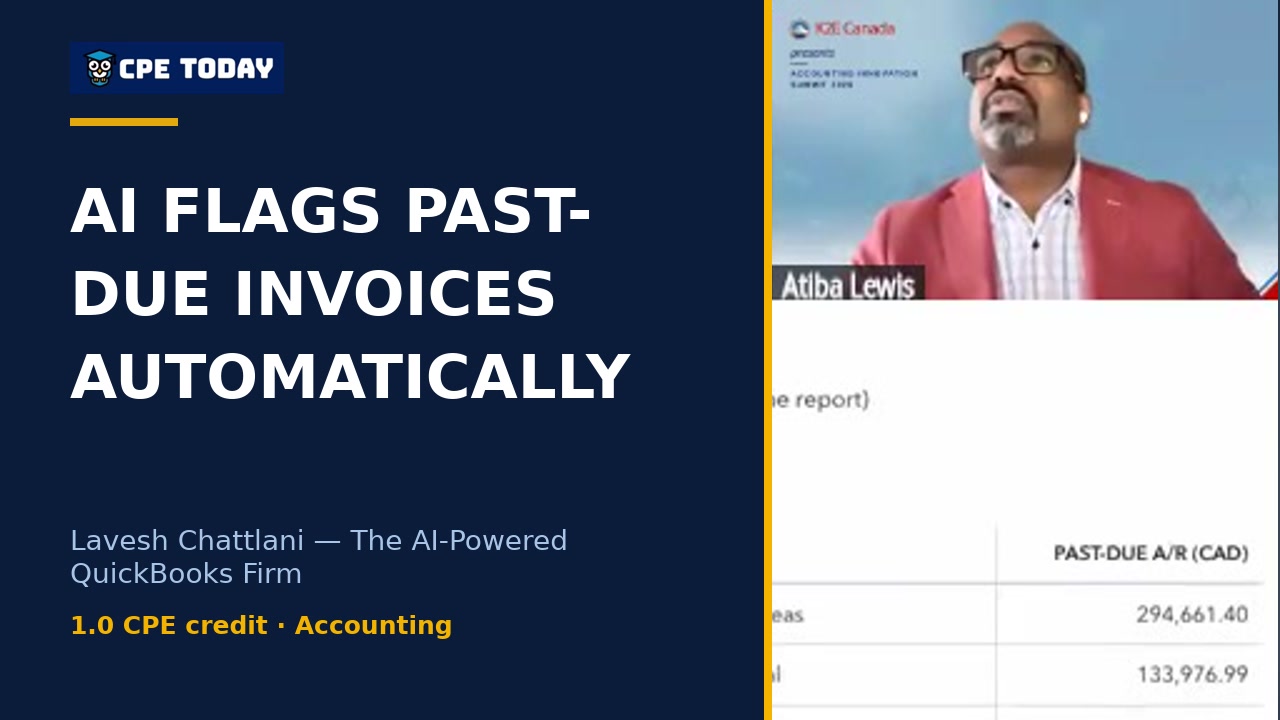
AI Flags Past-Due AR/AP Before You CallWatch how AI-powered analysis in the Intuit Accountancy Suite surfaces exactly which customers need attention—with aging breakdowns, top accounts, and largest invoices—all in seconds and without navigating away. Lavesh shows you how to validate the data before taking action. See how this streamlines your AR workflow.
 3:55
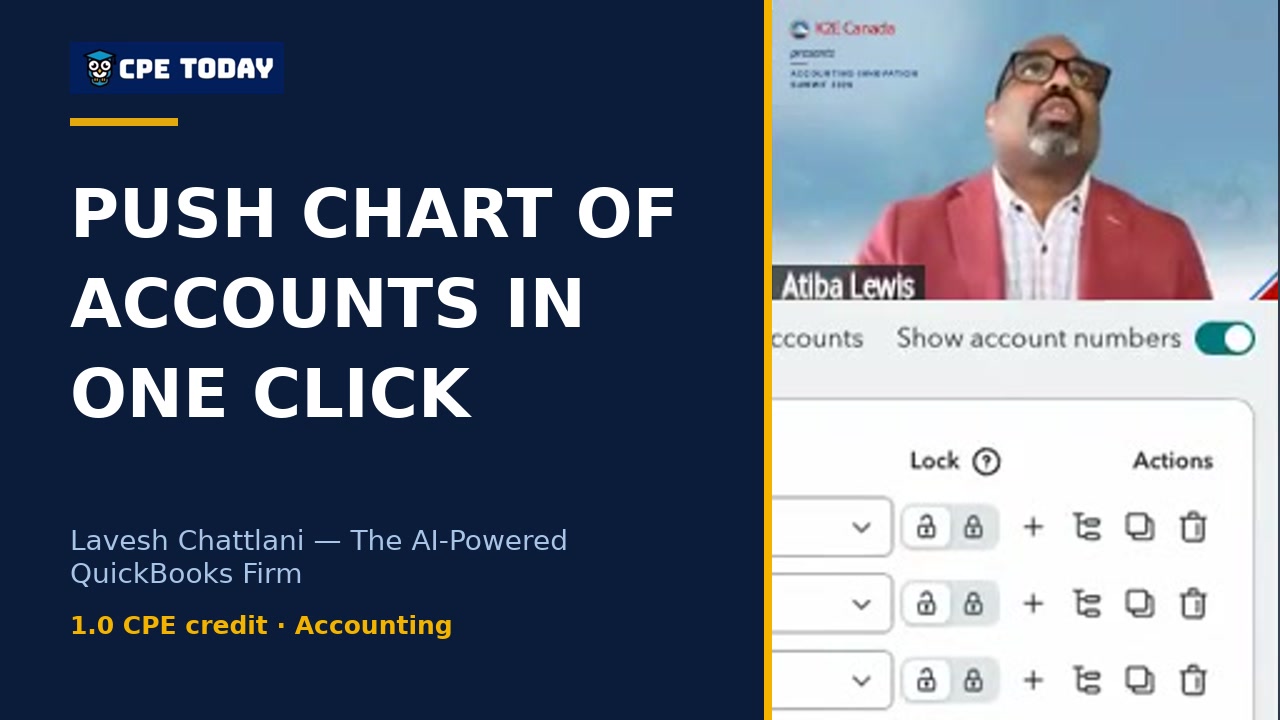
Push Chart of Accounts & Settings to New & Existing Clients in One ClickLavesh Chattlani walks through how QuickBooks playbooks eliminate the frustration of manual setup for every new client. Pre-configure your chart of accounts, company settings, service delivery standards, and team assignments once—then deploy instantly. Watch how one playbook template saves your firm hours on every client onboarding.
What's included
Every registration comes with the course materials — yours to keep.
- Course handout PDF
- Additional course files PDF
Course details
- Recommended CPE credit
- 1
- Field of study
- Accounting
- Program level
- Basic
- Delivery method
- Group Internet Based
- Prerequisites
- None
- Advance preparation
- None
- Course number
- 26C01531
CPE Today (Devmatics, LLC) is registered with the National Association of State Boards of Accountancy (NASBA) as a sponsor of continuing professional education on the National Registry of CPE Sponsors (Sponsor ID 167619). State boards of accountancy have final authority on the acceptance of individual courses for CPE credit. Complaints regarding registered sponsors may be submitted to the National Registry of CPE Sponsors through its website, nasbaregistry.org. For information about our refund, complaint, and program cancellation policies, see Company Policies or contact [email protected].
💬 Ask this course
Not sure it covers what you need? Ask a real question — answered from the actual course content, so you can decide before you enroll.
Reading the course…
Answers come from this course's own material and can be imperfect — the full details are in the course itself.
Your instructor

Atiba Lewis
Founder | Principal Consultant | Finance Ops Automation (QBO/QBOA) | Integrations, Reporting & AI · ATL Workflow Automation Inc. · ★ 4.0 instructor rating
Atiba has spent his career on one problem: smart people losing hours to manual work that the right systems could handle. As founder of ATL Workflow Automation Inc., he helps accounting firms, non-profits, and growing businesses modernize their finance and operations. That work covers workflow design, cloud accounting and ERP ecosystems such as QuickBooks Online, QBO Advanced, and Sage Intacct, along with...
Full profile →Attendee feedback
4.2
29 attendee ratings
Common questions
Will I be able to use these tools if I'm still on QuickBooks Online Accountant, or do I need to move to Intuit Accountancy Suite first?
You'll need to move to Intuit Accountancy Suite to access these new tools. You can make that move yourself before the December 31, 2026 deadline by navigating to the gear icon and selecting Intuit Accountancy Core—or you'll be moved automatically at that date. Once you're in Core, you can then decide whether to trial Accelerate or Books Close during the free beta period ending January 19, 2027.
I have 80+ clients and spend hours every week hunting for which ones need attention. Can this course show me how to actually find them faster?
Yes—the course walks you through Client Insights, which flags clients whose books show trouble automatically (like revenue down 30% or past-due invoices) and explains why it flagged them, all on one screen instead of opening 80 files. You'll see live in-product examples of how to ask Intuit Intelligence a question like "which clients have unreconciled bank accounts in the past 90 days" across your entire book and even schedule that check to run weekly.
I'm a bookkeeper, not a CPA, but my firm uses a lot of different tools. Is this course geared only toward firm owners or tax people?
This course is designed for accountants, bookkeepers, and accounting professionals at all levels—it's Basic level with no prerequisites. The instructor spends significant time showing how to run the month-end checklist (Books Close) and standardize client setup with Playbooks, which are workflows that matter most to bookkeepers who touch every client's file. The course also covers how to keep clean data so AI works well, which is a hands-on concern you'll face daily.
How much of this is theory versus actually showing me how to do it in the software?
The instructor explicitly keeps theory minimal and spends about two-thirds of the session doing live product demos inside Intuit Accountancy Suite and QuickBooks Online. You'll see him open real features like the Firm Hub, Client Insights dashboards, the Books Close month-end checklist editor, and the proposal and project workflow for growing clients—with timestamps and step-by-step navigation you can replicate immediately.
My team members don't have admin access to the firm account. Can they still use Intuit Intelligence and these new features?
Intuit Intelligence in the Firm Hub (the cross-client queries) is currently available to admin users only. However, many features work at the client level—team members with appropriate roles can see Client Insights dashboards, contribute to Books Close checklists with their assigned tasks, and use the consolidated inbox to communicate with clients. The course covers how to set up roles, permissions, and user groups so you can delegate work without giving away admin access.
Related reading from our instructors
You might also like
Seminar
 Seminar
Happening now
 Seminar
 Conference