
 Seminar
Live Replay WebinarBasic level
Tech Tips and Tricks for Excellent Video Conferences
As working remotely becomes the new normal, virtual meetings are now the norm. How do you put your best foot forward and make sure your space and tech are up to the challenge. We will show you some of our favorite tech to make you stand out. From the best cameras and microphones for outstanding quality to using a green screen and making custom backgrounds, there are many ways to look and sound your best.
Ways to save
Save $10.56 with a credit pass
At the 40-Credit Pass rate ($22.22 a credit with the bonus), this 2-credit course comes to about $44.44: $10.56 less than buying it on its own.
Or start smaller: the 10-Credit Pass ($275.00) pays for it and leaves you 8 credits for more.
Year-end bonus: up to 5 free credits through Dec 31.
Certain conditions apply: not valid for the Federal Tax Update. Pass terms
Watch
What's included
Every registration comes with the course materials — yours to keep.
- Course handout PDF
- Additional course files PDF
Course details
- Recommended CPE credit
- 2
- Field of study
- Specialized Knowledge
- Program level
- Basic
- Delivery method
- Group Internet Based
- Prerequisites
- None
- Advance preparation
- None
- Course number
- 26c01516
CPE Today (Devmatics, LLC) is registered with the National Association of State Boards of Accountancy (NASBA) as a sponsor of continuing professional education on the National Registry of CPE Sponsors (Sponsor ID 167619). State boards of accountancy have final authority on the acceptance of individual courses for CPE credit. Complaints regarding registered sponsors may be submitted to the National Registry of CPE Sponsors through its website, nasbaregistry.org. For information about our refund, complaint, and program cancellation policies, see Company Policies or contact [email protected].
💬 Ask this course
Not sure it covers what you need? Ask a real question — answered from the actual course content, so you can decide before you enroll.
Reading the course…
Answers come from this course's own material and can be imperfect — the full details are in the course itself.
Every way to take this course
On its own
Live Replay Webinar
Start it whenever you like — full live CPE credit · How Live Replay works · 2 credits
$55
Add to Cart
As part of a multi-day event
These seminars include this course on their agenda. One registration covers the event — you attend this course on its scheduled day, plus everything else that day offers.
Dec
7
Year-End Technology Optimization & Cleanup Week
Seminar · Dec 7–10, 2026
· Online · this course runs Dec 7, 2026 · event offers up to 28 credits
$300
View event
Your instructor
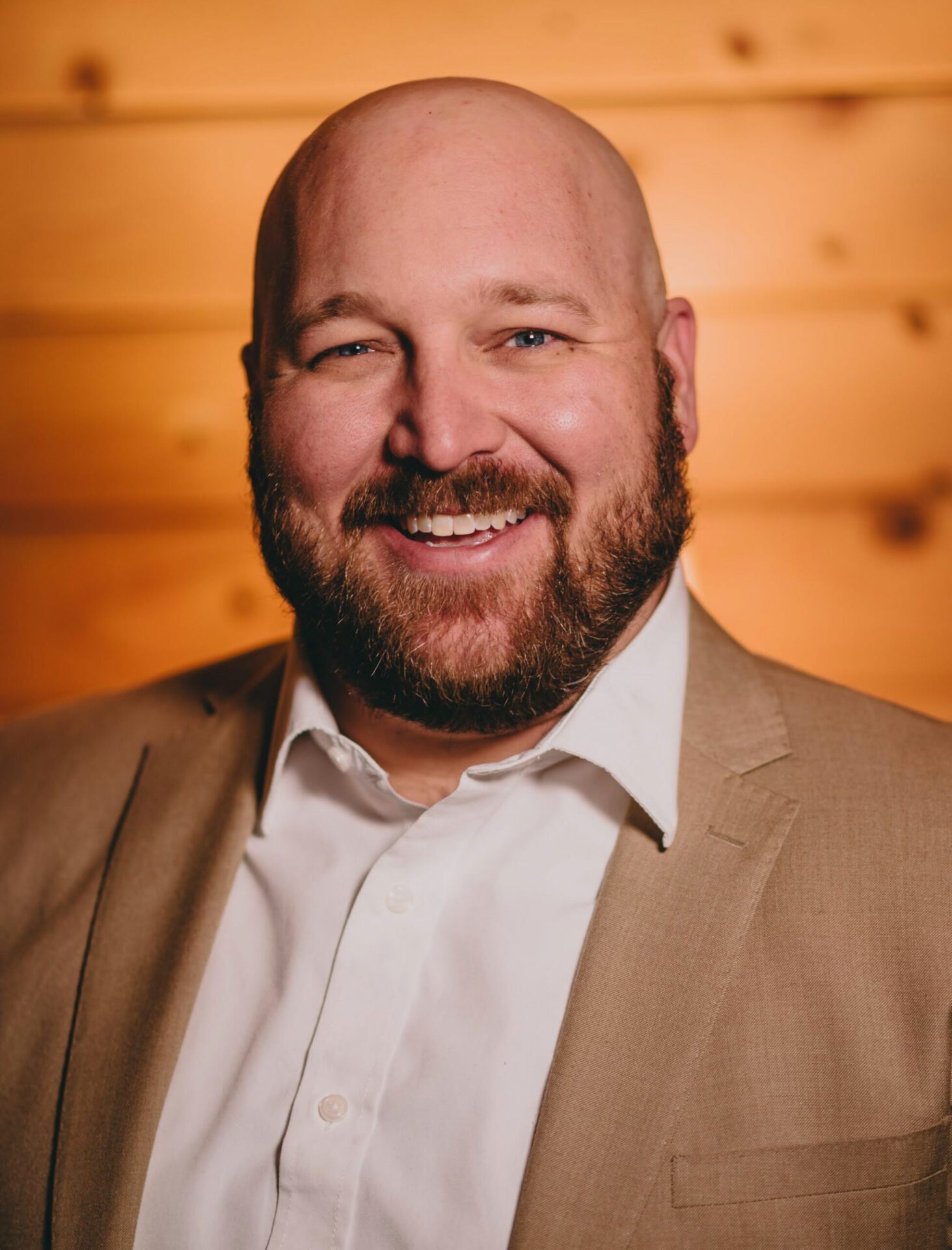
Stephen Yoss
Speaker & Author · CPE Today · ★ 4.7 instructor rating
Stephen M. Yoss, Jr., CPA, MS, is a certified public accountant, partner and CEO of Devmatics, LLC, a continuing education instructor for financial professionals, and a licensed pyrotechnician. While his interests and skills are varied, they all share a common thread—his love for and skill in finding technology-based solutions. In 2017, Stephen and Alex White formed Devmatics, LLC, a company focused on helping...
Full profile →Common questions
Will this course help me if I'm just doing occasional video calls, or is it mainly for frequent presenters?
This course is for everyone. While Steve does 150+ webinars yearly, he covers fundamental skills applicable whether you're having one to five meetings per week or more. He walks through scalable solutions—you don't need his full four-mic setup, but even basic upgrades like a $50 dedicated microphone or simple lighting make a measurable difference. The course teaches you how to progress at your own pace rather than all-or-nothing approaches.
Do I need special software or a premium paid account to apply what I teach?
No. The course covers free or included options: Teams is free with Microsoft 365, Zoom has a free tier for short meetings, and most features demonstrated work in browser versions without installing apps. Steve recommends testing tools before committing to paid plans and notes that many enterprise features (like recording and transcription) are now built into standard accounts rather than requiring add-ons.
What will I actually be able to do differently after taking this course?
You'll diagnose and fix audio quality issues using your software's built-in noise suppression; position your camera and lighting to look professional and credible; secure your screen shares so you don't accidentally expose client data or sensitive information; troubleshoot common failures like network drops or mic problems before they derail a meeting; and present yourself as prepared and trustworthy—which Steve demonstrates translates directly to client confidence and deal outcomes.
How much is hands-on practice versus theory?
The course is heavily practical. Steve walks through real software settings (Teams noise suppression, Zoom virtual backgrounds, Windows Do Not Disturb toggles), demonstrates his actual equipment and rooms, shows before-and-after lighting comparisons, and shares specific troubleshooting workflows like his preflight checklist. He also covers the why behind each technique—such as why cardioid microphone patterns work better for single speakers—so you understand rather than just follow steps.
What about remote work scenarios like joining from a car or hotel—can I apply this when I'm traveling?
Yes. Steve acknowledges he's taken calls from cars and airports and teaches backup strategies for exactly this. He recommends keeping your phone as a reliable fallback, using travel-friendly gear like the Audio-Technica mic he uses when traveling, and explains which quality compromises (like phone audio) are acceptable for unavoidable situations versus which ones (like no backup plan) are preventable mistakes.
Related reading from our instructors
You might also like
Seminar
 Seminar
Next week
Seminar
Next week
 Seminar
 Seminar