

 Conference
Live Replay WebinarBasic level
K2's Taking the Load Off You - Automation in Office 365
★★★★☆
4.0 · 5 attendee ratings
None
Ways to save
Save $10.56 with a credit pass
At the 40-Credit Pass rate ($22.22 a credit with the bonus), this 2-credit course comes to about $44.44: $10.56 less than buying it on its own.
Or start smaller: the 10-Credit Pass ($275.00) pays for it and leaves you 8 credits for more.
Year-end bonus: up to 5 free credits through Dec 31.
Certain conditions apply: not valid for the Federal Tax Update. Pass terms
Watch
 3:59
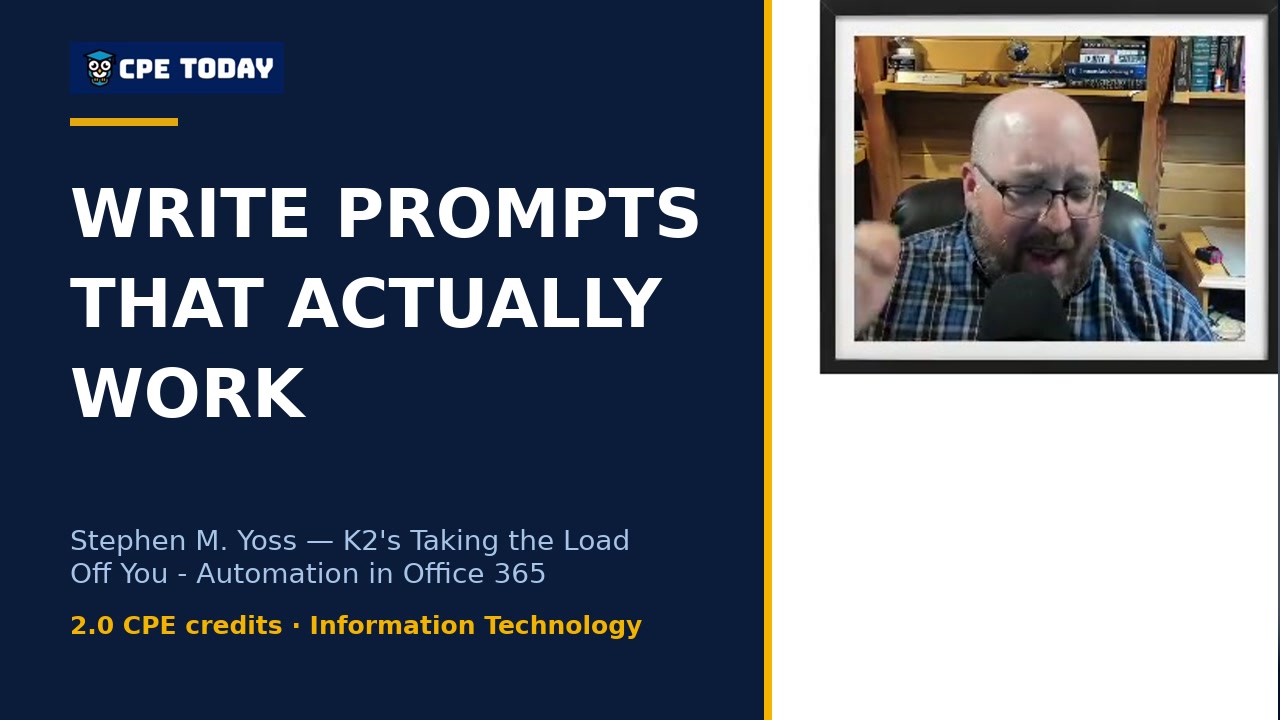
Garbage In, Garbage Out: How to Write Prompts That Actually WorkStephen Yoss breaks down why prompt quality directly impacts your results with Microsoft Copilot and AI tools. Learn practical techniques for drafting emails, summarizing meetings, automating workflows, and getting precise answers—all by asking the right questions. Discover how investing time in better prompts saves you hours on everyday tasks. Watch the full course to level up your automation skills.
 2:05
Schedule Send to Control Your Work-Life BoundaryStephen Yoss shares how scheduling email sends in Office 365 helps him maintain boundaries with clients while staying productive at night. By queuing messages for business hours—like Monday mornings instead of Saturday—he avoids the expectation of 24/7 availability and prevents late-night reply chains. Learn this simple automation technique that clears your inbox while protecting your personal time.
 2:08
Why I Don't Recommend Power Automate (And What I Use Instead)Stephen Yoss breaks down why Power Automate falls short for complex integrations—and shares the open-source alternative he recommends instead. Discover a more flexible, privacy-focused automation tool that connects to more services and won't cost you a dime. Watch to learn which solution might be right for your business.
 3:56
You're Spending More Time on Work About Work Than Actual WorkStephen Yoss reveals how most professionals spend 50% of their day on meta work—emails, approvals, scheduling—instead of actual productive tasks. Discover why broken processes cost you more than you realize, and learn how automation and agentic systems can reclaim your focus. Start by auditing where your time really goes.
What's included
Every registration comes with the course materials — yours to keep.
- Course handout PDF
- Additional course files PDF, ZIP
Course details
- Recommended CPE credit
- 2
- Field of study
- Information Technology
- Program level
- Basic
- Delivery method
- Group Internet Based
- Prerequisites
- None
- Advance preparation
- None
- Course number
- 26c01452
CPE Today (Devmatics, LLC) is registered with the National Association of State Boards of Accountancy (NASBA) as a sponsor of continuing professional education on the National Registry of CPE Sponsors (Sponsor ID 167619). State boards of accountancy have final authority on the acceptance of individual courses for CPE credit. Complaints regarding registered sponsors may be submitted to the National Registry of CPE Sponsors through its website, nasbaregistry.org. For information about our refund, complaint, and program cancellation policies, see Company Policies or contact [email protected].
💬 Ask this course
Not sure it covers what you need? Ask a real question — answered from the actual course content, so you can decide before you enroll.
Reading the course…
Answers come from this course's own material and can be imperfect — the full details are in the course itself.
Your instructor

Tommy Stephens
Partner · K2 Enterprises · ★ 4.6 instructor rating
Tommy Stephens received a Bachelor of Science in Business Administration degree (Major in Accounting) from Auburn University in 1985. In 1992, he earned a Master of Science degree (Major in Finance) from Georgia State University in Atlanta. Presently, Tommy is a Certified Public Accountant, a Certified Information Technology Professional, and a Chartered Global Management Accountant. In 1995, Tommy began...
Full profile →Attendee feedback
4.0
5 attendee ratings
Common questions
I work in a mid-sized accounting firm with three accountants and an office manager. Is this course actually for me, or is it designed for solo practitioners?
This course is built directly for team environments like yours. The instructor walks through real examples like Maria, an office manager receiving client documents and routing them to preparers—exactly the kind of coordination that slows down accounting firms. You'll see how to automate file routing, approval workflows between team members, and status tracking in Teams so your three accountants spend less time on email ping-pong and more time on actual work.
I've never set up a workflow before. Do I need to be technical to follow along and actually build something?
No. The course emphasizes starting with pre-built templates in Power Automate—the instructor compares them to "Betty Crocker take and bake cakes." You authenticate to your apps, adjust a few fields, and you have a working workflow. He shows a live example where you don't need to code anything; you just drag, configure triggers, and test. The course is rated Basic level with no prerequisites, and the instructor explicitly recommends asking Copilot to help you get started rather than starting from a blank canvas.
We're a smaller firm and can't approve new software subscriptions. Can I do this stuff with what we already have in Office 365?
Yes—that's the entire point of this course. Power Automate is included with your Microsoft 365 subscription and works inside Outlook, Teams, Excel, and SharePoint without extra cost. The instructor demonstrates how to set up automations, approvals, and file routing using only the tools you already license. He does mention n8n as a free alternative if you want to explore beyond Microsoft, but every example shown in the course uses standard Office 365 features.
After this course, will I be able to build a complete workflow that actually runs without me, or just understand the theory?
You'll build a real, working workflow. The instructor shows the complete process: pick a template, authenticate your apps (Outlook, Teams, SharePoint), set the trigger (like an email arriving), configure the actions, test it, debug it, and then deploy it. He demonstrates this live with multiple examples—one sends you a Teams message and email when a file uploads to OneDrive. He also warns you that you'll spend time debugging because workflows break, but you learn to fix them by understanding why they failed, so you end up with something production-ready.
I'm worried this will be mostly PowerPoint slides. How much of the hour-and-forty-minute session is actually showing the software in action?
The middle and end of the session are heavy on live software walkthrough. You'll see Power Automate templates, actual rule and quick-step creation in Outlook, Teams workflow setup, Forms connecting to Excel in real time, and SharePoint file management. The instructor demonstrates creating an approval workflow, setting up Outlook rules with specific conditions, and testing flows. When things don't work (like a weather example that errors), he diagnoses it on screen, so you see both success and troubleshooting.
Related reading from our instructors
You might also like
Conference
 Seminar
 Seminar
Happening now
 Seminar