



 Conference
Live Replay WebinarBasic level
Beyond the Buzz: Expert Panel on AI & the Modern Firm
★★★★☆
4.3 · 30 attendee ratings
This expert panel looks at how AI is reshaping the modern accounting firm's operating model, and separates genuine value from hype. Panelists discuss why defining the problem before choosing a tool matters, how clients are already experimenting with AI, and why human oversight, security, and client consent remain essential. Attendees will leave able to assess where their firm sits on the AI adoption path, whether watching, experimenting, piloting, or running, and to identify the leadership decisions needed to move forward. You will also be better prepared to evaluate how AI may affect pricing, staffing, and skill needs, and to plan next steps with a methodical, risk-aware approach suited to accountants, bookkeepers, and accounting professionals.
Watch
 3:55
Be Skeptical of 90-Step AI Procedures and Guru PromisesLavesh Chattlani and expert panelists cut through the noise on AI adoption. Most companies aren't as far ahead as the marketing suggests—and 90-step procedures aren't the answer. Learn why focusing on practical, hands-on workflows for your specific role matters more than chasing every new tool. Watch how real professionals are approaching AI implementation.
 3:25
Five Things to Consider Before Choosing an AI ToolLavesh Chattlani breaks down the essential framework for evaluating AI solutions in professional services: system integration, data sensitivity, security, reliability, and implementation ease. Learn why distinguishing between operational and sensitive financial tasks changes everything—plus the practical advantage of consolidating tools within your existing tech stack. Watch to discover which AI decisions actually move the needle for growing firms.
 2:00
The MCP Protocol Trend Accountants Are MissingLavesh breaks down why connected AI systems—powered by MCP protocol—are where real efficiency gains happen. He walks through his own setup linking Claude to Gmail, Google Calendar, Notion, and more, then reveals why accounting firms are falling behind on this trend compared to other industries. The catch? Security and permissions matter just as much as the connections themselves. Watch to learn what you might be missing.
 1:56
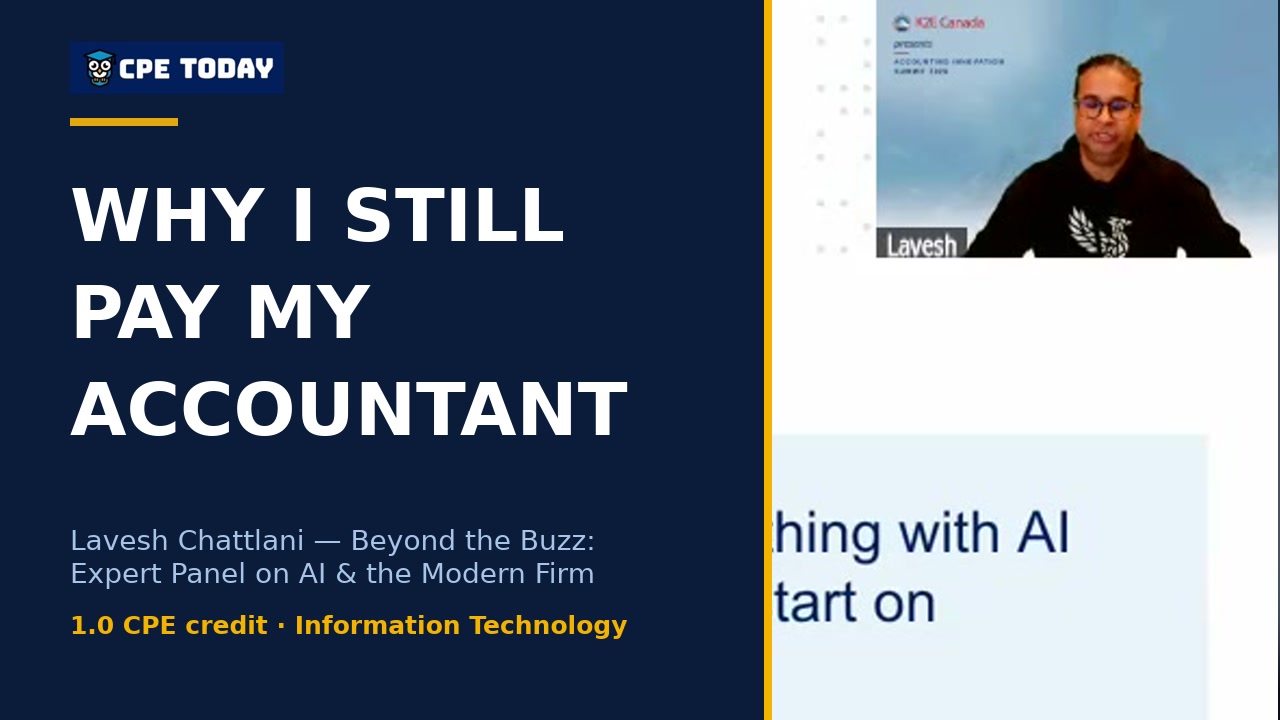
I Pay My Accountant Even Though I Teach AI All DayEven AI experts aren't ready to go all-in on automation—especially when it comes to high-stakes decisions like taxes. Lavesh explains why removing human expertise from the loop could cost you more than you save, and shares the critical principle that keeps professionals protected. Discover why the human-in-the-loop approach still matters.
What's included
Every registration comes with the course materials — yours to keep.
- Course handout PDF
- Additional course files PDF
Course details
- Recommended CPE credit
- 1
- Field of study
- Information Technology
- Program level
- Basic
- Delivery method
- Group Internet Based
- Prerequisites
- None
- Advance preparation
- None
- Course number
- 26C01534
CPE Today (Devmatics, LLC) is registered with the National Association of State Boards of Accountancy (NASBA) as a sponsor of continuing professional education on the National Registry of CPE Sponsors (Sponsor ID 167619). State boards of accountancy have final authority on the acceptance of individual courses for CPE credit. Complaints regarding registered sponsors may be submitted to the National Registry of CPE Sponsors through its website, nasbaregistry.org. For information about our refund, complaint, and program cancellation policies, see Company Policies or contact [email protected].
💬 Ask this course
Not sure it covers what you need? Ask a real question — answered from the actual course content, so you can decide before you enroll.
Reading the course…
Answers come from this course's own material and can be imperfect — the full details are in the course itself.
Attendee feedback
4.3
30 attendee ratings
Common questions
I'm a solo practitioner or small firm with limited resources—where do I actually start with AI on Monday?
Start by identifying which tools you already have access to: Microsoft 365, Google Workspace, QuickBooks, or others. Then define the specific problem you're trying to solve—don't jump to AI first. Look for the work that's eating up the most of your time: if you're spending six hours weekly on a repeatable task, investing a few hours to learn an AI tool makes sense; if it's thirty minutes, probably not. Once you've picked your problem, pilot something basic with your team before scaling it up.
Do I need special software or licenses to use AI, or can I work with what I already have?
You likely already have AI available to you. If you're using Microsoft 365, Copilot is built in; if you're on Intuit, QuickBooks, or Xero, those platforms are embedding AI capabilities. You can also access Claude or ChatGPT models through Copilot's premium tier, so you don't necessarily need separate subscriptions. The key is understanding what your current systems offer and whether the tier or security settings are configured correctly for your needs.
What exactly will I be able to do with AI after taking this course that I can't do now?
You'll be able to assess whether your firm should be watching, experimenting, piloting, or actively running AI—and understand what leadership decisions come next. You'll know how to use AI safely with client data: for example, cleaning up messy price lists or charts of accounts in Excel, or catching anomalies in financial data while staying compliant. You'll also understand the trade-offs between different tools (Copilot, Claude, ChatGPT) and how to build an AI policy for your firm that protects both you and your clients.
How much of this is theory about AI hype versus hands-on practical work I can actually use?
This course is grounded in practical workflows and real firm scenarios, not marketing promises. The panel walks through specific examples: using Copilot in Excel to standardize charts of accounts, the MCP protocol for connecting your AI to your calendar and email to save time, and how to evaluate whether to use Intuit's embedded AI or a standalone tool based on your firm's actual risk tolerance. You'll hear what works, what doesn't, and the trade-offs—including failed AI projects and why some vendor promises don't match reality.
My biggest worry is using AI with client data and getting in trouble with privacy laws or audit requirements—what are the guardrails?
You need three things in place: compliance checks beforehand (know your provincial and federal guidelines), transparency to your client, and a response plan if something goes wrong. The course covers the distinction between operational work (scheduling, emails) and sensitive financial data—you can safely use AI for lower-risk tasks without involving client data. When you do use client information, the instructor demonstrates how embedded AI in platforms like QuickBooks or Excel with enterprise security settings is lower-risk than uploading data to a separate tool, and recommends always asking: what's the risk for what you get out of it?
Related reading from our instructors
You might also like
Conference
 Seminar
 Seminar
Happening now
 Seminar