


 Conference
Live Replay WebinarBasic level
Microsoft Copilot Tips & Tricks
★★★★☆
4.3 · 29 attendee ratings
Many accounting professionals already have Microsoft Copilot through their Microsoft 365 subscriptions, yet most use it for isolated quick wins. This course explains how to choose and secure the right Copilot, including the differences between the Basic and Premium versions and the data-safety checks to run before using client information. It also shows how to chain features across Outlook, Excel, Word, and Notebooks so that each output feeds the next task. You'll learn to write RACE prompts (Role, Action, Context, Execution) that produce outputs suited to the Canadian context, with uncertainties flagged for review. You'll also work through a multi-step client-file workflow, such as turning an email summary into cleaned Excel data and then a Word client update. You'll leave with a repeatable approach that saves time while keeping qualified human review at every stage.
Watch
 1:27
How to pick the best AI model in CopilotDid you know you can access Claude Opus 5.5, GPT models, and more directly within Microsoft Copilot? Learn how model selection works across free and premium versions, and why letting Copilot choose automatically optimizes both performance and token usage. Watch to see exactly how to switch between top-tier AI engines without leaving the platform.
 2:59
Copilot vs. Gemini: Pick Your Suite, Not the CompetitorWondering if Copilot works with Gmail? Lavesh breaks down why Microsoft recommends staying within your native suite—whether that's Outlook with Copilot or Google Workspace with Gemini. Learn the practical reasons why mixing ecosystems adds friction when you're still learning. Watch to see how to access Copilot and spot the difference between basic and premium versions.
 3:24
The Honesty About AI Quality ControlLavesh Chattlani walks through the RACE framework—Role, Action, Context, Execution—to help you write prompts that get more reliable output from Microsoft Copilot. Learn how specifying these four elements reduces AI assumptions and builds confidence in your summaries and analysis. While 100% accuracy isn't guaranteed, this structured approach includes built-in quality checks to catch what Copilot might miss.
 3:59
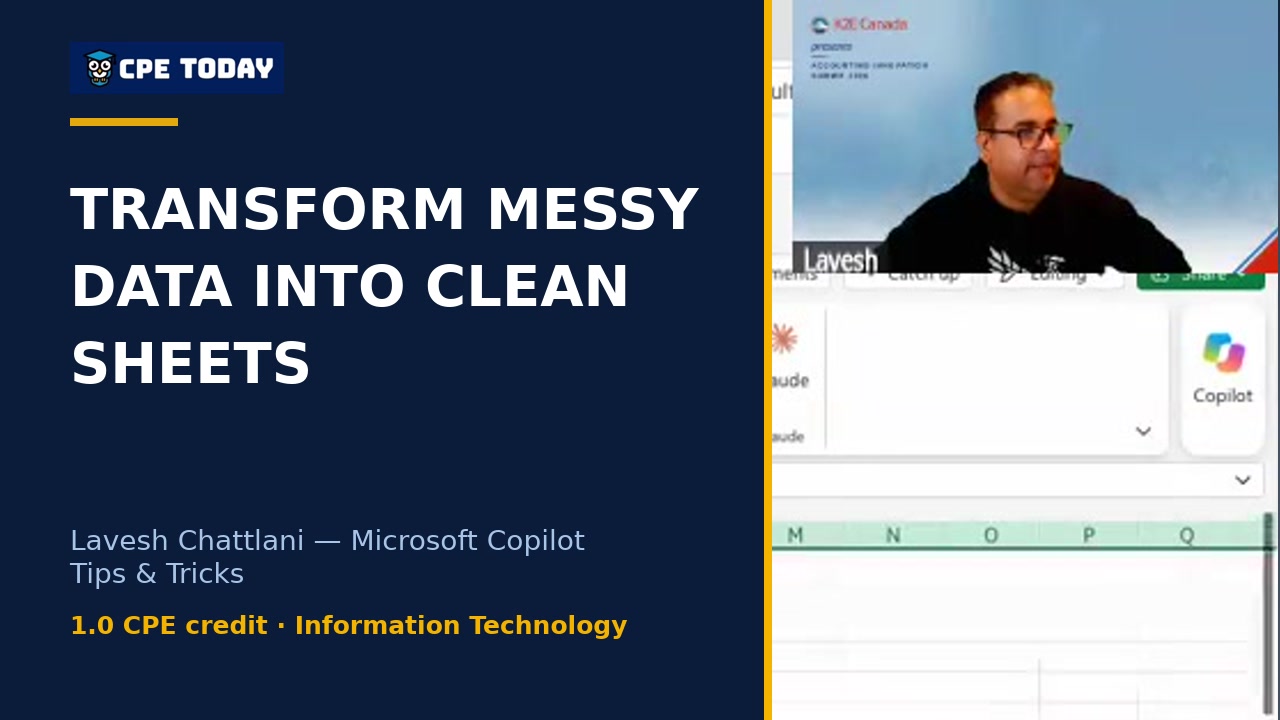
The Spreadsheet Before the Spreadsheet ProblemLavesh walks through the "spreadsheet before the spreadsheet" problem—inconsistent dates, missing rows, mixed formatting—and shows how Copilot can automate the entire cleanup process. Watch as it standardizes data, flags duplicates, and creates summary sheets while you get back to real work. See why having Copilot make the changes for you (not just suggest them) saves hours of manual data wrangling.
What's included
Every registration comes with the course materials — yours to keep.
- Course handout PDF
- Additional course files PDF, XLSX
Course details
- Recommended CPE credit
- 1
- Field of study
- Information Technology
- Program level
- Basic
- Delivery method
- Group Internet Based
- Prerequisites
- None
- Advance preparation
- None
- Course number
- 26C01530
CPE Today (Devmatics, LLC) is registered with the National Association of State Boards of Accountancy (NASBA) as a sponsor of continuing professional education on the National Registry of CPE Sponsors (Sponsor ID 167619). State boards of accountancy have final authority on the acceptance of individual courses for CPE credit. Complaints regarding registered sponsors may be submitted to the National Registry of CPE Sponsors through its website, nasbaregistry.org. For information about our refund, complaint, and program cancellation policies, see Company Policies or contact [email protected].
💬 Ask this course
Not sure it covers what you need? Ask a real question — answered from the actual course content, so you can decide before you enroll.
Reading the course…
Answers come from this course's own material and can be imperfect — the full details are in the course itself.
Your instructor

Lavesh Chattlani
President at Scalene AI Inc. | AI Strategy, Enablement & Governance · Scalene AI Inc.
Lavesh Chattlani is the President of Scalene AI, where he helps accounting and finance teams adopt AI responsibly and turn it into measurable ROI. He brings more than a decade of senior leadership in North American fintech, including nine years at Intuit, where he helped build the Canadian Professional Services Division, and most recently as Senior Director of Sage's Canadian Accountant Business Unit. Trained as...
Full profile →Attendee feedback
4.3
29 attendee ratings
Common questions
I work in a smaller firm and we're already paying for Microsoft 365—do I need to buy Copilot Premium to do what you showed today?
No. Every demo you saw—summarizing email threads, cleaning and analyzing GL exports, drafting client updates—runs on the Basic version that's included free with your Microsoft 365 license. The Premium tier ($27/user for smaller organizations) unlocks WorkIQ, which searches across your entire email, OneDrive, and SharePoint automatically. For most accounting workflows, Basic is enough to get started.
You mentioned Copilot makes mistakes and that everything is a first draft. How do I know it didn't miss an email or miscount something in the GL?
You build two layers of checking into your process. First, use the RACE framework to ask Copilot to flag anything it's unsure about—that's your AI's self-check. Second, after it cleans your data or summarizes an email, verify the actual results before it leaves your desk: spot-check dates in the GL summary, skim the original email thread against the action items, check that formulas (not just text) tie cleaned numbers back to the source. This is why each output feeds into the next tool—you're doing quality control at every stage, not trusting one big final output.
I'm in Canada and I've heard there are data privacy concerns with Copilot. Where does my client information actually go?
Data *at rest*—files sitting in OneDrive, SharePoint, or your open Excel—stays in Canada. Data *in transit*—what you type into a prompt—currently travels to US servers (Seattle/California area) and back because of GPU capacity, then returns to you; Microsoft is investing $19 billion to keep Canadian data domestic by end of 2027. Either way, you have enterprise data protection: your prompts aren't used to train any AI models. Before using client information, check that you've signed into your work account (not a personal Hotmail), look for the red shield icon saying
This looks great for big Excel cleanup or long emails, but I do a lot of tax work across Ontario and Alberta. Can Copilot handle the province-specific rules and forms?
Copilot can follow instructions about provincial context—the RACE framework specifically tells you to include province and jurisdiction in the Context section—but the instructor emphasized he's not a CPA and cannot confirm it applies ASPE or IFRS correctly on its own. Use it to draft a first pass of a memo or analyze a GL with Ontario-specific assumptions built into your prompt, but a qualified tax person still reviews everything before it goes to the client. It's a drafting tool, not a compliance tool.
I'm worried about team consistency if different people are writing different prompts. How do I make sure everyone is using Copilot the same way?
Save your working prompts (like the RACE-formatted ones you saw today) in a Copilot Notebook shared with your team. When the team uses the same prompt structure on the same type of file—the GL cleanup, the email summary, the client memo—you get much closer to consistent results, and you can improve the prompt together over time based on what worked. A notebook also keeps context between sessions, so you're building on shared knowledge, not starting from scratch every time.
Related reading from our instructors
You might also like
Conference
 Seminar
 Seminar
Happening now
 Seminar