

 Conference
Live Replay WebinarBasic level
Database Basics for Financial Professionals
★★★★★
5.0 · 1 attendee ratings
In today's digital age, databases have become the backbone of every business technology, application, platform, and service. Every system relies on databases to store and organize information, from financial records in Quickbooks and Xero to sales efforts in Salesforce and Hubspot. Popular reporting tools like Power BI and Excel utilize databases to create beautiful, insightful dashboards. Despite the widespread use and importance of databases, many financial professionals lack a basic understanding of how they operate. Traditionally, working with databases has been delegated to an organization's IT department, leaving the accounting team out of scope. However, in today's technology-driven environment, accountants need to have a basic understanding of how databases work and the ability to query data independently. Our database basics course focuses on the knowledge most helpful for financial professionals. Through hands-on learning, participants will develop the skills to query data from a database or cloud provider and use it to create insightful reports in Excel or Power BI. By the end of the course, participants will feel empowered to design their dashboards and work more effectively with cloud data. With our database basics course, gain the knowledge you need to succeed in today's digital age and enhance your value as a financial professional.
Watch
 3:43
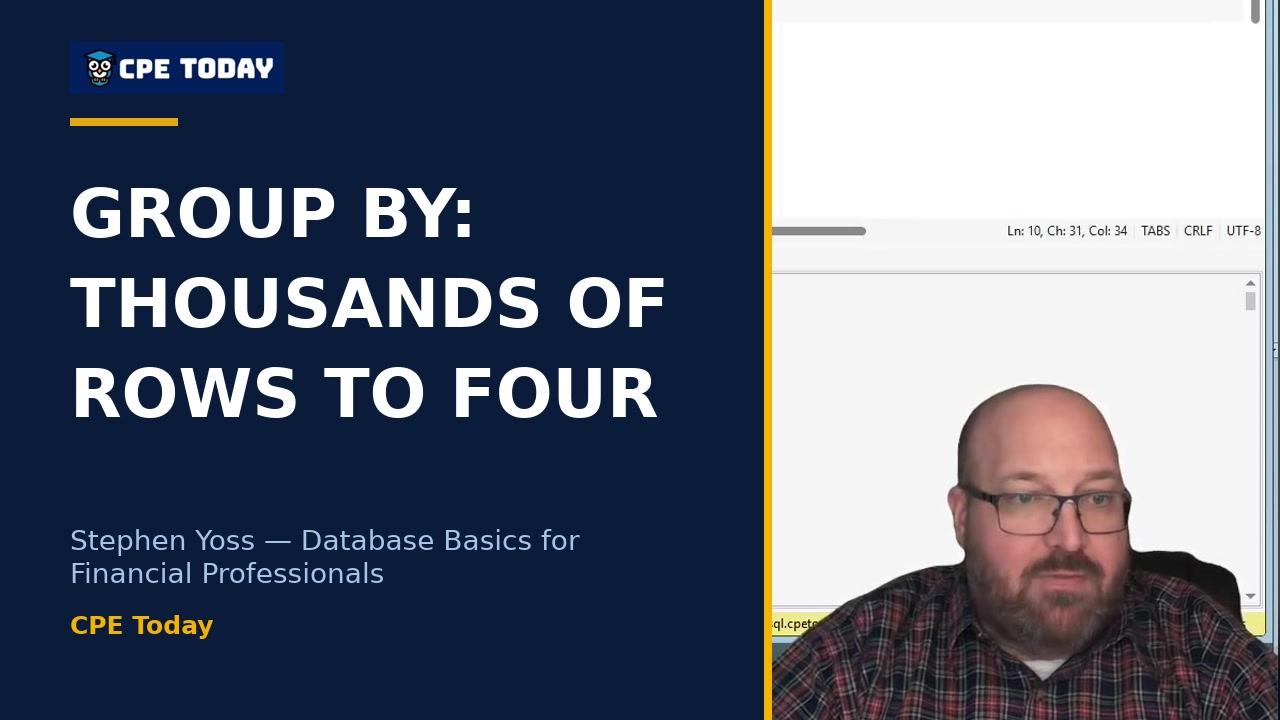
Why GROUP BY Matters: From Thousands of Rows to FourLearn how to transform raw data into meaningful insights using aggregation functions like SUM, AVG, MIN, and MAX combined with GROUP BY. Stephen Yoss walks through a real example showing how to reduce hundreds of rows down to four aggregated results—essential skills for financial analysis. Watch to see how it's done live, including the debugging that happens along the way.
3:43
Why GROUP BY Matters: From Thousands of Rows to FourLearn how to transform raw data into meaningful insights using aggregation functions like SUM, AVG, MIN, and MAX combined with GROUP BY. Stephen Yoss walks through a real example showing how to reduce hundreds of rows down to four aggregated results—essential skills for financial analysis. Watch to see how it's done live, including the debugging that happens along the way.
 1:36
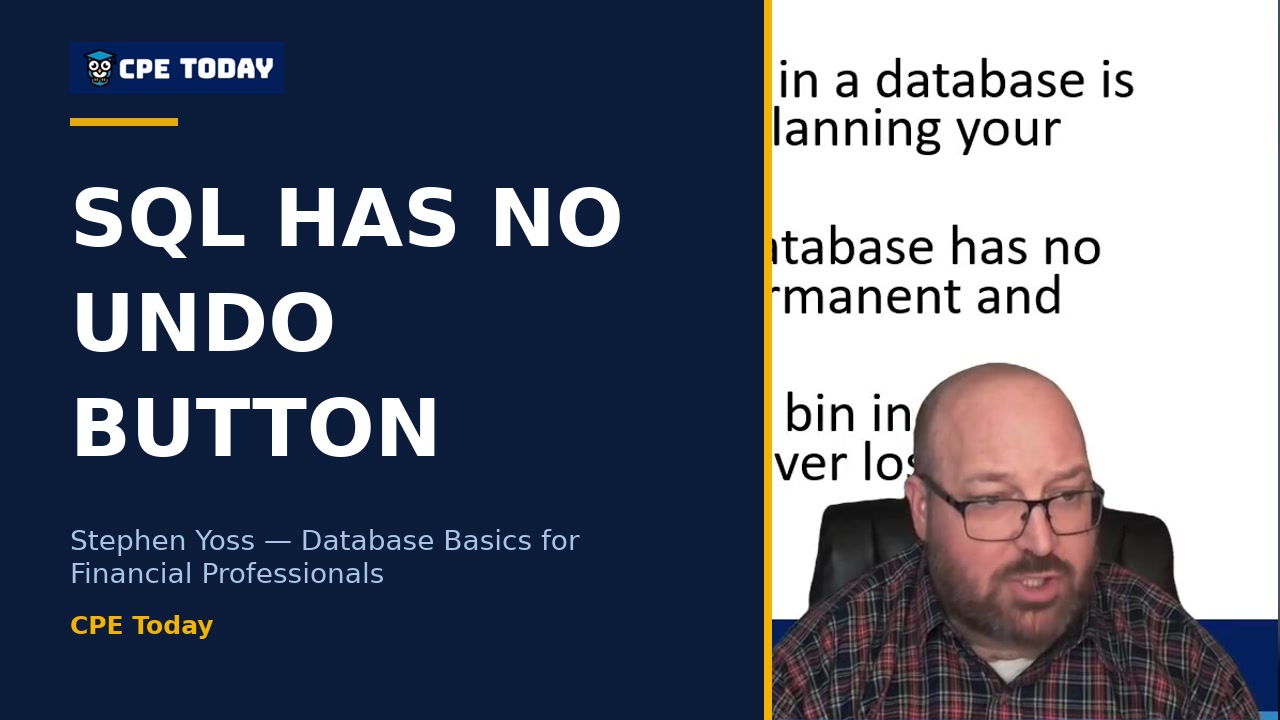
SQL Has No Undo: The Permanent Mistake RiskStephen Yoss explains the critical difference between SQL and other software: there's no undo button, no trash can, and no second chances. Learn why permanent changes to databases demand careful permission management and why even experienced professionals limit their own access rights. Watch to understand the safeguards that protect your data.
1:36
SQL Has No Undo: The Permanent Mistake RiskStephen Yoss explains the critical difference between SQL and other software: there's no undo button, no trash can, and no second chances. Learn why permanent changes to databases demand careful permission management and why even experienced professionals limit their own access rights. Watch to understand the safeguards that protect your data.
 2:15
Learning Power Pivot is a Muscle – Struggle is Part of the ProcessStephen Yoss breaks down the real learning curve of database work—and why the struggle is essential. He walks through connecting to a live database using Power Pivot, importing tables, and seeing how your data model takes shape. The mechanics are tough at first, but once you grasp the syntax, it clicks. Watch to see exactly how to set up your first connection and load data like a pro.
2:15
Learning Power Pivot is a Muscle – Struggle is Part of the ProcessStephen Yoss breaks down the real learning curve of database work—and why the struggle is essential. He walks through connecting to a live database using Power Pivot, importing tables, and seeing how your data model takes shape. The mechanics are tough at first, but once you grasp the syntax, it clicks. Watch to see exactly how to set up your first connection and load data like a pro.
 3:02
A Database Is Just an Advanced SpreadsheetThink databases are intimidating? Stephen Yoss breaks down the fundamentals: a database is really just a more advanced spreadsheet with two key differences—a predetermined schema and consistent calculations across all data. Learn why this consistency isn't a limitation but a feature that makes databases reliable and dependable for financial professionals. Watch to see how databases compare to Excel workbooks.
3:02
A Database Is Just an Advanced SpreadsheetThink databases are intimidating? Stephen Yoss breaks down the fundamentals: a database is really just a more advanced spreadsheet with two key differences—a predetermined schema and consistent calculations across all data. Learn why this consistency isn't a limitation but a feature that makes databases reliable and dependable for financial professionals. Watch to see how databases compare to Excel workbooks.
What's included
Every registration comes with the course materials — yours to keep.
- Course handout PDF
- Demonstration & sample files ZIP
- Additional course files TXT
Course details
- Recommended CPE credit
- 4
- Field of study
- Information Technology
- Program level
- Basic
- Delivery method
- Group Internet Based
- Prerequisites
- None
- Advance preparation
- None
- Course number
- 24c00961
CPE Today (Devmatics, LLC) is registered with the National Association of State Boards of Accountancy (NASBA) as a sponsor of continuing professional education on the National Registry of CPE Sponsors (Sponsor ID 167619). State boards of accountancy have final authority on the acceptance of individual courses for CPE credit. Complaints regarding registered sponsors may be submitted to the National Registry of CPE Sponsors through its website, nasbaregistry.org. For information about our refund, complaint, and program cancellation policies, see Company Policies or contact [email protected].
💬 Ask this course
Not sure it covers what you need? Ask a real question — answered from the actual course content, so you can decide before you enroll.
Reading the course…
Answers come from this course's own material and can be imperfect — the full details are in the course itself.
Every way to take this course
On its own
Live Replay Webinar
Attend the next scheduled rebroadcast — full live CPE credit · 4 credits
$200
Add to Cart
As part of a multi-day event
These seminars include this course on their agenda. One registration covers the event — you attend this course on its scheduled day, plus everything else that day offers.
Dec
14
Closing the Books with Better Tech Tools
Conference · Dec 14–17, 2026
· Online · this course runs Dec 14, 2026 · event offers up to 26 credits
$250
View event
Your instructor

Stephen Yoss
Speaker & Author · CPE Today · ★ 4.7 instructor rating
Stephen M. Yoss, Jr., CPA, MS, is a certified public accountant, partner and CEO of Devmatics, LLC, a continuing education instructor for financial professionals, a and a licensed pyrotechnician. While his interests and skills are varied, they all share a common thread—his love for and skill in finding technology-based solutions. In 2017, Stephen and Alex White formed Devmatics, LLC, a company focused on helping...
Full profile →Attendee feedback
5.0
1 attendee ratings
Common questions
Will this course teach me to build databases, or is it focused on using existing ones?
This course focuses primarily on using and querying databases that already exist—you'll learn to connect, extract data, and write reports. While you'll understand database design principles (like keys and relationships) so you can work effectively with any database, you won't build production systems from scratch. As the instructor notes, most financial professionals will query and report on databases built by others, though understanding the design helps you use them better.
Do I need SQL experience or special technical skills to start?
No prior SQL or database experience is required. The course treats SQL as a simple, readable language—you'll literally write sentences like "go get this data from this place and organize it this way." The instructor emphasizes that it took him about a week to reach practical proficiency, and the material is designed for financial professionals, not programmers.
What software do I need to follow along with the examples?
The course uses free tools: Microsoft SSMS (SQL Server Management Studio) is featured, along with DBeaver and Excel, all available at no cost. The instructor provides a free learning database (learnsql.cpetoday.com) with sample credentials so you can connect and practice immediately using tools you likely already have or can download.
Will I be able to write my own queries and pull reports after this course?
Yes, that's a core outcome. You'll learn to write basic SELECT queries, filter data with WHERE clauses, join multiple tables, and aggregate results with SUM and GROUP BY. The instructor demonstrates real examples like "select all customers from the USA" and building sales reports by channel and product—tasks you'll be equipped to do independently by the end.
How much of the course is theory versus hands-on practice?
The course balances both: early sections establish fundamental concepts (keys, relationships, normalization) with visual diagrams, but the middle and late portions feature live SQL demonstrations in actual database tools, Power Query walkthroughs, and Power BI dashboard building. You'll see working queries executed and results returned, then modify them in real time.
Related reading from our instructors
You might also like
Conference
 Conference
 Conference
Starts tomorrow
Conference
Starts tomorrow
Automation, Insight & High-Performance Analytics Week
Computer Software and Applications
★★★★★
4.6 (391)
$300
 Conference