

 Seminar
Live Replay WebinarBasic level
Automation For Increasing Personal Efficiency and Effectiveness
★★★★★
5.0 · 1 attendee ratings
Automation can be incredibly helpful for saving time, improving accuracy, promoting effectiveness, and getting more value out of your workday. One of the best things a person can do is to invest time into automating their workday because it will help them to complete more work in the same period of time, reduce daily stress and provide better mental clarity. Automation can be permanent time savings for a person, once something is automated you always get that time back on a project. This course will discuss the various tools, methods, apps, websites, and more that a person can use to help promote personal automation in both your personal and professional life. It will incorporate technologies such as integration platform as a service (iPaaS) tools, Amazon Alexa and Google Home, the Elgato Streamdeck, and more. Participants will learn methods that can help them save anywhere from a couple of hours to weeks of time.
Watch
1–5 of 8
 3:43
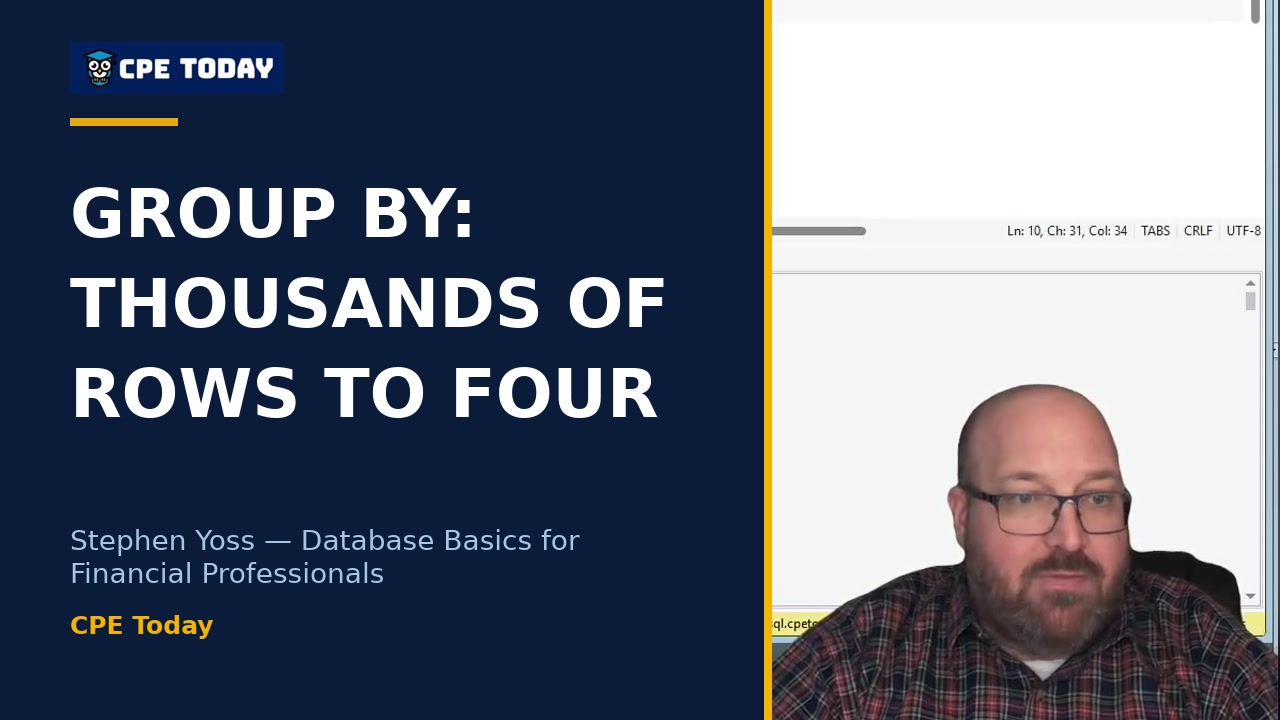
Why GROUP BY Matters: From Thousands of Rows to FourLearn how to transform raw data into meaningful insights using aggregation functions like SUM, AVG, MIN, and MAX combined with GROUP BY. Stephen Yoss walks through a real example showing how to reduce hundreds of rows down to four aggregated results—essential skills for financial analysis. Watch to see how it's done live, including the debugging that happens along the way.
3:43
Why GROUP BY Matters: From Thousands of Rows to FourLearn how to transform raw data into meaningful insights using aggregation functions like SUM, AVG, MIN, and MAX combined with GROUP BY. Stephen Yoss walks through a real example showing how to reduce hundreds of rows down to four aggregated results—essential skills for financial analysis. Watch to see how it's done live, including the debugging that happens along the way.
 3:38
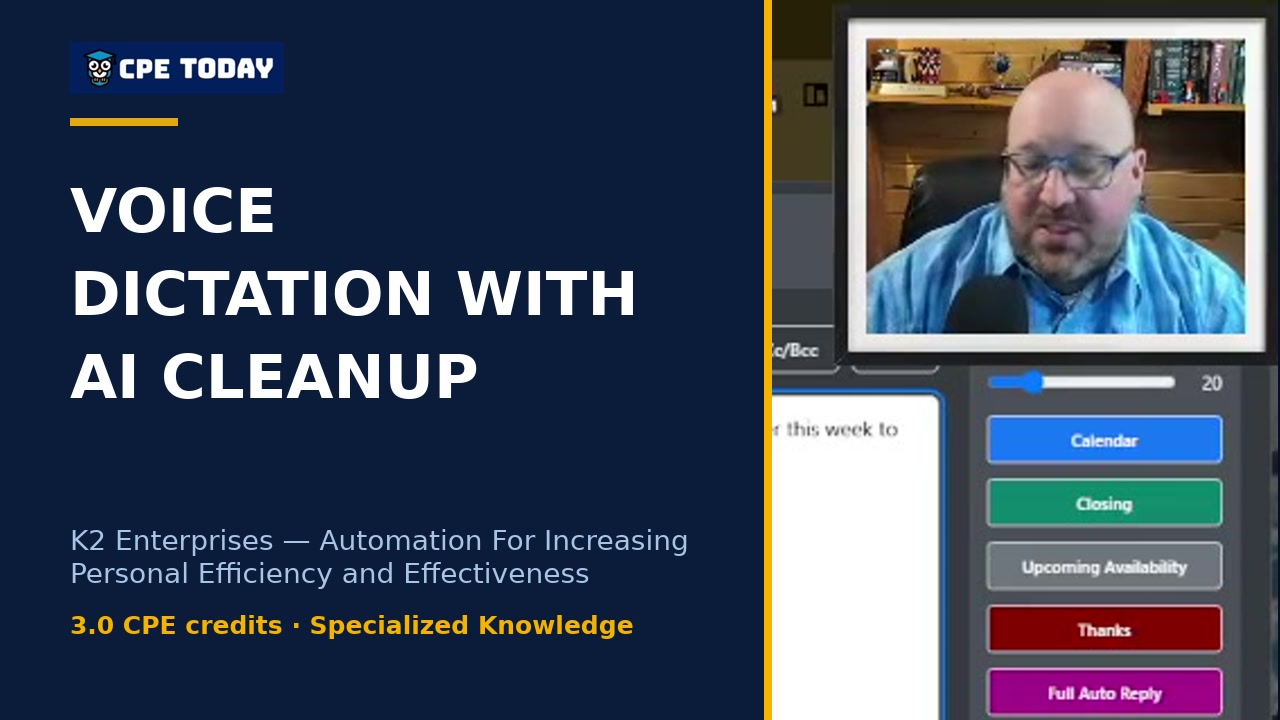
Why I ditched typing for voice dictationDiscover how voice-to-text dictation combined with AI can transform your productivity. Learn the specific tools and workflow this instructor uses to turn imperfect voice recordings into polished emails and messages automatically—no more worrying about grammar or syntax. If you think and talk faster than you type, this approach could save you hours every week.
3:38
Why I ditched typing for voice dictationDiscover how voice-to-text dictation combined with AI can transform your productivity. Learn the specific tools and workflow this instructor uses to turn imperfect voice recordings into polished emails and messages automatically—no more worrying about grammar or syntax. If you think and talk faster than you type, this approach could save you hours every week.
 1:36
SQL Has No Undo: The Permanent Mistake RiskStephen Yoss explains the critical difference between SQL and other software: there's no undo button, no trash can, and no second chances. Learn why permanent changes to databases demand careful permission management and why even experienced professionals limit their own access rights. Watch to understand the safeguards that protect your data.
1:36
SQL Has No Undo: The Permanent Mistake RiskStephen Yoss explains the critical difference between SQL and other software: there's no undo button, no trash can, and no second chances. Learn why permanent changes to databases demand careful permission management and why even experienced professionals limit their own access rights. Watch to understand the safeguards that protect your data.
 2:19
GRECO: The AI Prompting Framework That Actually WorksLearn the proven method for getting smarter outputs from AI every time you prompt it. This framework breaks down how to structure your requests with clear goals, assigned roles, specific instructions, and context—so the AI understands exactly what you need. Whether you're delegating business tasks or seeking professional advice, discover how the right prompt structure transforms the quality of your results.
2:19
GRECO: The AI Prompting Framework That Actually WorksLearn the proven method for getting smarter outputs from AI every time you prompt it. This framework breaks down how to structure your requests with clear goals, assigned roles, specific instructions, and context—so the AI understands exactly what you need. Whether you're delegating business tasks or seeking professional advice, discover how the right prompt structure transforms the quality of your results.
 2:15
Learning Power Pivot is a Muscle – Struggle is Part of the ProcessStephen Yoss breaks down the real learning curve of database work—and why the struggle is essential. He walks through connecting to a live database using Power Pivot, importing tables, and seeing how your data model takes shape. The mechanics are tough at first, but once you grasp the syntax, it clicks. Watch to see exactly how to set up your first connection and load data like a pro.
2:15
Learning Power Pivot is a Muscle – Struggle is Part of the ProcessStephen Yoss breaks down the real learning curve of database work—and why the struggle is essential. He walks through connecting to a live database using Power Pivot, importing tables, and seeing how your data model takes shape. The mechanics are tough at first, but once you grasp the syntax, it clicks. Watch to see exactly how to set up your first connection and load data like a pro.
 3:57
Calendar Booking: The Automation You'll Never Think About AgainMost professionals spend hours each week coordinating schedules. Learn how switching to an automated calendar tool like cal.com or Calendly eliminates back-and-forth emails and lets clients book directly into your availability—without any manual work on your end. This clip walks through how the system handles timezones, meeting types, and syncs multiple calendars automatically. Discover how you can reclaim those hours and focus on what actually matters in your business.
3:57
Calendar Booking: The Automation You'll Never Think About AgainMost professionals spend hours each week coordinating schedules. Learn how switching to an automated calendar tool like cal.com or Calendly eliminates back-and-forth emails and lets clients book directly into your availability—without any manual work on your end. This clip walks through how the system handles timezones, meeting types, and syncs multiple calendars automatically. Discover how you can reclaim those hours and focus on what actually matters in your business.
 3:02
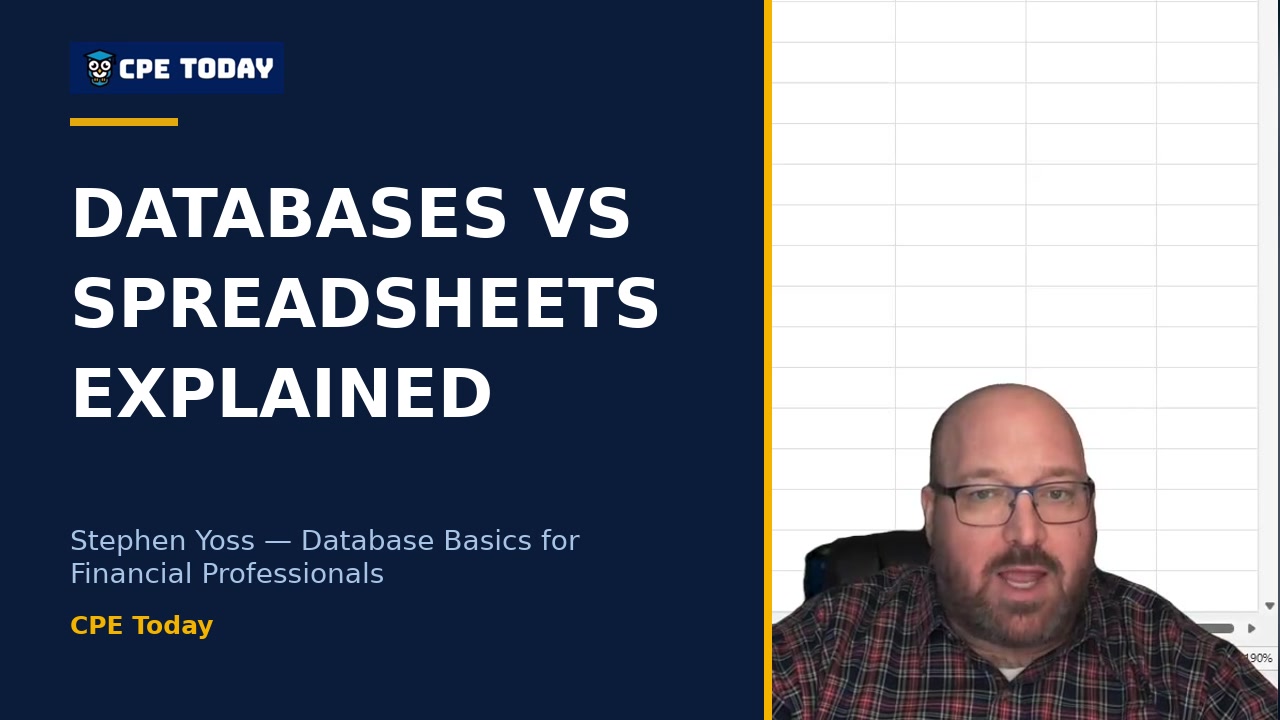
A Database Is Just an Advanced SpreadsheetThink databases are intimidating? Stephen Yoss breaks down the fundamentals: a database is really just a more advanced spreadsheet with two key differences—a predetermined schema and consistent calculations across all data. Learn why this consistency isn't a limitation but a feature that makes databases reliable and dependable for financial professionals. Watch to see how databases compare to Excel workbooks.
3:02
A Database Is Just an Advanced SpreadsheetThink databases are intimidating? Stephen Yoss breaks down the fundamentals: a database is really just a more advanced spreadsheet with two key differences—a predetermined schema and consistent calculations across all data. Learn why this consistency isn't a limitation but a feature that makes databases reliable and dependable for financial professionals. Watch to see how databases compare to Excel workbooks.
 2:52
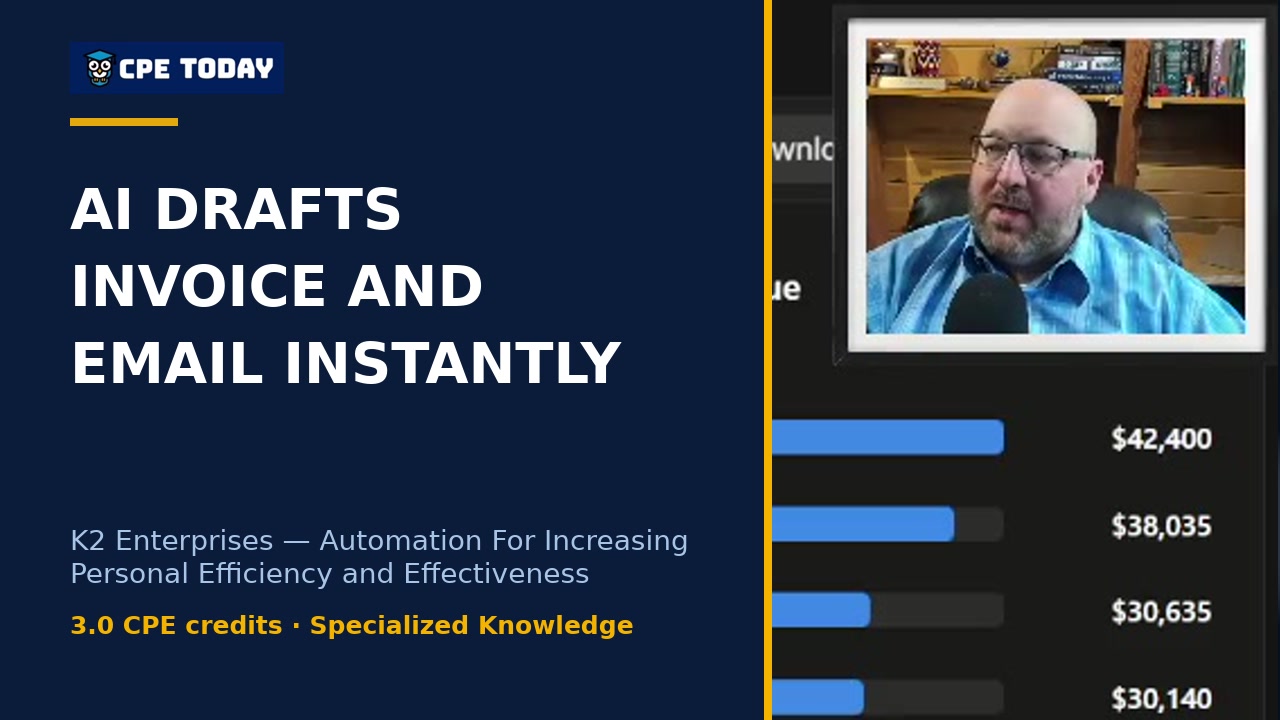
AI Drafts an Invoice and Email in One CommandWatch how automation handles the entire client invoicing workflow—from creating a professional invoice in QuickBooks to drafting a personalized email, all triggered by a single prompt. This clip shows real-time automation cutting out hours of administrative busywork so you can focus on actual client work. See how it works in your own business.
2:52
AI Drafts an Invoice and Email in One CommandWatch how automation handles the entire client invoicing workflow—from creating a professional invoice in QuickBooks to drafting a personalized email, all triggered by a single prompt. This clip shows real-time automation cutting out hours of administrative busywork so you can focus on actual client work. See how it works in your own business.
What's included
Every registration comes with the course materials — yours to keep.
- Additional course files PDF
Course details
- Recommended CPE credit
- 3
- Field of study
- Specialized Knowledge
- Program level
- Basic
- Delivery method
- Group Internet Based
- Prerequisites
- None
- Advance preparation
- None
- Course number
- 24c00972
CPE Today (Devmatics, LLC) is registered with the National Association of State Boards of Accountancy (NASBA) as a sponsor of continuing professional education on the National Registry of CPE Sponsors (Sponsor ID 167619). State boards of accountancy have final authority on the acceptance of individual courses for CPE credit. Complaints regarding registered sponsors may be submitted to the National Registry of CPE Sponsors through its website, nasbaregistry.org. For information about our refund, complaint, and program cancellation policies, see Company Policies or contact [email protected].
💬 Ask this course
Not sure it covers what you need? Ask a real question — answered from the actual course content, so you can decide before you enroll.
Reading the course…
Answers come from this course's own material and can be imperfect — the full details are in the course itself.
Every way to take this course
On its own
Live Replay Webinar
Start it whenever you like — full live CPE credit · How Live Replay works · 3 credits
$100
Add to Cart
As part of a multi-day event
These seminars include this course on their agenda. One registration covers the event — you attend this course on its scheduled day, plus everything else that day offers.
Nov
3
Efficiency, Ethics & Technology-Driven Best Practices
Seminar · Nov 2–5, 2026
· Online · this course runs Nov 3, 2026 · event offers up to 28 credits
$300
View event
Your instructor

Stephen Yoss
Speaker & Author · CPE Today · ★ 4.7 instructor rating
Stephen M. Yoss, Jr., CPA, MS, is a certified public accountant, partner and CEO of Devmatics, LLC, a continuing education instructor for financial professionals, and a licensed pyrotechnician. While his interests and skills are varied, they all share a common thread—his love for and skill in finding technology-based solutions. In 2017, Stephen and Alex White formed Devmatics, LLC, a company focused on helping...
Full profile →Attendee feedback
5.0
1 attendee ratings
Common questions
I'm an accountant who barely uses Excel beyond basic formulas—will this course teach me things I can actually apply?
Yes. The course walks through specific Excel features like Power Query (for automatically pulling in data from websites and systems), AI integration within Excel for forecasting, and how to set up automations that run on schedules. You'll see live examples of these in action, not abstract theory.
Do I need to know how to code or have technical skills to get anything out of this?
No. The course focuses on tools like Power Automate, Zapier, and n8n that use visual, browser-based interfaces—you define workflows by connecting blocks, not writing code. The instructor shows that anyone can build automations if they can describe the steps they want to happen.
What if I only have access to basic Microsoft 365 and don't have special software licenses?
You're covered. The course emphasizes automation within tools you likely already have—Outlook, Excel, Calendar—plus free or low-cost platforms like n8n (self-hostable at no cost), Calendly (free tier available), and Bitwarden (completely free password manager). Many examples use only what's built into 365.
I handle email for hours every day—can this course actually help me cut that down?
Directly, yes. The instructor shares that they reduced email from 3–4 hours daily to near-zero by combining Outlook rules (automatic filtering), AI for composing and organizing messages, and integration tools that handle routing. They also show how Outlook Quick Steps let you batch multiple actions into one click.
Is this mostly AI hype, or do you actually dive into hands-on setup?
It's hands-on. The instructor demonstrates building an actual automation in n8n that connects QuickBooks to HubSpot to Teams to email, shows Claude integrating with Excel to run forecasts in real time, and walks through configuring Streamdeck buttons. You see live workflows, not slides about possibilities.
Related reading from our instructors
You might also like
Seminar
 Seminar
 Seminar
 Seminar